

September 27, 2026
Permission Matrix
See every role’s access side by side, and change several roles in one save. Open Settings > Users & Roles > Roles and select Permission Matrix.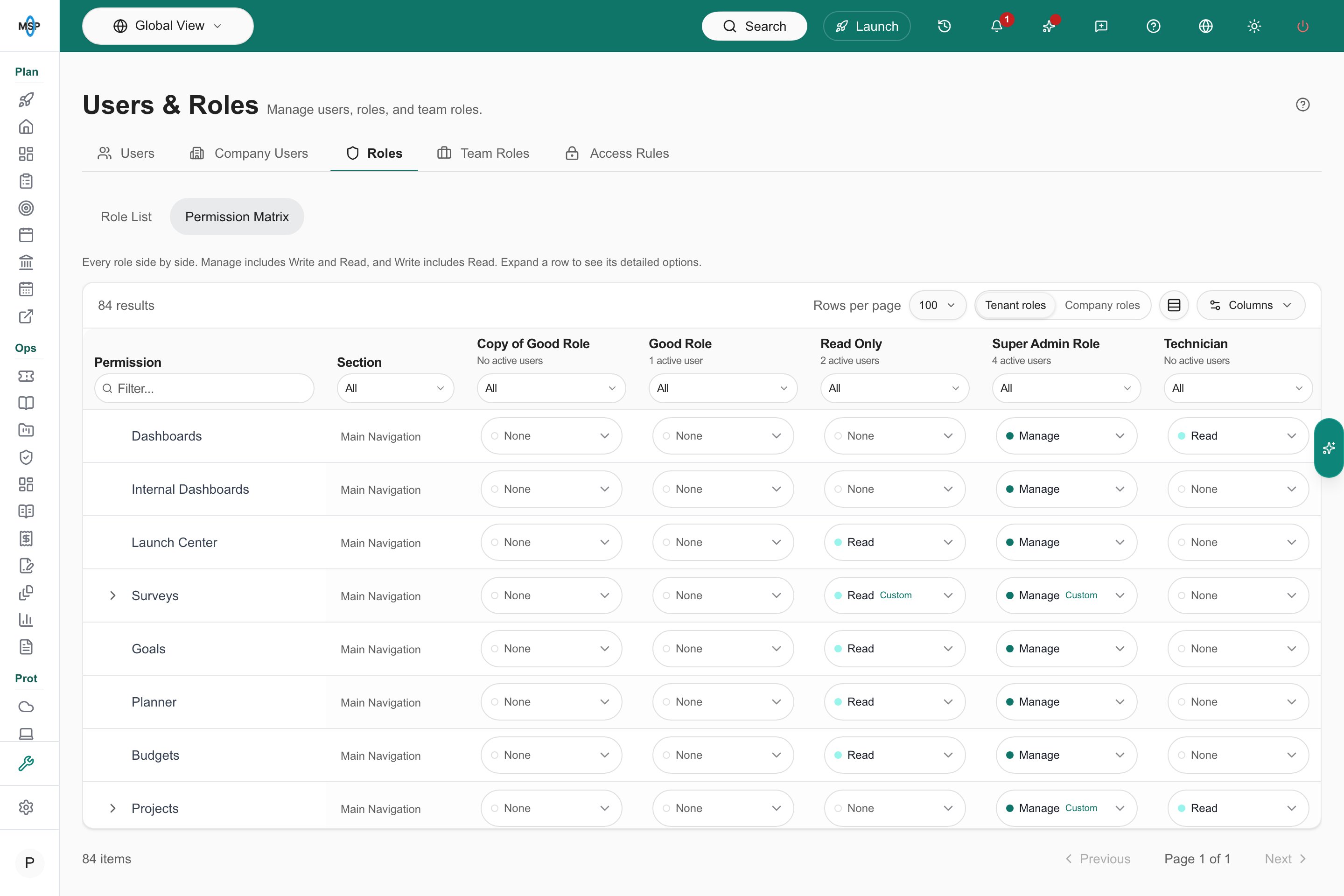
Permission Matrix for Tenant roles in MSPortal Demo.
- Every role in one view: Each row is a permission, grouped by Main Navigation, MSP Tools, and Settings, and each column is a role with its count of active users.
- Tenant and Company roles: Switch between your staff roles and your clients’ Company roles.
- Detailed options: Expand a permission such as Projects to see and set its detailed options for each role. A Custom tag marks a role whose options differ from the defaults for its level.
- Edit several roles at once: Change cells across roles, review the outlined edits, then select Save changes or Discard. Users & Roles
DNS Filter Policy Editing
Manage DNSFilter allow and block lists from MSPortal. Open Security > DNS Policies to see each policy with its companies, assignment counts, and lock status.- Add and remove domains: Open a policy to add or remove domains on its allow and block lists, with a preview of which companies the change reaches.
- Change history: Each policy lists its recent domain changes.
- Access control: The new DNS Filtering permissions decide who can view policies and who can edit them. Locked policies stay read-only.
Avanan Email Security (Beta)
Connect Avanan with the guided setup: enter your region and API credentials, map Avanan tenants to your companies with quick match, and review what synced.- Email Security: A new Security > Email Security page shows a 30-day threat trend, threats, spam filter allow and block lists, and tenants for each client.
- Security awareness coverage: An Avanan tab in Security Awareness shows covered tenants and covered and uncovered seats.
- Dashboards and reports: Add the Avanan widget to Your Companies, and add three Avanan reporting blocks for email security, threat trends, and SAT coverage.
Planner Templates for Standards
Choose a Planner template on any standard in Settings > Standards. Each sync applies the template’s description, type, and costs to that standard’s open Planner items. Completed and cancelled items keep what they have, the standard’s name stays the item title, and the Standards matrix still sets status. Manage the Standards catalogImprovements and Fixes
- Client Health summary: The summary shows Needs Attention (at-risk and critical companies), Avg Data Coverage, Limited data, and Avg Health Score. The risk bar spans every scored company, and selecting Needs Attention filters the table to at-risk and critical companies. Client Health
- Compliance tree on laptop screens: The Compliance tree fits its card at every width, so status and due dates stay in view. Long check titles show in full on hover.
- Notices in ticket templates: Add a notice or disclaimer inside a template section with the Label (display text) field. The editor preview shows it exactly as submitters see it. Create and Preview a Ticket Template
- Acronis on the Backup Dashboard: The Acronis card counts protected devices by workload (workstations, virtual machines, servers, and mobile devices). A new Acronis Microsoft 365 card shows last-backup results, workloads, recency, and cloud storage, and follows the company selector. Acronis integration
- Survey invites name the ticket: Survey invites sent from a ticket name the ticket number and title. Custom survey email templates can use
{{ticket_reference}},{{ticket_number}}, and{{ticket_title}}. Surveys - HP Care Packs and Autotask warranty writeback: HP warranty dates include Care Pack coverage. Autotask warranty writeback matches devices to configuration items by RMM device ID or serial number, without configuration item sync. IT Glue can write warranty dates to configurations. Autotask warranty writeback
- Halo project status on Kanban: Drag Halo projects and project tickets between status columns, and the new status saves to Halo. Halo integration
- Bulk SKU mapping: Select several service SKUs to set their revenue category or add and remove standards in one step. The list includes SKUs you have billed in the past. Use PSA billing to answer Standards
- vCIO Workload calculator: The vCIOs needed card recommends a headcount from total workload points, and owner matching recognizes common vCIO, TAM, and account manager role names.
- Readiness colors: Readiness shows passing checks with a green check, missing checks with a red X, and unconfirmed checks in amber.
- Datto RMM device imports: Datto RMM imports only devices that Datto currently lists.
- Archive documentation pages: Archive a custom documentation page and restore it later. Shared and onboarding links to an archived page still open it.
- Faster project and training saves: Saving changes on a project and finishing a training course respond faster.
- Budget line items: Quantity and unit price save as you type.
September 25, 2026
A Redesigned MSPortal
MSPortal has a new look across every page. Menus, pickers, confirmations, and loading states now come from one shared design, so they look and behave the same wherever you work.- More room for your work: On desktop, the sidebar rests as a slim icon rail and opens over the page when you hover over it or tab into it. On phones, it opens as a sheet.
- One set of controls: Buttons, filters, and fields share a rounded pill shape and two sizes. Toolbars, filter bars, and tables use the compact size, and forms and dialogs use the standard size.
- Menus that grow from their button: Create, export, and page menus, plus the company, template, and assignee selectors, open out of the button you pressed. Column preferences open as a compact menu under Columns, so the table stays in view while you choose and reorder columns.
- See who is assigned: Assignee pickers fill with the faces of the people you choose, and a +N count covers anyone who does not fit.
- Delete with Undo: Deleting a single item asks for confirmation right beside the button. After you confirm, you have four seconds to select Undo. Bulk and high-impact deletions open a dialog that shows what will be removed.
- Pages that load in place: Each page loads with a placeholder shaped like its final layout, so content does not jump when it arrives.
- Get around faster: The top bar adds a Recent pages menu. Calendar and Projects toolbars collapse to fit smaller screens, and the calendar can hide selected items.
- Easier with a keyboard: Focus rings appear when you move through a page with the keyboard, and every icon-only button has a label for screen readers.
Five New Security and Backup Integrations (Beta)
Connect Slide, Datto Backup, ThreatMate, DNSFilter, and Wirespeed. Each one uses the same guided setup: connect with an API key, map the provider’s customers to your companies with quick match, and review what synced before you finish.- Slide Backup: Sync Slide clients, protected devices, and backup history. Backup shows each device’s protection status, appliance details, verification results, and paused backups.
- Datto Backup: Bring Datto BCDR appliances, backups, and alerts into backup summaries, device records, and alerts. Add the Datto BCDR Backup Health reporting block to show protection status, appliance count, appliance storage, and open alerts.
- ThreatMate: Sync ThreatMate customers, assets, and security findings for your mapped companies.
- DNSFilter: Sync organizations, roaming clients, and traffic reports. Security > DNS Filtering shows traffic trends, threats, roaming clients, and top domains and categories.
- Wirespeed: Map Wirespeed teams to companies and review security cases, recent detections, and endpoints. Configure Wirespeed
Smart Scheduling and Project Gantt
Plan a project’s tasks in one workspace. Select Plan schedule from Projects > Schedule or from a project’s Schedule tab, then move tasks, assign people, and link dependent work as a draft.- Smart Schedule: Ask for a proposed schedule based on capacity, skills, and working days, and review it before you apply it.
- Save to your PSA: Select Save schedule to send task dates and assigned people to ConnectWise, Autotask, or Halo. Native MSPortal projects save in MSPortal.
- Gantt view: See a project’s phases, tasks, and milestones on one timeline from its Schedule tab.
- Group the schedule: Group Projects > Schedule by project, task, or start date, and exclude companies from project dashboards and schedules. MSPortal remembers your grouping and calendar view.
Global Team Roles and Team Membership Automation
Assign the same MSP staff to every company in one step, and let automation keep company teams current.- Global team roles: In Settings > Users & Roles > Team Roles, select Configure under Global team roles to make a role’s staff part of every company team. Exclude individual companies where that staff member does not belong.
- Add and remove team members: New automation actions add or remove company team members by role, by selected staff, or for all members.
Excel Exports for Onboarding and Projects
Share a formatted workbook with people who do not use MSPortal.- Onboarding templates: Select Export Excel in the Import / Export Template dialog. The workbook includes an Overview sheet, one sheet per phase with every task and its linked checklist, form, survey, and email content, and a Client Pages sheet.
- Client onboarding portals: Select Export to Excel in a company’s onboarding header to download the selected portal’s overview, items, client responses, and documents. MSP staff only.
- Projects: Select Export to Excel in a project’s header to download its phases, tasks, time entries, milestones, updates, decisions, action items, and deliverables. The button is available to MSP staff only, because the workbook includes hours and internal items.
Improvements and Fixes
- Compliance review pane: Open the Review pane beside the compliance list to read a check and edit its public and private notes, then step to the Previous check or Next check without leaving the list. New Flag and Notes filters find flagged checks and checks missing public or private notes.
- Linked budgets, goals, and Planner items: Budgets, goals, and Planner items show the records they are linked to, with a link to open each one.
- Client-branded certificates: Choose MSP branding or Client branding under Certificate branding in Settings > Training. With client branding, each certificate shows the learner’s company name and logo. Training Settings
- NIS2 playbooks: Ten NIS2 playbooks cover scope and management accountability, the ten Article 21 risk-management measures, and Article 23 incident reporting. Find them under Security Frameworks in Settings > Compliance > Playbooks. Playbook Settings
- Bulk edit company custom fields: Select companies in Settings > Companies and choose Edit Custom Field from Actions to set one value on all of them, or choose Clear Value to remove it. Required fields cannot be cleared.
- Documentation files: Upload several files at once with progress for each file, replace a file while keeping its revision history, and preview PDFs and spreadsheets inline. IT Glue document images and attachments open from copies stored in MSPortal, and attachments without a preview open in IT Glue.
- Dashboard PDF export: Export dashboards and company dashboards on Letter or A4 paper with two to four columns, your branded header, and page numbers. Save a dashboard’s current date range as its default. Export a Dashboard
- Standards from device inventory: Standards applicability follows each company’s active device inventory. Conditions can require or exclude a device type, such as servers, and the company standards table shows each company’s platforms and device types.
- Planner templates on standards: Choose a Planner template on a standard in Settings > MSP Tools > Standards. Each sync applies it to the standard’s open Planner items, including notes, hours, business value, cost rows, and compliance links. The standard’s name stays the item title, and completed and cancelled items keep what they have. Apply a Planner template
- Project updates: Set a project’s health to Automatic, On Track, At Risk, or Blocked with an optional note. Link updates, decisions, deliverables, and milestones to phases or tickets, edit weekly update items inline, and add team-role columns to the project list.
- Projects list filters: Filter the Projects list by project, company, lead, PSA roles, outcome, custom fields, phases, due date, or last change. The project count follows your filters.
- Backup storage and paused backups: Backup tables separate protected data, selected size, and used storage for devices and Microsoft 365. Paused backups have their own status, apart from warnings and failures.
- Ticket hours for company users: Company users see worked hours and time entries on their tickets when their ticket display group includes Hours Worked. Ticket Settings
- Planner: Hide items for optional standards with a saved Planner filter. Saved notes stay in place, costs show in the company’s currency, and items linked to older tickets save without an error.
- Learning path templates: Scope learning path templates to specific companies.
- Training courses: Turn off retired courses in Settings > Training, and turning on courses in bulk skips retired ones. Bigger Brains quizzes advance correctly, and a course whose content cannot load shows a clear message instead of a blank player.
- Group visibility: Company users see only their own company’s training, survey, and broadcast groups.
- AI assistant: Simple lookups answer faster, and Claude Opus 5.5 is available in model selection. Tell the assistant about a new hire, a departure, or another staff change, and it starts the ticket draft right away. Narrative reports can include charts and accept an “as of” date for judging past-due items, and AI edits keep charts and generated details in place.
- Full Reports: Scheduled Full Reports include backup, security, Microsoft 365 license, and goals sections.
- CIPP coverage: Setup totals count only the datasets available to each tenant, and tenant access denials show their own message. Temporary failures retry automatically.
- Pickers show active users: People pickers list only active users.
- ConnectWise ticket statuses: Ticket statuses you exclude in ConnectWise setup now save correctly and apply to ticket sync and the ticket list.
- Integration setup: Every integration’s setup page uses the same steps, layout, and footer. The company mapping status card hides once every company is mapped.
- More reliable syncs: One rejected Pax8 product no longer fails the whole catalog sync, Auvik syncs retry dropped connections, and large IT Glue document syncs finish without timing out. Autotask and Halo CSAT syncs start only when you turn them on.
- Billing status: Select Sync billing status in Settings > Billing to refresh your subscription status on demand.
- Readiness checks: An active contact that matches your PSA’s default contact counts as the company’s primary contact.
September 18, 2026
A Redesigned Backup Dashboard
See backup health for each provider at a glance. The Backup dashboard now opens with summary tiles for Protected devices, Needs attention, Failed backups, Unprotected devices, and Storage used, plus Active alerts when Acronis is connected.- Provider cards: Cove, Acronis, and NinjaOne each get an overview card with device status, workloads, protection coverage, and storage. Cove and Acronis cards add last-backup age and daily backup sessions for the past 7 days.
- Trends that count sessions: When session history is available, Needs attention and Failed backups show a 7-day trend line.
- Cove Microsoft 365 at a glance: A dedicated card shows backup status and workloads for Exchange, OneDrive, SharePoint, and Teams.
- Click through to the records: Select a tile, status segment, or bar to open Devices already filtered to that status and provider. Acronis alert severity bars open Alerts.
Survey Response Notifications
Let the right account manager know when a client responds to a survey. Select Response notifications on a survey to import a response email rule with that survey already selected.- Email the company’s role: Choose a Team role, such as vCIO, and MSPortal emails the people assigned to that role for the responding company. Select All surveys to cover every current and future survey.
- Fallback recipient: Choose an MSPortal team member or an email address to receive the notification when no one holds the role for that company. Fallback recipients are also available on any Send Email action that sends to Role Members.
- Review before it runs: The rule imports disabled and opens in the rule editor so you can check it before enabling it.
CIPP Standards in Compliance
Turn your CIPP Microsoft 365 standards into Compliance checks. From the CIPP integration’s Data step, preview the available standards and select Create group to build a CIPP Microsoft 365 Standards group with one check per standard.- Automatic results: Imported checks in active runs update after each CIPP sync to Compliant, Noncompliant, or Unknown. Stale, missing, or unlicensed results stay Unknown instead of passing.
- Safe to import again: Update group adds checks for new standards without duplicating existing ones.
- Your runs stay yours: Assign the group to runs through your normal Compliance workflow. Completed runs and notes are never changed.
Standards and Compliance That Fit Each Client
Standards and compliance checks now follow what each client actually uses, and more Standards answers can fill themselves in.- Conditions on each standard: Choose which companies a standard applies to with conditions on device platform, industry, company type, Standards tier, or any company field. Match all conditions or any of them. A standard that does not apply shows as a locked N/A and does not count against the company’s compliance.
- Device platform: Mark a company as Only PCs, Only Macs, or PCs and Macs for standards to test.
- Conditions on compliance checks: The same conditions decide which companies get a check, and device checks can also test operating system, device type, manufacturer, and RMM. A FileVault check reaches only Macs, even inside a mixed PC and Mac client.
- Answers from PSA billing: The new SKU Mapping tab in Financial Reporting settings links billed services and contract types to Standards. Matching billing marks unanswered standards as deployed, while manual decisions stay in place.
- Answers from onboarding: Link an onboarding template task to a standard. New portals inherit the link, and the task’s progress updates the company’s answer.
Improvements and Fixes
- Private notes on every ticket: Keep private working notes on tickets from any connected PSA and on MSPortal project tickets. Choose Private in the note composer. Private notes are visible only to you and stay in MSPortal. Explore Ticketing
- Settings shortcuts in the sidebar: Drag individual settings pages, such as Settings: Companies, from the new Settings panel into your sidebar layout. Shortcuts appear only for people who can already open that settings page. Customize the Sidebar
Preview: Coming Next Week
Next week’s update brings two project planning tools. They are not available yet.- Smart Scheduling: Plan a project’s tasks in one workspace. Drag work onto the calendar, link dependencies, and review a proposed schedule based on capacity, skills, and working days before you save it to your PSA.
- Project Gantt: See a project’s phases, tasks, and milestones on one timeline from the project’s Schedule tab.
September 15, 2026
Private Notes for ConnectWise Tickets
Keep personal working notes on ConnectWise service and project tickets, including project checklist tasks. Choose Private in the note composer to save a note in MSPortal.- Visible only to you: Private notes belong to their author. Other staff and client users cannot see them, and they are not synced to ConnectWise.
- Separate from ticket activity: Private notes use plain text and support up to 5,000 characters. Attachments and time entries are not included.
Autotask Satisfaction Surveys
Bring Autotask’s built-in satisfaction survey results into MSPortal’s CSAT dashboards, reports, exports, and technician scorecards. Enable Import satisfaction ratings in the Autotask integration’s sync settings after granting the API user access to survey ratings. Importing is off by default. Results follow your company mappings and update hourly once enabled. Configure Autotask · Read CSAT FeedbackTickets and Users by Location
Add Tickets by Location and Users by Location blocks to compare ticket volume and user headcount across client sites. The blocks follow your selected companies and adapt their layout to the available space. On dashboards, select a named ticket location to inspect its underlying tickets. Records without a location remain visible in an unassigned group. Customize a DashboardCove Microsoft 365 Backup History
Review saved Cove Microsoft 365 backup sessions from the backup detail panel, including their status, start and completion times, processed data, and error counts. Daily status bars now appear in the Microsoft 365 backup table and history panel, showing Cove’s saved 28-day status history when available. The panel shows when session history was last synced and identifies limited history. Opening it displays saved sync data; it does not start a backup or request a live update from Cove. Explore Microsoft 365 BackupsImprovements and Fixes
- Device IP addresses: View all reported IP addresses in device lists and detail panels, expand longer lists, and include the addresses in CSV exports. IP handling is more consistent across connected RMM sources.
- Apple model names and device search: Recognized Apple model identifiers appear as readable model names in inventory, device details, and exports. Device search also recognizes these model names.
- Cleaner device tables: Empty columns are hidden across more inventory views, while columns with active filters or sorting remain available.
- Copy ticket display groups: Create a copy of an existing display group with its field visibility and restrictions preserved, including hidden fields. Assign roles separately so the original group’s assignments stay intact.
- Tickets by Submitter: Dashboard drilldowns load more reliably and match the selected submitter group, including the combined Unknown group.
- Technician performance: Empty metrics and columns containing only zero values are hidden. Measured 0% first-response and CSAT scores remain visible when supporting data exists.
- AI patch-health answers: Ask the assistant about synced RMM patch health from any page, including NinjaOne-specific questions. Answers distinguish missing or stale information and identify devices needing attention.
- Confirmed Mac warranty dates: Open Apple’s coverage guidance from a device with missing warranty dates and save dates you have verified. Apple coverage checks handle confirmed purchase and coverage dates more reliably, save them together, and avoid treating month-only purchase estimates as exact dates. Checks that fill missing coverage preserve existing saved dates.
- Onboarding templates: Switching an item between task and document now saves reliably. Pending edits are better protected during navigation and AI updates, and the template list includes an archive-status filter.
- Ticket meeting links: Add a ticket to a meeting from its row menu. Agenda links resolve the correct ticket across PSA providers and avoid duplicate entries.
- AI ticket creation: Explicit template requests and onboarding requests match more reliably, choice fields use valid options, and longer assistant workflows have more room to finish preparing their result.
- Ticket forms and agent identity: The New User request’s software field supports multiple selections. PSA agent linking and time-entry eligibility more reliably identify the correct technician, and ticket searches ignore surrounding whitespace.
- Compliance runs and reports: Choose saved runs in compliance report blocks. Run lists follow the company selector, and notes, completion changes, and deletions update more reliably.
- Roadmap and feedback: Use Mine to filter the roadmap to items linked to your feedback, including older submissions. Clearer generated feedback titles make requests easier to identify. Feedback acknowledgement emails resume where feedback emails are enabled.
- Saving changes: Conflicting edits to documentation, meetings, projects, and the launch center return a conflict instead of leaving saves stuck retrying.
- Sherweb catalog: Catalog sync more reliably removes large numbers of stale subscription items.
September 14, 2026
Auvik Integration
Bring Auvik network inventory into your client workspace. Connect Auvik in Settings > Integrations, map its sites to MSPortal companies, and sync device inventory and recent alert history hourly.- Keep sites with the right client: Map Auvik sites to companies before working with their devices.
- Import or link devices: Select the devices you want to bring into MSPortal, choose their device types, or link them to existing records.
- Preserve existing records: Linking Auvik data keeps the company, name, and ownership of existing PSA and RMM devices intact.
Dropsuite / NinjaOne SaaS Backup
The Dropsuite / NinjaOne SaaS Backup integration now brings backup records into MSPortal. Connect your reseller account, map organizations to companies, and review their backup data in the backup workspace.- Email and drive coverage: Review source-reported email, OneDrive, and Google Drive backup records.
- Company-scoped views: Each company’s view follows its organization mappings and your current company selection.
- Regular updates: Initial and hourly syncs keep the imported records up to date, with sync status available in setup.
Bulk Company Team Assignment
Assign company team roles to multiple selected users in one operation. Choose the users, open the bulk team-assignment action, and select the company and role assignments to add. Existing assignments are preserved. Company role edits are also more reliable: additions and removals apply together, affect only the selected user-role pairs, and report the number of assignments actually changed. Explore Users and RolesHuntress Security Awareness Training Reports
Find Huntress SAT PDFs alongside MDR reports in Reports > Huntress. Company filters, report types, search, and pagination now cover both sources, making it easier to find the right report for a client. SAT reports appear for mapped accounts with the Huntress SAT integration enabled and follow each account’s current company mapping. Sync recovery also preserves reports already retrieved when a later account needs to be retried. Explore ReportingA Clearer AI Assistant
- Follow the work: Clearer progress labels and collapsible activity history show what the assistant is doing and what it has completed.
- Edit ticket details directly: Adjust fields in an assistant-created ticket draft before reviewing and submitting it.
- Work comfortably on smaller screens: Improved mobile chat controls and cancellation make conversations easier to manage.
Improvements and Fixes
- IT Glue documentation: Imported guides retain their headings, screenshots, and galleries. Failed content requests preserve the previous successful content; image repairs take effect after the next successful sync.
- File previews and Liongard guidance: Office previews reset correctly when switching files, and Liongard documentation explains the company mapping and sharing settings needed to display inspectors.
- Compliance runs: Run checks against a device group without separately selecting devices, preserve run notes, and keep manually selected checks when deselecting a group. Loading and submission fixes prevent repeated recounts and overlapping submissions.
- ConnectWise change calendar: Sync correctly identifies request-for-change tickets from their board and type configuration, with safer handling of incomplete classification data.
- Contact imports: ConnectWise contacts inherit existing mapped locations. Manual locations are preserved when no mapping applies, stale locations clear on company moves, and empty searches keep their filters available.
- User administration: Imported-contact impersonation handles email formatting and concurrent account creation more reliably. Access rules save more efficiently, and their list now supports sorting and filtering.
- Dashboards, agreements, and invoices: Search the dashboard widget palette, see fewer empty columns, and access invoice bulk actions when rows are selected.
- Halo agreement billing: Recurring-billing calculations use the applicable invoice-line charges and avoid treating recurring templates as posted revenue.
- Link readability: Branded links have more consistent contrast across light and dark themes.
September 8, 2026
WatchGuard Cloud Integration
Bring WatchGuard hardware into your client device inventory. Connect WatchGuard Cloud in Settings > Integrations, map its accounts to your MSPortal companies, and import Fireboxes and access points.- Keep hardware with the right client: Map managed accounts to companies and match imported hardware with existing device records.
- Review device details: See model, serial number, license expiry, allocation information, and the latest sync details from the device panel.
- Plan renewals: WatchGuard license expiry feeds device warranty and support dates, helping you track upcoming renewals alongside your other hardware.
Full Reports: Better Context, Clearer Conclusions
Full reports have received a substantial update to help you turn client data into useful QBRs, executive summaries, and project reviews. Generation now puts more emphasis on the evidence behind the report, the business outcomes it supports, and the decisions that need attention.- Review the evidence: Inspect the source records and metrics used during generation. Review flags identify missing sections, selected sources without evidence, and unrecognized citations before you share the report. This internal review panel stays out of the client document and exports.
- Start with relevant sections: Default sections follow the report type and available data. Sections with confirmed missing source data are left out of the defaults, and you can customize the selection.
- Keep setup manageable: Section choices, additional instructions, and appearance controls are grouped under Advanced options when you need more control.
- Focus the conversation: Executive summaries give more attention to supported business outcomes, priorities, decisions, and next steps, with more consistent KPI card layouts.
A Smoother Reporting Workspace
- Delete reports in bulk: Select multiple reports from the list and remove them together after confirming your selection.
- Cleaner printed reports: Improved page breaks, cover positioning, and margins make full reports easier to share. Reporting blocks also retain their colors in print output.
- More reliable editing and scheduling: Report builder fixes improve everyday workflows, one-time schedule edits preserve unchanged run dates, and approval emails link to the correct tenant portal.
Faster Page Loads
- Projects, Tickets, and Training: Pages load their initial content more efficiently, reducing the wait before you can start working.
- Project details and courses: Improved data loading helps project views and training content open more smoothly.
- Steadier loading states: Placeholders more closely match the finished page, reducing movement as content arrives, including on smaller screens.
Better Mobile Views
A broad mobile pass improves the way MSPortal fits and scrolls on smaller screens.- Tables and filters: Better handling of wide content and touch scrolling makes lists easier to navigate.
- Dialogs and forms: Improved sizing and scrolling keep longer content and controls within reach.
- Everyday pages: Layout refinements across settings, onboarding, compliance, notifications, and the roadmap make better use of the available space.
September 6, 2026
One Year of MSPortal. Built With You.
One year ago, we launched MSPortal. Since then, your ideas, feedback, and everyday use have helped shape what it has become. Thank you for being part of our first year. We’re returning to CanITCon 2026 this week, and we wanted this update in your hands before we get there. This weekend brings a rebuilt AI experience, a major documentation refresh, projects you can run entirely in MSPortal, more capable automations, and a usability pass across much of the portal. There is a lot to explore, and plenty of attention to the small things you use every day.A Rebuilt AI Assistant, Wherever You Work
The AI Assistant now follows you across the portal. Open the Assistant button from the page you are working on to ask questions, find instructions, or prepare your next action.- One conversation across pages: Home and the assistant panel share your conversation and history. Start on Home, continue in Projects, and expand back to the full view when you need more room.
- The right guides for the person asking: MSP staff receive links to MSP Guides for their workflows and administration tasks. Company users receive links to Company Guides written for using their portal. Ask about the current page or a control, and the assistant finds the appropriate instructions and cites the guides it uses.
- Specialist help in one place: Work with page-specific AI tools for project plans, Planner items, compliance, reports, automations, ticket templates, surveys, onboarding, and more through the shared assistant.
- Review proposed changes: Inspect the target and proposed values before applying a review card. Page editors keep their own review and Save steps, so you can check the resulting draft before saving.
- Your access and company selection: The assistant uses your permissions and selected companies when working with portal records.
- Make it comfortable: Move or dock the Assistant button, return to recent conversations, and use the assistant in your language. Conversation loading and scrolling are smoother too.
MSPortal Projects: Run Delivery Without a PSA
You can now create and manage projects directly in MSPortal, including phases, tasks, notes, and time tracking. Your team runs the work in MSPortal while clients follow the updates and deliverables you share through their portal.To use MSPortal Projects, disable your PSA project management integration’s project sync. In Settings > Integrations, configure the connected PSA, turn off Enable Project Sync in its sync settings, and save. If you have more than one PSA configured for projects, disable project sync on each. While PSA project sync is enabled, new projects use the configured PSA. With no PSA project sync configured, new projects are created in MSPortal.Existing PSA projects remain associated with their original provider; this setting does not convert them into MSPortal projects.
- Build the plan: Create phases and tasks with descriptions, dates, estimated hours, priorities, statuses, and assignees.
- Track time as you work: Start a timer or enter time manually. A floating timer stays with you as you navigate, and project and phase totals reflect saved time entries.
- Use familiar project views: Review work through the project overview, phases, ticket board, schedule, portfolio health, and reporting. Edit native task status, assignment, and priority from the Phases view.
- Keep people and progress together: Maintain project contacts, choose a sponsor from the client’s portal users, and share updates, milestones, decisions, action items, and deliverables.
- Finish and reopen work: Close completed projects and reopen them when more work is needed.
- Connect onboarding to delivery: Onboarding templates can create work in MSPortal projects and keep linked tasks and time together.
Reusable Project Templates
Turn a repeatable engagement into a saved delivery plan, then use it to create a project or add work to an existing one.- Build your blueprint: Include phases, tasks, estimated and budget hours, relative dates, assignment defaults, decisions, and action items. Reorder the plan before saving.
- Start with AI: Describe the engagement, review the proposed plan, and save the template when it is ready.
- Bring existing plans with you: Import supported ConnectWise or Halo PSA templates, or build a template from a synced project, including Autotask projects.
- Create or extend a project: Review what will be added and follow progress as the work is created. Template application identifies work already applied so retries can focus on what is missing.
A More Capable Automation Suite
Build rules around the way your team works, with more precise scheduling, messages that reach the current owner, and fewer separate notifications to read.- Schedule in local time: Choose the weekday, time, and timezone for a weekly rule. Your chosen local time stays consistent through daylight saving changes.
- Notify the current assignee: The new Assigned user recipient follows the planner assignee, training enrollee, or matched user when the action runs. Reassigning the work changes who receives the message.
- Combine matches into digests: Bundling now supports Send Email, Send Survey, and In-App Alert, alongside ticket creation and Planner actions. Group matches by company or time period, with each recipient receiving the records relevant to them.
- Edit before approving: Reviewers can adjust a pending approval’s subject and body, then approve it with the recipient and rule details visible.
Included Automations, Ready to Import
You do not have to start with a blank rule. Open Settings > Automation and select Import to choose an included rule, fill in its required settings, and copy it into your own automations.- Survey response email: Notify the people assigned to a chosen company role when a survey response arrives. Select a specific survey or all surveys, then choose the role that should receive the email for that client.
- Quarterly warranty planning: Build a two-year warranty forecast with one Planner item per company and warranty-expiry quarter. Choose your Planner item type and use the grouped device list to plan replacements, renewals, and budgets. The items update as the matching devices change.
- New: SharePoint capacity planning: Turn SharePoint storage usage above quota into a Planner item for the mapped company. Requires an active CIPP integration with mapped tenants. Choose a Planner item type; repeated matches reuse the existing item.
Account Readiness: Know What Each Client Still Needs
Account Readiness replaces the previous Client Audit screen with a workspace for completing client setup. See which accounts need attention, what is missing, and who owns the next step.- Review every account in one view: See readiness scores and individual checks across your selected companies, then open an account for the evidence behind its results.
- Focus on your work: Use Mine, filter by check owner, or open By owner to review responsibility across the team. Hide completed checks to focus on outstanding setup.
- Define what ready means: Configure requirements for company information, integration mappings, team assignments, compliance setup, reports, standards, Planner items, goals, budgets, and other account essentials.
- Combine automatic checks and human review: Let saved configuration satisfy automatic checks, and require confirmation where someone needs to review the setup. Relevant changes reopen previously confirmed reviews.
- Handle exceptions and bulk updates: Mark a requirement as not applicable with a reason, exclude companies where appropriate, and apply supported confirmations or exemptions across selected companies.
- Go straight to the next step: Follow a check’s setup link or instructions to address what is missing.
Documentation Rebuilt Around Your Tasks
Our documentation has had a major refresh, with separate Company Guides and MSP Guides, expanded walkthroughs, product screenshots, FAQs, and troubleshooting across everyday workflows and setup.- Find the right instructions faster: Navigation separates client tasks from MSP administration. MSP integration setup is grouped by provider category, making it easier to find the connection you need.
- Follow the actual workflow: Guides explain where to start, what each control does, what happens when you save, and which capabilities depend on your provider or access.
- Get help where you are working: More page action menus open the guide for the current page and tab, with the appropriate Company or MSP instructions.
- Explore more of the portal: Expanded coverage includes Projects, Planner, Budgets, dashboards, tickets, training, onboarding, calendar and meetings, Microsoft 365, backup, security, and integration settings.
A Usability Pass Across the Portal
We have reworked side panels and refined layouts across much of MSPortal to make everyday work feel more consistent.- Smoother side panels and dialogs: Panels open and close more smoothly, fit smaller screens better, and handle long content more cleanly.
- Tables that fit the workspace: Full-page tables keep the page header, toolbar, and pagination in view while the records scroll. Wide tables and filters behave more consistently on smaller screens.
- Steadier loading: Loading placeholders better match the page that follows, reducing layout movement across tables, dashboards, settings, and other views.
- Better use of space: Project schedules and boards fit the available height, summary cards and links are easier to read in both themes, and settings navigation stays available as you move between pages.
- Clearer search and feedback: Global search has improved loading and keyboard interaction. Your own feedback now has a dedicated My Feedback page, separate from the roadmap.
- Theme choices: Right-click the light/dark toggle to choose Light, Dark, or Follow operating system.
Project and Task Custom Fields
Bring more of your PSA project context into the views your team already uses.- Project and task custom fields: Select fields from ConnectWise, Autotask, or Halo PSA and show them on project details and supported task views. Add project fields to list columns and filters.
- Control visibility and editing: Choose who can view and edit each field. Enable writeback for supported fields to save edits to the PSA.
Budget Actuals: Compare the Plan With Client Spend
Approved budgets now have an Actuals tab, matching synced PSA invoices against the approved plan so you can see what the client was billed and where it differs from the budget.- A stable comparison: Approval locks the budget baseline, with budgeted amounts, matched actuals, and variance for each line.
- Trace each number: Review the invoices behind the totals and the coverage of each invoice source. Unmatched invoices stay visible as exceptions.
- Improve matching: Use the budget line’s reference code in supported PSA references or fields for exact matching.
- Resolve exceptions: Allocate all or part of an unmatched amount to a budget line, review the history, and revisit allocations when a source invoice changes.
Service-Account Access Rules
Keep synced service identities visible for reporting and assignments while preventing them from signing in to the portal. In Settings > Users & Roles > Access Rules, create rules using Microsoft 365 or PSA account details and group membership. Preview matching identities before saving and applying the rule. Company user lists also support account-type filtering, making people, service accounts, and other identities easier to distinguish.More Ways to Bring Your Data Together
- Halo PSA satisfaction ratings: Import Halo feedback into CSAT dashboards, reporting, exports, and technician statistics. Enable feedback read access for the Halo API application, turn on Import satisfaction ratings, and select the correct rating scale during setup.
- ConnectWise invoice context: Apply To details show the agreement or project behind an invoice and can be used to filter the list.
- Request more integrations: Avanan, Datto Backup, DNSFilter, Fortinet, NinjaOne SaaS Backup, ScoutDNS, Slide, ThreatMate, WatchGuard, and Wirespeed now have credential-intake setup pages. Submit the connection details so our team can build and validate the integration with you. These are integration requests, not completed data-sync integrations. Auvik, Intermedia, NinjaOne Ticketing, and VulScan use the same intake process.
Device IP Location: A Public IP Is Required
See an approximate location for a device based on its public IP address. Your RMM must supply the device’s public/external IP to MSPortal for location data to appear. An internal/private IP, such as192.168.x.x or 10.x.x.x, cannot be used for this lookup.
If no external IP has been reported, check that the device has one in your RMM and that the integration is syncing it into MSPortal. Location is an estimate of the public network connection, not precise device tracking. You can use Check again in the device’s IP location section to check the result again.
Use device IP location · Understand accuracy and privacy
Send Feedback With a Picture
Show us what you are seeing without leaving the page. Open the feedback button in the top bar, describe your idea or issue, and include an image:- Paste an image straight from your clipboard into the feedback panel.
- Snap the current page with Capture this page, then follow your browser’s tab-selection prompt if shown.
- Upload or drag in a screenshot you have already saved.
More Everyday Improvements
- Project task details: Read and edit supported ConnectWise task notes and manage ConnectWise or Halo project ticket checklists from ticket details.
- More reliable project syncing: Project board changes trigger a fuller ticket sync, and missing ConnectWise project and phase links are repaired so work appears in the correct views.
- Clearer Planner imports: Import errors identify the row and rejected value. Unknown or duplicate item types produce actionable messages and do not silently clear existing values.
- More reliable company administration: Authorized staff can save company user changes correctly. The blocked-company picker now includes search and selection tools.
- European Chrome extension support: The extension recognizes US and Europe portal tabs and routes sign-in, links, and requests to the correct region.
- Reporting and training polish: Report filters retain selected values, satisfaction reports show the resolved date range, and security awareness training syncs handle updates more reliably.
- Reliability throughout the portal: We strengthened saving, access checks, company filtering, and error recovery across Goals, Planner, Projects, Training, Surveys, Storefront, Documentation, Dashboards, calculators, and the Launch Center.
Also Released on Friday
The weekend builds on Friday’s User Statistics and technician scorecards, scheduled report approvals, and Simplesat integration, along with improvements to ticket templates, device matching, and calendar filters. The September 4 notes below cover those features in detail. Thank you for a year of ideas, conversations, and trust. If you’ll be at CanITCon 2026, come say hello. We’d love to hear what you want to do next with MSPortal.September 4, 2026
User Statistics
See what your team actually did. The new User Statistics tool in MSP Tools counts the records each person created and the tickets they worked, so accountability reporting is backed by evidence rather than estimates. Three tabs share one date range and the company selector. Key Features:- Team Leaderboard: One row per person and a column per metric, plus total actions, active days, clients touched, last activity, and last sign-in. People with no activity in the range are included on purpose, because “who did nothing” is the question an accountability report exists to answer.
- MSPortal Stats: 37 metrics across 13 areas, including compliance checks completed, Planner items created, budgets, meetings, goals, reports, onboarding, client notes, documentation, tickets, surveys, training, and automation, with a trend chart grouped by day, week, or month.
- Every number is evidence: Click any count to open the individual records behind it, with links back to the source Planner item, budget, or report.
- Scoped and exportable: Filter by date range and the company selector, choose which metrics to show, and export any view to CSV.
- Per-tab permissions: Grant Team Leaderboard, MSPortal Stats, and Service Stats separately by role. The module appears in the sidebar for anyone holding at least one of them, and shows only the tabs they hold.
Service Stats
The third tab is a full ticket scorecard for every technician in your PSA, built from the tickets they were assigned rather than from anything anyone types in.- Per-technician scorecard: Tickets assigned, tickets closed, open backlog, average resolution time in hours, first-response attainment with the median minutes to respond and the sample it was measured on, escalation rate with the escalated count, hours logged from PSA time entries, and CSAT with the response count and how many of those were low scores.
- Attention flags, not a ranking: Each technician is compared against the team average for the same period and company scope, and flagged for Low CSAT, Missed first response, Slow resolution, High escalations, or Backlog building. Everyone else reads On track. Flagged people sort to the top so the exceptions are the first thing on the page.
- Thresholds you can see: The flag rules are written out in a help popover on the table: more than 10 points below the team on CSAT or first response, resolution over 1.5x the team average, escalations more than 5 points above, or a backlog over 1.5x the team average. Anyone with fewer than 5 tickets or 3 CSAT responses is never flagged, so a light week does not look like a problem.
- Team totals up top: A summary rail carries technician count, tickets assigned and closed, open backlog, average resolution, first-response attainment, team CSAT, and how many people need attention.
- Coverage guidance built in: Every metric names the source it reads, so the page points you at the connection that fills a column: Simplesat or the built-in surveys to score CSAT per technician, PSA time entries for hours logged, ConnectWise board statuses for escalations, and ticket response timestamps from ConnectWise, Halo, or Autotask for first-response attainment.
- Technicians without a portal account: PSA technicians who are not linked to an MSPortal user still appear, marked Not linked to a portal user, so nobody drops out of the scorecard.
- Filter, sort, and export: Every column filters and sorts, including a filter on the attention flags themselves, and the filtered view exports to CSV.
Scheduled Report Approvals
Hold a scheduled report for human review before it reaches a client. Key Features:- Require approval on a schedule: Turn on Require approval before sending in a schedule’s Delivery step. The report still generates on cadence, but it is saved as a draft and nothing is emailed until someone approves it.
- Approvals tab: Reports > Approvals lists every report waiting for review with its company, template type, period, how long it has waited, and who will receive it. The tab shows a live count of pending reports.
- Read before you release: Open the report from the queue, then approve to publish and email the recipients, or reject with a note. A rejected report stays as an unsent draft and the schedule continues to its next run.
- Nothing slips through: Reviewers are notified when a report is waiting and reminded if it sits unreviewed for two days. A report is never sent or expired automatically.
- Works with every template: Approval applies to Report Builder templates and AI narrative reports alike.
Simplesat
Bring your Simplesat survey results into MSPortal so client satisfaction sits next to the tickets and technicians that earned it. Simplesat is in beta. Key Features:- Four-step setup: Connect with an API key from your Simplesat account settings, choose what to sync, map your Simplesat customers to MSPortal companies, and review coverage before you finish. The key is stored in Vault, and the connection test reports how many customers, surveys, and responses it found.
- Surveys, questions, and responses: The survey catalog, its questions, and every CSAT and NPS response sync into MSPortal’s existing satisfaction reporting, so your Simplesat scores show up everywhere CSAT and NPS already appear.
- Scores land on the technician: Each response attaches to the technician who worked the ticket by email address. That is what fills the CSAT column on the new Service Stats scorecard, so satisfaction is measured per person alongside their tickets and SLA numbers.
- Company mapping with quick match: Quick match proposes matches across your full Simplesat customer list and your full company list. Saving a mapping also attaches responses that already synced, so nothing stays stranded on an unmapped name.
- Sync only what you want: Company discovery and response sync are separate toggles, and Sync now in the wizard or Refresh on the integrations card runs either on demand.
Improvements and Fixes
- Contact phone on ticket templates: Add a Contact phone field to a ticket template. The person submitting the ticket enters a number and chooses Just this time to use it on that ticket only, or Always to save it to their contact in ConnectWise, Autotask, Halo PSA, or Syncro.
- Ticketing audit by who acted: The ticketing audit in Settings now opens on client portal activity, and you can filter events by client users or staff across the full history.
- Duplicate devices fold on their own: A machine that ConnectWise, an RMM, and Huntress each report is now recognized as one device when the records agree on serial and hostname, or on hostname alone with nothing contradicting it. Groups that disagree on hardware, and servers paired with their iDRAC or iLO controller, are held back for review. A nightly sweep keeps every source tidy as it syncs.
- IT Glue configurations: Every IT Glue configuration that matches a device you already manage is now linked automatically, whatever its configuration type. The Configurations tab on Devices opens on unlinked records, so documented-but-unmanaged assets stand out.
- Calendar event types: The calendar’s event type filter now lists the same meeting types you can schedule, including QBR and Client Call.
- Number range filters: Numeric table filters open in a compact min and max popover, show the active range on the filter button, and clear with one click.
- Viewing as a client user: Broadcasts, Ticket Trends, Financial Reporting, Financial Trends, and the new survey page redirect correctly when an administrator is viewing MSPortal as a client user.
Coming Soon
Two projects features are finishing validation and will ship in a following release.- Project Templates: Build a project blueprint once, by hand or with the AI Template Designer, and turn it into a real project in seconds. Import templates from ConnectWise and Halo PSA, or build one from any synced project, then create a project from a template or apply one to a project already underway.
- MSPortal Projects and Time Tracking: Run a project entirely in MSPortal when it does not belong in your PSA, start a timer from any project or ticket, and log manual time entries that roll up on the project overview.
August 28, 2026
@Mention Your Team, in Every Editor
Type@ anywhere you write in MSPortal and pick a teammate. The same mention picker now runs in every text editor in the app, so tagging the right person works the same way in a Planner note, a compliance check, a company note, a meeting agenda, a ticket, a document, or a report.
Key Features:
- Every editor, one behavior:
@opens the same teammate picker everywhere you write, including inside dialogs. Type to filter, move with the arrow keys, and press Enter or Tab to insert the mention. - Your active team, with context: The picker lists active staff on your team alongside their email address, so two similar names are easy to tell apart before you pick one.
- Mentions stay intact: A mention keeps its name and formatting everywhere the text is read later, including notes panels and generated reports.
- Notifications where work is tracked: Mentioning a teammate in a public or private Planner note, or in a Compliance note, sends them a notification with a preview of what you wrote.
- Straight to the item: Mention notifications open the exact Planner item or compliance check, with the right company already selected.
Post-Meeting Wrap-Up
Turn every completed meeting into a consistent follow-up. The new guided wrap-up keeps internal feedback, the transcript, action items, and the client summary in one flow you can pause and come back to. Key Features:- One flow, three steps: Complete the internal survey, work through the transcript, and send the summary in one place. Save your progress and come back to it at any time.
- Custom internal survey: Build the questions your team should answer after a meeting, including ratings, yes or no questions, choice lists, and written responses. Answers stay internal.
- From transcript to draft notes: Upload a transcript file or paste the text in. AI drafts the meeting notes and action items, and nothing is added to the meeting until you have reviewed, edited, assigned, and approved it.
- More complete summaries: Generate the client email from the agenda, meeting notes, action items, and transcript, then edit it before sending.
- Flexible prompts and controls: Choose whether staff are prompted when a meeting is completed and whether transcript processing is available from Calendar Settings.
Account Notes and QBR Log
Keep a durable record of each client relationship. Company notes created in MSPortal, structured QBR entries, and notes synced from Autotask now share one searchable account history. Key Features:- Structured QBR record: Capture what was discussed, what was agreed, and every commitment with its owner, due date, and completion state.
- Meeting-linked entries: Generate a QBR log entry from the meeting summary, agenda, notes, action items, transcript, and recent client history, or add and edit the entry by hand.
- Automatic follow-through: Optionally update the QBR log after a meeting summary is sent while preserving entries your team edited manually.
- Save notes into Autotask: Pick the Autotask company note type when you save, keep the Autotask copy up to date as you edit, and retry a failed save without losing the note in MSPortal.
- Company overview preview: See the latest account notes and open commitments directly on the company overview.
Choose Which Metrics Count Toward Client Health
Choose exactly which signals reflect client health for your MSP. All 23 scored metrics now have individual controls, so you can exclude a metric that does not fit your service model without removing the rest of its dimension. Key Features:- 23 individual metric controls: Configure ticket, engagement, financial, sales, project, standards, environment, and operational signals one by one.
- Automatic reweighting: When a metric is excluded, its share is redistributed across the enabled metrics in the same dimension. A dimension with no enabled metrics is excluded from the overall score.
- Transparent context: Excluded metrics keep their observed values for reference and are clearly marked Disabled without affecting the score or evidence coverage.
- Immediate refresh: Saving the scoring configuration starts a new Client Health refresh automatically.
Huntress Security Awareness Training
Bring Huntress security awareness training into MSPortal. Managers get a full picture of assignments and completion, and staff see the episodes assigned to them alongside the rest of their courses. Key Features:- Assignment overview: See active assignments, episode counts, who is assigned, and overall completion at a glance.
- Learner progress: Open an assignment to see who is assigned, who has finished, and the current completion rate.
- Episode details: Review learning objectives, release dates, passing scores, and attempt limits, and open the Huntress preview for an episode.
- Your own training in one place: Episodes assigned to you appear as courses in your training library and count toward your enrolled, completed, and average score totals.
- One table for every provider: Huntress sits alongside Phin, Breach Secure Now, and CyberHoot on Security Training, where every column now filters and sorts across your full result set instead of the page on screen.
- Included in reporting: Companies whose only awareness program is Huntress or Phin now get the security awareness blocks, and QBR reports suggest the Security Awareness & Training source by default.
- Focused navigation: Search by assignment, episode, or company, and filter the list by assignment status.
Planner Ownership
Make ownership visible where the work lives. Planner items can now carry a staff assignee, so every item on the board has a name against it. Key Features:- Planner assignees: Assign a staff member from the Planner item editor, see the owner on timeline cards and in List view, and filter by one or more assignees or Unassigned.
- Shareable item links: Copy a direct link to a Planner item from the card and send it to whoever needs it.
Company Mapping Cleanup
Linking customer records from your integrations to MSPortal companies is now a guided cleanup. Your dashboard tells you when there is something worth reviewing, and the review screens group records by customer. Key Features:- Dashboard prompt: When your integrations hold customer records that look like companies you already have, a banner on the dashboard shows how many are worth a look and links straight to them.
- Start with the likely matches: Recommended matches are listed first with a confidence level, so you can connect the obvious ones quickly and then work through whatever is left over.
- Grouped by customer: Records for the same customer from different integrations are reviewed together, so one decision covers all of them.
- Filter by customer type: Filter imported companies by the customer types that come from your PSA, such as customer, prospect, or vendor, so you only review the records you actually manage.
- Ignore and restore: Drop a group that should never be linked, and bring it back later if that changes.
Improvements and Fixes
- Documentation Hub editing: Edit custom pages, uploaded-file details, and custom folders directly from the Documents library, visibility settings, or Hub layout. Moving a folder keeps everything inside it with the right company. Searching the Hub settings list now returns the full set of results.
- Training analytics: The recent activity feed, course counts, and exported training reports return complete results across every report type.
- Budget building: Filter available Planner items and strategic goals by year and month, search both lists, and export cleaner budget PDFs with clearer totals and line-item sections.
- Faster, steadier pages: Projects, Calendar, Training, Documentation, Devices, Cloud Posture, Financial Reporting, company settings, and dashboard widgets open with less waiting and smoother loading states.
- Integration reliability: Huntress keeps up with larger training and agent syncs, and Acronis activity syncs recover on their own when Acronis is slow to respond.
- Safer training uploads: SCORM course uploads catch oversized or malformed course files before they are unpacked, and supported packages load more reliably.
- Calendar settings moved: Calendar settings now live in Settings > Operations > Calendar, with General, Freeze Windows, and Post-Meeting on one page. The old link redirects, and existing calendar managers keep their access.
- Meeting action item assignees: Assigning a staff member to an action item generated from a transcript now saves correctly, and assignee names appear on the meeting.
- Accurate campaign counts: Huntress active phishing campaigns are counted once per company instead of once per learner, in both the awareness overview and any report citing it.
- Works in private browsing: The sidebar and global search keep working when your browser blocks saved settings, such as in a private window or with strict privacy settings.
August 23, 2026
Project AI
Project AI now works across the complete project record. Ask it to explain the current state, find blockers, review tickets, or draft updates, action items, deliverables, milestones, decisions, and project details. Key Features:- Whole-project context: Project AI can use every project tab, plus synced tasks, time entries, notes, milestones, decisions, and prior updates, to give answers grounded in the work.
- Review before applying: Every proposed change appears on a review card. Apply it when it is right, discard it, or ask Project AI to prepare a different version.
- Guided starting points: Start with focused prompts for project health, ticket review, weekly updates, next actions, deliverables, milestones, decisions, and project details.
- Ticket organization: Ask Project AI to review open work and propose useful status, owner, or priority changes.
Project Health Overview
The new Dashboard view turns the selected project portfolio into a clear health score, then shows exactly which projects need attention and why. Key Features:- Weighted portfolio health: Review active schedule, on-time delivery, and effort adherence together, with the contribution of each measure made clear.
- Projects needing attention: Drill into overdue, over-effort, on-hold, blocked, at-risk, or input-dependent projects and open the project directly.
- Company-aware scope: The overview follows the company selector, so the same view works for the full portfolio or a focused group of clients.
- Transparent evidence: Data freshness, evidence coverage, and unscored projects stay visible, so a health score never hides gaps in the source data.
Action Items and Deliverable Documents
Project details now separate work your team owes from decisions a client needs to make. Deliverables can also carry the actual documents being produced, with explicit control over what reaches the client. Key Features:- Dedicated Action Items register: Track who owes what, due dates, completion, and open work without mixing it into the Decisions tab.
- Deliverable documents: Upload files directly to a deliverable, download them from the project, and remove them when they are no longer needed.
- Safe client sharing: New uploads start as internal. Share individual documents only when both the file and its deliverable are client-visible.
- Clear notification state: See whether assignees have actually been notified and when, instead of assuming an assignment sent a message.
Project Schedule Write-Back
Reschedule projects, phases, and tasks without leaving the Projects module, and adjust MSPortal milestones from the same planning views. ConnectWise and Autotask schedule changes write back to the PSA, keeping both systems aligned. Key Features:- Edit dates where you work: Reschedule from project cards, the list, the portfolio Schedule view, a project’s Schedule tab, or the Phases tab.
- PSA write-back: Project, phase, and task dates update in ConnectWise or Autotask instead of remaining only in MSPortal.
- Faster plan building: Promote an existing PSA phase or task to a project milestone, or create an action item directly from that work.
- Flexible organization: Sort phases and tasks by PSA order, scheduled date, status, or name.
Improvements and Fixes
- Focused Project Settings: Client access, display configuration, Kanban behavior, and status mapping now have dedicated tabs with consistent Save and Reset controls. Unsaved changes are protected when leaving the page.
- Clearer status mapping: See mapping completion at a glance, preserve manual placements when using Smart Match, and manage status groups from a cleaner workspace.
- Project health scope: Mark exact PSA project statuses as active or inactive so completed, cancelled, or otherwise excluded work does not distort health KPIs.
- Readable Autotask statuses: Autotask project status names remain readable in MSPortal, including inactive statuses still attached to existing projects.
- Projects across company dashboards: Active Projects now appears on the Your Companies dashboard and company overview, while empty dashboard cards collapse to keep the page focused.
August 21, 2026
Projects: Schedule View, Technician Rosters, and Autotask Write-Back
Project work now has a fourth way to see it, a roster you control, and status changes that hold. Schedule mode puts the plan on a calendar, technician columns follow the roster you define, and a status moved on a Kanban board lands in Autotask. Key Features:- Schedule view: A new Schedule mode beside Cards, List, and Kanban places project tasks, phases, and milestones on the calendar grid alongside meetings, PSA appointments, and changes, so a project is planned against the same week your team is actually working. Every project detail page gets its own Schedule tab scoped to that client.
- Autotask status write-back: Move a task or project on a Kanban board and the new status is written to Autotask. Your board and your PSA agree without anyone updating both.
- Kanban technician columns: Choose whether technician columns show only the agents who own tickets on the project or your full assignable roster, and build that roster from the roles, departments, teams, and lines of business already synced from your PSA.
- Assign to another technician: Drop a ticket on the “Assign to…” column to hand it to anyone in the roster without leaving the board.
- Broader project search: Search matches company names and project updates as well as the project name, so you can find a project by the client who asked for it.
- Lines of business filter: Include every project assigned to a selected Autotask line of business when deciding which projects client users can see.
- Inline milestone editing: Edit milestone names, dates, and details directly in the project timeline.
- Steadier decision tracking: Project decisions sync more reliably alongside phases and tasks.
Salesbuildr Quote Integration (Beta)
Connect Salesbuildr and your proposals live where your team and your clients already work. Quotes, line items, totals, and PDFs flow into MSPortal for every company you map, and your Salesbuildr pricing becomes available to Budgets. Key Features:- Guided three-step setup: Connect with your Salesbuildr account URL and API key, map companies, and start the first sync from a single wizard.
- Flexible company mapping: Use Quick Match, pick a company manually, or create a new MSPortal company from a Salesbuildr record. Quotes are imported for the companies you map.
- Quotes and line items: Quote numbers, titles, statuses, contacts, owners, discounts, and every product and service line arrive on the Quotes page.
- Recurring and one-time totals: Monthly, annual, and one-time totals are calculated from each quote’s line items, so the shape of a deal is visible without opening the PDF.
- Client-safe access: Client portal users see the quotes mapped to their own company and can open the matching Salesbuildr quote portal directly from MSPortal.
- Quote PDF download: Download the Salesbuildr PDF from the quote detail page or the Quotes list menu, for your team and for portal users who can see the quote.
- Products in your catalog: Salesbuildr products sync into the Import Products dialog under Budgets with sell price, setup price, billing cadence, unit, category, and vendor, so a Salesbuildr product becomes a budget line at the right recurrence. A product with a setup fee brings a one-time setup line along with its recurring line.
- Automatic updates: Companies and products sync nightly, quotes and line items every four hours, and immediately after a mapping change.
Rebuilt Role Editor with Granular Permissions
Roles now expand into the specific views and actions behind each module, so a role can carry exactly what the job needs. A dispatcher can update ticket statuses without creating tickets. A project coordinator can see the Kanban board without editing deliverables. A client contact can see their own surveys and nothing else. Key Features:- Project permissions: Grant the Cards, List, Kanban, and Schedule views independently, and separate updating statuses, adding notes and time entries, and editing milestones, updates, and deliverables.
- Ticket actions: Creating tickets, adding notes, and updating statuses are individual grants.
- Calendar scopes: Choose Mine only, My site, or All appointments and changes, and grant service call visibility on its own.
- Survey visibility: Control who sees all surveys or only their own, who sees responses, and who can edit a submitted response.
- Clearer matrix: Each resource shows a “3 of 7” summary and expands to the detail only when you want it.
Onboarding Flow Diagnostics
Every onboarding portal now carries a diagnostics panel that answers the two questions worth asking mid-onboarding: how fast is this moving, and who is holding it up. Key Features:- Speed and ownership at a glance: Average task time, client progress, past due count, and blocked count across the whole onboarding.
- By phase: Completion, elapsed time, and the longest open task in each phase, ranked so the phases needing attention surface first.
- By person: Task ownership for your team and for the client, with overdue and blocked counts, oldest open task, portal visit counts, and last portal access, so a stalled onboarding can be traced to the person who needs a nudge.
- Documents on the portal: Show any uploaded document to the client with a single toggle, including documents your own team uploaded.
Company-Aware Ticket Template Fields
Two new field types let a ticket template draw its choices from each client’s live documentation and cloud directory, so a requester picks the right answer from a list instead of typing one. Key Features:- Hudu and IT Glue asset fields: Choose an asset layout or flexible asset type and one of its fields. The ticket form shows the values synced for the selected company, with optional multi-select.
- Microsoft 365 and Google Workspace groups: Let requesters choose the groups involved in a request, filtered by provider and group type. Groups hidden from clients in Cloud > Groups stay unavailable.
- Conditional visibility: Show a field only when another answer matches, so follow-up questions appear when they are relevant and stay out of the way when they are not.
- Accurate source lists: The editor offers the asset layouts enabled for sync and tells you when another layout needs to be enabled in Integration Settings.
Team Activity Is Now an Engagement Directory
Team activity answers a question that matters more than who is busiest: who is not using the portal at all. Every eligible account and active company appears, whether they logged an action or not, so a client contact who has never signed in is as visible as your busiest technician. Key Features:- Active and Not filters: Filter users and companies by whether they recorded any action in the selected date range.
- Coverage columns: Active users and Active % show how much of a company’s provisioned user base is actually working in the portal, which is the number to bring to a renewal conversation.
- Full roster: Eligible portal accounts and active companies appear with zero actions rather than being ranked out of the list.
Estonian and Lithuanian
MSPortal is now available in 18 languages. Estonian and Lithuanian join the existing 16 with complete coverage across every page, form, notification, email, and client portal, using formal business language and consistent MSP terminology. Supported Languages: English, Czech, Danish, Dutch, Estonian, Finnish, French (Canada), French (France), German, Italian, Latvian, Lithuanian, Norwegian, Polish, Portuguese, Slovak, Spanish, and Swedish.Integration Reliability
Key Features:- Sync blackout windows: MSPortal learns the daily windows where a vendor API consistently fails, holds scheduled syncing during them, and sends one probe a day until the vendor recovers. Syncing resumes on its own, and your run history stays readable instead of filling with vendor-side failures.
- Autotask deletion reconciliation: Tasks, phases, and time entries deleted in Autotask are removed from MSPortal, so project hour rollups match Autotask.
- Huntress organization scoping: Huntress syncs are scoped to the organizations you have mapped, keeping import counts and dashboards to your own client base. The setup wizard also lets administrators choose which EDR and SAT datasets sync.
- Cove account counts: Cove partner cards report protected account counts from the partner record.
- Steadier CIPP syncs: Nightly CIPP syncs handle a degraded instance gracefully and finish cleanly.
- Meraki connection management: Updating or disconnecting Meraki keeps a single clean connection and clears stored credentials on disconnect.
- Setup guides in the wizard: Integration setup wizards link directly to the matching documentation page.
- Translated integration cards: Integration descriptions and “last synced” labels on every card are translated in all supported languages.
Calendar and Dashboard Refinements
Key Features:- Hide items: Hide recurring plan rows such as “PM” or “Meetings” by name. The choice is saved per surface, so the projects schedule and your main calendar keep separate views.
- Real all-day events: All-day items read “All day” rather than a start time, and can be hidden or shown as a group.
- Portfolio summary: The Your Companies dashboard opens with a grouped summary rail covering devices, tickets, compliance, meetings, training, and Secure Score, with each metric linking through to its module.
- Company overview summary: The company overview page uses the same grouped card, and widget collapse states persist between visits.
- Financial data sources explained: Financial metrics on the company page show where each number comes from, so the figure in a client conversation can be traced to its source.
Improvements and Fixes
- Redesigned Ticket Trends executive summary: The executive summary that opens a Ticket Trends report has a cleaner layout and clearer hierarchy, so it reads as the client-facing summary it is meant to be.
- Complete report exports: PDF exports wait for every reporting block to finish rendering before the file is produced, so an exported report matches what you see on screen.
- Responsive reporting blocks: Microsoft 365 licensing, Secure Score, Cork, Domotz, Planner, budget, and imported document blocks lay out cleanly at every grid size.
- AI Readiness in reports: A new AI Readiness overview block summarizes a client’s readiness assessment, with clear guidance when the playbook has not been run.
- Backup blocks explain what to check: A backup block that cannot load points at the integration to check rather than rendering empty.
- Full QBR ticket metrics: A Full QBR using the default SLA risk focus keeps its full ticket data source whether or not normalized SLA fields are present, and HaloPSA SLA and labor fields now reach narrative reports.
- Report role variables for everyone: Team role tokens in report templates resolve for anyone who can read the report, including client portal users viewing their own company.
- Ticket visibility for manual contacts: Company contacts you maintain by hand take part in location-scoped ticket visibility alongside PSA-sourced contacts.
- Emergency broadcasts at scale: Broadcast delivery is batched and claim-based, so a large audience is delivered exactly once.
- Booking links opened by the host: Opening your own booking link explains that the page is built for client portal users and offers a preview.
- Microsoft Teams sessions recover cleanly: An expired session inside the Teams app reloads through the Teams launcher and attempts silent single sign-on, keeping you inside Teams.
- Meeting presentation mode: Presentation slides get a refreshed layout, clearer typography, and a redesigned slide navigation bar.
- Meeting profile permissions: Meeting booking profiles follow calendar permissions, so hosts appear where their access says they should.
- Company user locations: Assign a company user to one of that company’s locations from the user dialogs, with validation that the location belongs to the company.
- Feedback replies: Staff replies to client feedback deliver reliably, and feedback stages that are statuses rather than board columns can be marked Feedback only.
- Onboarding portal dates: Dates selected in portal date management save exactly as chosen in every timezone.
- Certificate numbering: Certificate numbers stay unique when several course completions land at once.
- Liongard metrics: Metric pagination retrieves complete result sets on large environments.
- Halo contact stickiness: Company contact fields set during auto-import survive later user syncs.
- Google Workspace and SaaS Protection syncs: Both syncs handle vendor errors and pagination more reliably during overnight runs.
- Faster UniFi device counts: The unimported device banner loads without an expensive count on every page view.
- Ticket Trends for newly synced companies: A full history rebuild starts as soon as a new company’s initial ticket sync completes, so trends are ready before the next weekly refresh.
- Recurring meeting defaults: Company Defaults loads for tenants that have not configured Calendar settings yet and points administrators to the setup it needs.
- PSA-aware financial reporting: Financial Reporting uses each PSA’s own terminology rather than calling every team or queue a board, and Halo revenue can be classified by contract subtype.
- Device cleanup after unlinking: Unlinking an integration company removes the devices owned only by that mapping, while preserving manually created devices and devices still owned by another connected source.
- Halo ticket refinements: The all-teams configuration keeps its full status list alongside recently saved team choices, and long category names wrap cleanly in ticket details.
August 18, 2026
Compliance Required Companies
Mark a company as Compliance Required when connecting an integration needs explicit client approval. MSPortal now pauses supported company connection flows until a staff member confirms that approval has been obtained. Key Features:- Visible company status: Review and update the Compliance Required setting from the company details page.
- Approval confirmation: Staff receive a warning before connecting Microsoft 365, Google Workspace, or Meraki, and before creating a Microsoft 365 connection link.
Improvements and Fixes
- Unused cloud license filter: Turn on Only unused seats in Cloud Licenses to focus on licenses with available capacity.
- DNSimple domains in Cloud: Company-mapped DNSimple domains now appear in Cloud Domains with registration status, expiration, and auto-renew details. Domains not found in any connected Microsoft 365 or Google Workspace tenant are marked Secondary.
- Cleaner DNSimple mapping: Ignore domains that should not be mapped to a client so they no longer appear in the Unmapped view or Quick Match. An Ignored view keeps them available to restore later.
- Custom fields at a glance: Company custom fields and their saved values now appear directly on the company details page, without opening Edit Company.
August 14, 2026
Recurring Meeting Booking
Turn QBRs and compliance reviews into a dependable recurring schedule. Set the policies once, share a company-specific booking link, and let the client choose a cadence that works with the host’s real availability. Key Features:- Central setup for every host: Set default working hours, meeting length, and conflict handling, then activate eligible hosts individually or in bulk.
- Company meeting schedules: Define each client’s business review and compliance cadence, meeting format, duration, and suggested timing, with bulk scheduling across companies.
- Guided client booking: Clients choose where meetings fall in the cadence, review recommended times, add coworkers when allowed, and confirm the complete series.
- Conflict-aware series: Availability is checked across the next 12 months, with your choice to require a clear schedule or allow host review of conflicts.
- Calendar-ready invitations: Publish the series to Outlook or download ICS invitations, with Microsoft Teams links added for connected hosts.
Microsoft Secure Score Status Sync
Microsoft’s own control states now flow into MSPortal, making it easier to separate work that needs attention from controls your team or Microsoft has already addressed. Key Features:- Microsoft lifecycle states: See planned, risk accepted, resolved externally, reviewed, completed, and other source states without changing them in MSPortal.
- Focused default view: Secure Score opens on Needs attention, with Addressed and All views available beside it.
- More useful control details: Review the Microsoft assignment, last update, updater, and comments alongside each control.
- Consistent exports and history: The synced state is available in badges, filters, CSV exports, and control history.
Integration Updates
This week’s integration work removes setup friction, improves data accuracy, and gives you finer control over what reaches MSPortal. Key Features:- Spanning through UniView: Connect UniView once, discover every accessible Spanning Microsoft 365 tenant, map each tenant to a company, and sync protected-user and seven-day backup status.
- Broader UniFi support: Connect classic UniFi Network Server, UniFi OS Server, and UniFi OS environments, with clearer validation when a URL or credential is not accepted.
- Automatic IT Glue folders: Document sync now refreshes the folder catalog directly from IT Glue, removing the manual browser-console workflow.
- More precise Halo assets: Choose up to 100 Halo asset statuses to exclude from sync; inactive assets remain excluded automatically, and onboarding project tickets now create more reliably in Halo.
- Better ConnectWise contacts and tickets: Contact role mapping considers every assigned contact type, manual portal roles survive PSA imports, and ticket notes show the actual submitter.
- Stronger Datto RMM checks: Connection testing now validates credentials directly, and repeated credential failures pause the integration and notify administrators sooner.
- Cleaner storefront data: Pax8 usage details use the newest available daily snapshot, legacy product names fall back correctly, and Sherweb subscriptions report active status accurately.
- Autotask resolution access: Ticket resolution text is now available through the Public API and MCP server.
Flexible Onboarding Task Editing
Choose how clients complete onboarding tasks on each template or portal. Pop-up editing keeps the current focused workflow and can expand to full screen, while inline editing opens forms and task entries directly inside the portal page. Documentation: Client Onboarding PortalCompliance Management Through MCP
Connected AI assistants can now maintain more of your compliance catalog. Create and update compliance groups, check definitions, and reusable run templates, with permission checks and confirmation steps before changes are applied. Documentation: MSPortal MCP ServerImprovements and Fixes
- Faster ticket workflows: Ticket lists and new-ticket submission now do less background work, and the ticket template editor loads server-first and saves changes atomically.
- Reliable Ticket Trends history: Full historical trend processing now completes for tenants with very large ticket datasets instead of timing out.
- Smarter AI ticket intake: The assistant asks for missing required choices instead of guessing, reports context-limit issues more clearly, and gives template generation more time to complete.
- Streamlined user settings: Profile, sign-in, access, notifications, meeting host settings, and personal sidebar preferences now share one clearer page.
- Clearer sign-in guidance: Custom sign-in pages can show up to 500 characters of additional help below the sign-in options, with a live preview in Branding settings.
- Direct feedback conversations: Feedback notification emails now open the exact submission thread so replies are easier to continue.
- Safer certificate generation: Concurrent course completions no longer create duplicate certificate numbers.
- Cleaner ticket details: Change management controls use a smaller collapsible panel, and duplicate project time entries no longer appear.
- Correct compliance filters: Company-scoped compliance device and location filters no longer include results from other companies.
- More consistent tables and groups: Group creation links and shift-click or multi-page table selection now behave reliably.
- Read-only onboarding settings: Users with onboarding settings view access can load PSA time-entry options without edit permission.
- More reliable MCP sessions: MCP authentication remains tied to the connected user even while an administrator is impersonating another account in the browser.
- Faster Cloud and documentation views: Secure Score, cloud posture, and documentation pages now avoid several unnecessary data loads.
August 7, 2026
Google Workspace and Unified Cloud
Manage Microsoft 365 and Google Workspace together in the new Cloud module. Connect each client’s Google Workspace account, then review identities, groups, licenses, domains, and security posture across both platforms from one place. Key Features:- Read-only Google Workspace sync: Connect each company with Google OAuth and sync users, groups, memberships, licenses, and verified domains without giving MSPortal write access.
- One Cloud workspace: Move between Posture, Users, Groups, Licenses, and Domains while keeping the same company scope and filters.
- Daily Google security posture: Review an MSPortal-calculated score based on 2-Step Verification, sign-in activity, and account-risk signals.
- Deeper license analysis: Compare products by domain, office, and license combination, inspect assigned users, and export the results.
Microsoft 365 Licensing in Budgets
Build licensing costs into a client budget from the Microsoft 365 seats they already own. MSPortal matches licenses to your product catalog, carries over pricing and billing cadence, and lets you review every line before adding it. Key Features:- Current seat quantities: Purchased seats become the budget quantity, including totals across multiple Microsoft connections for the same company.
- Product matching: Exact SKU and product-name matches suggest the right catalog item, while unmatched licenses stay under your control.
- Recurring cost calculations: Product pricing and billing cadence produce the correct annualized budget amount.
- Cleaner imports: Free and trial-only grants are left out, and existing budget items are clearly identified before import.
Domotz Network Visibility
Turn Domotz monitoring data into a practical network view inside MSPortal. The new Networks tab under Devices shows site health and connectivity at a glance, with direct paths into the devices behind each location. Key Features:- Site-by-site network health: See ISP, WAN IP, download and upload speed, weekly averages, online devices, networks, and active issues.
- Useful issue details: Hover over an issue count to see IP conflicts, failing sensors, active alerts, and packet-loss findings.
- Location linking: Link Domotz sites to MSPortal locations from integration settings for clearer reporting and navigation.
- Client-ready reporting: Add internet-speed results to the Domotz Network Health reporting block.
Custom Sign-In Page Branding
Give every custom domain a sign-in experience that matches your brand. A new Sign-In Page tab under Tenant Branding lets you shape the page and preview the result before saving. Key Features:- Flexible backgrounds: Choose a solid color, gradient, or uploaded image with an adjustable darkening overlay.
- Logo and card controls: Resize the logo and switch the sign-in card to a frosted-glass style.
- Your welcome message: Replace the default title and subtitle with your own copy.
- Brand colors before sign-in: Anonymous visitors on a custom domain now see your tenant’s color palette.
Improvements and Fixes
- Integration company management: Microsoft 365 and Google Workspace company setup now uses sortable, filterable tables with status summaries, CSV export, and clearer connection actions.
- Faster navigation: Smarter tab and sidebar prefetching avoids loading pages you never open, keeps recent pages warm, and reduces unnecessary data refreshes.
- Faster sign-in: Password, MFA, and OAuth flows reach the first page sooner by removing redundant account lookups and redirects.
- Onboarding portal access: Invitations and active portal sessions now remain valid for up to 30 days, and the expired-session page points users back to their original invitation first.
- Cleaner summary metrics: Devices, compliance, licensing, training, customer success, and more now share a compact summary layout that is easier to scan.
- Company types: Removing a PSA-synced company type now keeps it removed after future PSA syncs.
- Linked PSA opportunities: Choose which Planner fields stay synchronized from ConnectWise, Autotask, and Halo, including descriptions, public notes, dates, costs, estimated hours, and probability, with mappings for PSA statuses and opportunity types.
- Ticket company names: Tickets now show the MSPortal company name after multiple PSA companies are merged into one portal company.
- Email ticket reliability: Inbound ticket emails now handle inline images and a wider range of attachment filenames reliably.
July 31, 2026
Feedback and the MSPortal Roadmap
Tell us what to build next without leaving the portal. A new feedback button in the top bar sends an idea or a problem report in seconds, and a new Roadmap page shows where every request stands. Key Features:- Feedback in two clicks: Click the feedback icon in the top bar or the Help menu, pick a category, describe it, and send. That’s it.
- Your requests, tracked: The Roadmap page (Help menu, Roadmap) shows what is under review, planned, in progress, and shipped. Cards that came from your own feedback are badged, and a Your Feedback panel lists every submission with its current stage.
- A real conversation: Add an update to any of your submissions, answer follow-up questions, and read our replies in the same thread. Unread replies are badged so nothing gets missed.
- Updates when it matters: You receive an email as your request is planned, enters development, and ships.
- Search the whole board: One search across every stage finds the request you are looking for and shows exactly which column it landed in.
Chrome Extension for Your Clients
Give your clients MSPortal in their browser. The new Chrome extension keeps their tickets, training, and the AI assistant one click away without opening the portal. Key Features:- Tickets: Clients see their tickets with priority and status at a glance.
- Training: Training courses continue right from the extension.
- AI Chat: Clients can ask questions or open a new ticket straight from the chat.
- Secure sign-in: One sign-in with their existing MSPortal credentials.
Create Tickets from Microsoft Secure Score
Turn Secure Score improvement actions into tracked PSA work. Select one or many improvement actions on the Secure Score page and create tickets in ConnectWise, Autotask, or Halo without leaving MSPortal. Key Features:- One ticket per action: Each selected improvement action becomes its own ticket, up to 25 in one pass.
- Your ticket defaults: Tickets use the compliance ticket defaults you configured under Settings, Tickets, including per-company overrides for board, status, and priority.
- Ready-to-work descriptions: Every ticket carries the action’s description, remediation guidance, and a direct link to the Microsoft portal, formatted for your PSA.
vCIO Workload Calculator
Know how much vCIO time your client base actually needs. The new Calculators area in the sidebar scores every client’s vCIO workload and turns your service tiers into a concrete hours plan. Key Features:- Four workload drivers: Every company is scored on touchpoint frequency, seat size, urgency, and project load, prefilled automatically from your synced data with a manual override available on any driver.
- Workload bands: Scores roll up into bands so your heaviest-touch clients stand out at a glance.
- Hours behind the plan: Assign clients to service tiers with configurable hours per year and compare the total against your ideal workload range.
- Your assumptions: The vCIO hourly rate, tier hours, and ideal workload range are all editable, and per-company overrides are saved for the whole team.
- Pricing companion: A vCIO Pricing tab sits alongside the workload calculator for packaging and rate planning.
Breach Secure Now Integration
Connect Breach Secure Now and bring security awareness training, phishing results, and dark web exposure for every client into MSPortal, alongside your other security awareness providers. Key Features:- Training and phishing metrics: Employee Secure Score, security awareness training progress, micro training completion, and phishing fail rates, per client and per user.
- Dark web monitoring: Track dark web breach exposure per client and per user.
- One security awareness view: Breach Secure Now learners appear in the same Security Awareness tables as Phin, CyberHoot, and Huntress SAT.
- Client-ready reporting: Bring security awareness metrics into client reports and QBRs.
CIPP Integration (Beta)
Connect CIPP (the CyberDrain Improved Partner Portal) and bring Microsoft 365 security and configuration posture for every client into MSPortal. Now available in beta in Settings, Integrations. Key Features:- 80+ datasets, synced nightly: Conditional Access policies, MFA coverage, inbox rules and mailbox forwarding, Defender status and incidents, Intune device compliance, Exchange protection policies, SharePoint and Teams settings, and much more.
- CIPP Posture view: A new tab in the Microsoft 365 module with per-client summary cards and a searchable configuration inventory, down to the raw source record for each finding.
- Microsoft 365 without per-client connections: Companies backed by CIPP data light up the Microsoft 365 module even without a direct per-client Microsoft connection.
- Fast company mapping: CIPP tenants map to your companies with name and domain quick match, bulk mapping, and inline company creation.
Adobe Licensing Integration (Beta)
Adobe joins Microsoft 365 in a unified license inventory. Connect your Adobe VIP Marketplace account and see every client’s Adobe subscriptions next to their Microsoft licenses. Now available in beta in Settings, Integrations. Key Features:- Adobe VIP Marketplace sync: Customers and license subscriptions sync daily, including purchased and assigned quantities, renewal dates, and auto-renewal status.
- One Licensing page: A unified inventory across Microsoft 365 and Adobe with per-SKU utilization, per-company breakdowns, filtering, and CSV export.
- License Inventory Summary block: Bring the combined license picture into dashboards and client reports.
- Fast company mapping: Adobe customers map to your companies with quick match and bulk actions.
Improvements and Fixes
- Microsoft 365 company connections: Connect client Microsoft 365 tenants right from the integration company mapping page: sign in with Microsoft, copy a consent link to send to the client, or mark a company as not on Microsoft 365. Team members with the company mapping permission can handle connections without full integration management access.
- Backup dashboard speed: Acronis Microsoft 365 backup views now load in a fraction of the time on large backup histories, and summary counts always reflect the full dataset. Resources with no backup activity in the last 90 days age out of the views automatically.
- Custom training courses: Fixed several bugs in course creation and playback, covering SCORM, video, and document uploads.
- Finance role preset: Creating a role can now start from a Finance preset with read-only access to quotes, invoices, tickets, and dashboards.
- Import resilience: CSV imports now understand Excel date formats automatically, and the import history names any rows that need attention.
July 27, 2026
PSA Permission Checks
Setting up ConnectWise, Autotask, Halo PSA, or Syncro now includes a Permissions step that tests exactly what your API user is allowed to read, before a single sync is switched on. No more discovering weeks later that one area of data never synced. Key Features:- Checked area by area: Companies, tickets, invoices, projects, product catalog, and every other area is tested individually and reported as granted or unavailable.
- Tells you what to change: Anything unavailable names the exact setting to grant, for example the ConnectWise security role category or the Halo API application permission, along with where to find it in your PSA.
- Nothing runs blind: Syncs you have not been granted access to stay switched off, and their toggles stay locked until you grant the permission and re-check.
- Keeps watching: If a permission is revoked later, MSPortal switches off just that sync and notifies your integration admins, instead of failing the same call every night.
- Safe for existing setups: Nothing changes for a connected integration until you run the check for the first time.
Product Catalog Sync Controls
The product and service catalog from ConnectWise, Autotask, and Halo PSA is now a sync you control, with its own toggle on the Sync step of the setup wizard. Key Features:- On or off, your call: Turn the catalog sync off for integrations where you do not use it, and leave it on where you quote from it.
- Feeds quoting and budgets: Synced catalog items are available to quotes and budget planning.
Improvements and Fixes
- Company matching: Quick Match on the integration company mapping page now returns results in under a second on large PSA datasets, including tenants with thousands of unmatched companies.
- Ticket sync: Onboarding a new client no longer delays live ticket updates for your other clients. Ticket processing is now shared fairly across companies, so a large first-time import and everyday updates run alongside each other.
July 24, 2026
Risk Management
Turn compliance gaps into a managed risk register. Failed compliance checks surface as candidates you can promote into tracked risks, each with a likelihood and impact score, an owner, a treatment plan, and a target date. Key Features:- Risk register in Compliance: When risk tracking is enabled, a new Risks tab lists every tracked risk with severity, category, owner, and treatment status.
- From gap to risk: Promote a failed compliance check into a risk in a couple of clicks, keeping the link back to the originating check.
- Consistent scoring: Every risk is scored likelihood times impact on a fixed 5 x 5 scale with four severity bands, so scores are comparable across clients.
- Your categories: Start from the MSP risk domains or NIST CSF presets, or build a custom category list with your own names and colors.
- Risk reporting: Dedicated reporting blocks bring each client’s risk posture into reports and dashboards.
Compliance AI
An assistant built into the Compliance module that answers questions, drafts notes, and prepares updates, always scoped to the companies you have selected. It never changes anything without your approval. Key Features:- Ask about your data: Get compliance posture summaries and answers for the companies in scope, right from a side panel on the Compliance page.
- Drafts, not surprises: Draft check notes, plan status updates across checks, or prepare a compliance run. Every change arrives as a proposal card you review before anything is applied.
- Finds risk candidates: With risk tracking enabled, the assistant ranks confirmed compliance gaps that deserve human risk review.
- Follows your permissions: Read-only users can ask questions and get summaries; applying proposed changes requires compliance write access.
Meet Your Team Menu
Client users now see who takes care of them. A new team menu in the top bar shows the team members assigned to their company, with name, role, email, and phone. Key Features:- You choose who appears: Each team role has a visibility toggle, so you control which roles show up on the client-facing menu.
- Custom team roles: Create your own team roles beyond the built-in ones and assign them per company from the company’s team settings.
Client Health, Rebuilt
Client Health scoring was rebuilt around evidence. A score now appears only when MSPortal has enough current data to support it, and every score can be explained. Key Features:- Evidence-aware scores: Missing, stale, or insufficient data shows as unavailable instead of being replaced with a synthetic score.
- Explainable results: Open a company to see the observed metrics, evidence coverage, applied weights, and the dimensions creating the largest score loss.
- Consistent everywhere: The same published score feeds the dashboard, detail view, export, and 180-day trend.
- Configurable dimensions: Turn off dimensions that do not apply to your service model in Settings under MSP Tools, Scoring.
Kaseya SaaS Protection Integration
Connect Kaseya SaaS Protection (formerly Backupify / Datto SaaS Protection) to monitor Microsoft 365 backup health across your clients. Available now for all tenants in Settings under Integrations. Key Features:- 24-hour backup coverage: See Exchange, OneDrive, SharePoint, and Teams coverage per client in a new SaaS Protection tab in the Backup module.
- Protected seats: Track protected users, shared mailboxes, sites, and Teams.
- Trends and reporting: Daily backup success trends across your customer base, with SaaS Protection health available in client reports.
Warranty Writeback to Hudu and IT Glue
The warranty dates MSPortal tracks for your devices now write back to your documentation platform, so Hudu assets and IT Glue flexible assets always show current warranty start and expiration dates. Key Features:- Safe matching: Devices match documentation assets by unique serial number only, within the mapped company and asset type. Ambiguous or missing serials are skipped, so a bad match can never overwrite the wrong asset.
- Your field mappings: Map each device type to an asset type and choose which fields hold the serial number and warranty dates.
- Hands-off updates: Once enabled, mapped warranty fields stay current automatically after warranty checks.
Premium Training, Now Per User
You asked, and we listened. Premium Training no longer has to be all-or-nothing for a company: you can now enable it for one user, a handful, or everyone. Key Features:- Pick exactly who gets it: Turn Premium Training on or off for individual users right from the company’s user management page, instead of enabling the whole company.
- Bulk updates: Select multiple users and apply the change in one action.
- Company default still works: Users without an explicit setting inherit the company default, and a user’s own setting always wins.
- Pay for what you use: Premium Training is billed on the peak number of enabled users, so trimming access for users who don’t need it keeps your billed count accurate.
Improvements and Fixes
- Meraki device import: A new Devices page for the Meraki integration gives you the same staged-import workflow as other device integrations: per-type mappings with auto-sync, AI-assisted type matching, and selective import or ignore of staged devices.
- Role presets: Creating a role now starts from a preset (Administrator, Manager, Technician, Read Only, and company-user presets) instead of a blank permission list.
- Microsoft Teams app logos: Your MSPortal Teams app can now carry your own logo. Upload custom color and outline icons in the Teams app settings.
- Playbooks location: Playbooks now live under Settings, Compliance, in a Playbooks tab, keeping compliance configuration in one place.
- IT Glue setup: Clearer guidance when a pasted API key contains hidden characters picked up from a word processor or chat tool.
Launch Center
New tenants now start in the Launch Center, a guided setup experience that builds a personalized launch plan instead of a fixed checklist. If you are already up and running, it is also the fastest way to roll out a part of the platform you have not adopted yet. Key Features:- Adaptive plan: Answer a short questionnaire about what you want to launch (client ticketing, self-service portal, security training, vCIO planning, compliance, and more) and get a plan built around those goals.
- Verified progress: Readiness checks verify each step against real portal data, and a Launch pill in the header shows how many checks have passed.
- Leave and resume: Step away at any time and pick up exactly where you stopped.
July 20, 2026
My Onboarding for Client Users
Client users signed in to MSPortal can now jump into their onboarding portals directly from the app. When an active onboarding portal is shared with a client user’s email, a My Onboarding item appears in their sidebar. Key Features:- One-click access: Every accessible portal appears as a card with its company and description. Continue takes the user straight into the portal, no email link required.
- Shows up only when relevant: The sidebar item appears only for client users with at least one active portal shared with their email, so everyone else’s navigation stays unchanged.
Improvements and Fixes
- Dashboard: Client feedback cards (30-day CSAT, 90-day NPS, and recent comments) load faster, and loading placeholders now match the final card layout for a smoother first paint.
- Reporting: Dashboard blocks with an empty custom title now show the block’s standard name instead of a blank header.
July 16, 2026
Client Project Access Filters
Decide exactly which projects your client users see in the Projects module. A new Client Project Access section in Projects Settings lets you show everything or narrow the list with filters. Key Features:- All or filtered: Show every project available for each company, or only projects matching your selections.
- Filter by type, board, or project: Include projects by PSA project type, by the board their phases or tickets live on, or hand-pick specific projects. A project is shown when it matches at least one selection.
- Explicit hides still win: A project hidden on its own project page stays hidden, even when it matches a filter.
- Search follows the rules: Global search results respect the same access filters, so client users never see a project they can’t open.
AI Controls: Off for Everyone, or Just for Clients
AI Settings now gives you two independent switches, so you control who gets AI-powered features. Key Features:- Master switch: Turn off every AI-powered feature in one place. When disabled, no users, automations, or background jobs generate AI content, and AI buttons and panels disappear across the app.
- Client-facing switch: Keep AI for your internal team while client users get a clean, non-AI experience.
Manage Every Connection to a Provider in One Place
The Integrations page now groups multiple connections to the same provider, and providers with device sync get one shared mapping workspace. Key Features:- Grouped connections: Connections to the same provider roll up into a single card with a connection count, an expandable list, and an Add Connection button.
- Provider-level device type mappings: Set device type mappings once across every connection to a provider, and override an individual connection only when it needs something different.
- Map with AI: Let AI propose device type mappings for the external types your connections discover, instead of matching each one by hand. Available on supported providers, starting with UniFi.
- Coverage at a glance: See staged devices, types needing attention, and mapping coverage across connections, with drill-down into each connection’s devices.
UniFi Console Integration
Connect any number of UniFi consoles, global or per client, and bring their networks and devices into MSPortal. Key Features:- Multiple consoles: Connect a global console or separate consoles per client, all managed from the same provider workspace.
- Guided setup: The standard integration wizard walks you through connecting, mapping sites to companies, and importing devices.
- Device types sorted for you: UniFi access points, switches, gateways, and cameras map onto your normalized device types, with AI-suggested mappings for anything unrecognized.
Custom Domain Sign-In Methods
Choose which sign-in options appear on each of your custom domains: Microsoft, Google, or email magic link. Trim the sign-in page down to the methods your organization actually uses. MSPortal domains keep all methods available. Documentation: Tenant SettingsImprovements and Fixes
- Onboarding portals: Dates on an onboarding portal can now be changed after the portal is created.
- Currency-aware settings: Prices and grade thresholds in settings, including the Client Health target seat price, now display in your organization’s currency instead of assuming dollars.
- Ticket Trends: Full-year history now backfills reliably for tenants in the EU region, and the analysis view got general polish.
- Sidebar reliability: Fixed an intermittent error that could interrupt navigation, and fixed sidebar customization for users without dashboard access.
July 14, 2026
The New Calendar
The calendar was rebuilt this release, inside and out. Every view was redesigned, and scheduling now works the way you’d expect from a modern calendar: drafts, dependable Microsoft 365 sync, and one clean invitation per meeting. Key Features:- Redesigned views: Month, week, day, and year views were rebuilt with cleaner event cards, better tooltips, and a new filter drawer, so a busy week stays readable.
- Draft meetings: Save keeps a meeting as a draft that only your team sees. Nothing goes out to participants until you choose Save & Send.
- One clean invitation: Each meeting creates a single organizer-owned event in Microsoft 365 with deduplicated attendees and one Teams link, so participants no longer see duplicate invites or competing meeting links.
- Teams on your terms: Turn the Teams meeting link on or off for each meeting.
- Smarter recurrence: Quarterly recurrence joins the existing options, you control exactly when a series ends, and you can edit a single occurrence or the whole series.
- Timezone-safe scheduling: Meetings land at the right local time for every participant, including across daylight saving transitions.
- Works without Microsoft 365: Tenants without a connected calendar send standard email calendar invitations (ICS) instead.
- Book meetings from AI: New MCP server tools let you list, create, update, and cancel your own meetings from Claude or any MCP client.
Change Management
A controlled path for risky work: a technician requests a change from a ticket, the client approves it, and the approved change lands on a shared change calendar where conflicts and freeze windows are visible before anything is touched. Key Features:- Change approvals from the ticket: Request approval right on the ticket. The people who hold the approver role at that client review it and decide, with a decision note, and everyone involved is notified.
- Change calendar: Approved and scheduled changes appear on the calendar as their own layer, next to your meetings and appointments.
- Freeze windows: Define periods when changes should not happen, such as a client’s quarter-end close. Scheduling a change into one raises a warning first.
- Unscheduled changes: A drawer lists approved changes that still need a slot on the calendar, so nothing approved falls through the cracks.
- PSA sync: Approvals can be managed in MSPortal or synced with Autotask, and changes created directly in your PSA appear on the same calendar.
Client Portal Status Banners
Post outage and maintenance notices straight to your client portal, with a status-page style update timeline as the incident evolves. Key Features:- Severity, scheduling, and targeting: Choose info, warning, or critical, show the banner immediately or schedule a window, target all clients or specific companies, and decide whether users can dismiss it.
- Update timeline: Post updates as the situation changes. They render as a timeline on the banner, and posting an update brings the banner back for anyone who dismissed the earlier version.
- The assistant knows: Active notices are shared with the AI assistant, so a client asking “is email down?” gets an answer from the known incident instead of filing another ticket.
- Managed from Broadcasts: A new Portal Banner tab with a live preview, an active toggle, and the full update history.
AI Assistant: Ticket Answers and Replies
The assistant on the home page and in the Chrome extension can now work with existing tickets, not just create new ones. Key Features:- Ask about any ticket: “What’s the status of my new computer request?” pulls up the ticket and answers from its latest updates.
- Search that finds everything: Ticket search now matches title, ticket number, and company name, and closed tickets are searchable too.
- Reply without leaving chat: Ask the assistant to post a response on a ticket. It shows you the exact note text and posts it only after you confirm.
Make the Sidebar Your Own
The sidebar navigation editor now goes beyond reordering the built-in pages. Key Features:- Custom links: Add up to 20 of your own links, such as documentation sites, vendor portals, or internal tools, and drag them anywhere in the sidebar. They open in a new tab.
- Pinned dashboards: Search your dashboards and drag any of them into a sidebar section for one-click access.
Improvements and Fixes
- Meeting agenda ticket search: Linking tickets to a meeting is much faster to search on large tenants.
- Public API: The calendar meeting endpoints support the same meeting features as the portal, including drafts and recurrence.
July 10, 2026
Reporting: Redesigned Block Editing and Per-Block Date Ranges
We reviewed the edit menu on every one of the 69 reporting blocks and rebuilt them around one consistent, more capable editing experience. Every block now shares the same top-level controls, more blocks are editable than before, and each block can set its own date range. Key Features:- Per-block date range: Any data block can override the report’s date range on its own. Choose a relative preset (Last 7, 30, or 90 days, Last 6 or 12 months, previous week, month, or quarter, or month, quarter, and year to date), a custom rolling number of days, a fixed range, or “All available data”. Relative presets stay rolling, so a scheduled report always shows the most recent window.
- Consistent controls on every block: A shared General section now sits at the top of each block’s editor with the title, title size, and header options (show header, show icon, show date subtitle). Settings that used to be missing on some blocks are now available everywhere.
- Editing unlocked on more blocks: Blocks that previously had no options to change, including customer satisfaction (CSAT), Huntress detection trends, Liongard detections, training summaries, and the weekly hours and completed-ticket blocks, now have full edit menus.
- Cleaner charts and legends: Chart legends were standardized so they stay compact and readable, giving the chart itself more room instead of floating in empty space.
- Autosave: Block edits save as you make them, so there is no separate Save step to remember.
Report Across a Parent Company and Its Children
In the report builder, selecting a parent company now brings its direct child companies into the same report. Every block reflects the parent plus its children, so you can report on an entire company family at once. Key Features:- Family-wide totals: Compliance progress, Cork compliance and vulnerabilities, Microsoft 365 licensing and Secure Score, and budget forecasts all roll the parent and its direct children into combined figures.
- Consistent scope: Blocks that used to look at a single company now honor the full parent-plus-children scope, matching how the company selector already handles parent companies.
- Everywhere a report renders: Saved reports, shared links, PDF exports, and scheduled report emails all aggregate the family, not just the builder preview.
- Combined scheduled reports: Schedules that target a dynamic set of companies can now send one combined report for the whole set, instead of a separate report per company.
Connect Multiple Accounts from the Same Integration
You can now connect more than one account for the same integration. If you manage two Datto RMM instances, several backup tenants, or multiple accounts with any non-PSA provider, each one gets its own connection. Key Features:- Multiple instances per provider: Add as many connections as you need for RMM, backup, security, distributor, DNS, and payment providers.
- Name each connection: Give every instance a nickname so they are easy to tell apart, and rename them anytime.
- Manage each one independently: The integrations page lists every connection on its own row with its own status, last sync time, and disconnect action, next to an Add Integration catalog for connecting more.
Two New Integrations
MSPortal connects to two more platforms this release, with a third close behind. Key Features:- QuoteWerks: Sync quotes, customers, and line items from QuoteWerks alongside your other quoting data.
- Huntress Security Awareness Training: Bring Huntress SAT accounts, training progress, phishing campaigns, and reporting into MSPortal. The Security Training page now brings Phin and Huntress SAT together in one place.
- Breach Secure Now (coming next week): Sync security awareness training, phishing simulation, and breach-risk metrics into the Security Training area.
Export All Your Data
Settings, Import/Export now covers every data type created and managed in MSPortal, so you can pull a complete extract of your data at any time. Key Features:- 15 new export types: Contacts & Users, Meetings (with agenda items, action items, and notes), Budgets and Budget Products, Survey Responses, Training Records, Custom Field Values, Tool Stack, Goal Updates, Onboarding Tasks, Broadcasts, and AI Assistant Conversations join the existing company, device, compliance, planner, and goals exports.
- Export All (ZIP): One click exports all 23 data types and downloads them as a single ZIP archive.
- Complete extracts for large tenants: Exports no longer cap out at 1,000 rows per file.
Ticketing Audit Trail and Webhook Delivery Log
Every ticket-producing action is now recorded where you can see it. When someone asks why a form submission never became a ticket, the answer is in the portal. Key Features:- Ticketing tab on the Audit page: Every PSA ticket creation (success and failure), Flow webhook delivery, and email fallback is listed, with filters for event type, status, company, and date.
- Recent deliveries in the template editor: The Flow webhook section of each template shows its last 20 delivery attempts with HTTP status, response time, and the error returned, including test sends.
- Every source covered: Tickets submitted from portal forms, the AI assistant, the Chrome extension, and the public API are all recorded.
AI Assistant: Answers from Your Company Standards
The AI assistant now knows each company’s documented defaults. Everything you enter under Settings, Companies, Defaults (company description, hardware and software standards, business hours, security requirements, ticket defaults, and special instructions) is available to the assistant when it answers questions about that company. Key Features:- Grounded answers: Ask “what’s the standard laptop for this client?” or “do they require MFA?” and the assistant answers from the company’s documented standards.
- No guessing: If a company’s standards aren’t filled in, the assistant says they aren’t documented instead of inventing an answer.
- Manage defaults from MCP: New get and update company defaults tools in the MCP server let you read and maintain the same records from Claude or any other MCP client.
Budgets: Import from Excel and Autosave
Building a budget is faster this release. Start from a spreadsheet you already have, and stop worrying about saving as you work. Key Features:- Import from Excel: Upload an Excel budget and map its columns to bring an entire year of line items into MSPortal at once.
- Autosave: Budget edits save automatically as you make them.
Improvements and Fixes
- Edit client company users: Update a client portal user’s email address, role, and company assignment directly from the company’s Users list.
- Ticket Trends: choose your analysis window: Ticket Trends now detects the weeks that have data and lets you pick the window to analyze, instead of always using a fixed 12 weeks.
- ConnectWise contacts created automatically: When a client submits their first portal ticket before ConnectWise has created a contact for them, MSPortal now finds or creates the contact so the ticket is attributed to the right person instead of the company default.
- Security pages hide unmapped organizations: The Huntress security pages and detection-trend reporting no longer show data for Huntress organizations that are not mapped to one of your companies.
- Planner import finds every opportunity: Import Opportunities no longer hides opportunities that have no close date in your PSA, and the Select Opportunity picker now shows company, value, due date, and status for each result.
- Shared report links fixed: Shared reports now render their blocks, show the correct company name, and export to PDF reliably.
- Reporting accessibility: Chart drilldowns can be opened from the keyboard, and truncated labels reveal their full text on hover.
July 3, 2026
Smarter Ticket Templates: PSA Classification and Conditional Sections
Ticket templates can now route work into your PSA exactly the way your service board expects, and the form itself adapts as the requester answers. Key Features:- PSA Classification field: Add a classification field to any template so the requester picks the ticket Type and Subtype (ConnectWise and Autotask) or Category (Halo) right on the form. The selection is applied to the ticket created in your PSA.
- Control the choices: Limit each field to an approved list of types or categories, decide whether requesters can pick a subtype, and scope ConnectWise options to the template’s default board.
- Conditional sections: Whole sections of a template now show or hide based on earlier answers, so you can build branching forms where entire tabs of questions only appear when they’re relevant.
- Default subtype: Template PSA settings now support a default ticket subtype alongside the existing default type and category.
Documentation Hub Redesign
The client-facing Documentation Hub gets a full redesign with a new layout builder, so you decide exactly how each client’s resource portal looks and who sees what. Key Features:- Layout builder with live preview: Arrange resources into drag-and-drop sections with list, grid, compact, or spotlight styles, one to three columns, icons, and accent colors. Layout changes save automatically as you work.
- Featured resources: Star your most important links and documents to surface them in a featured row at the top of the hub.
- Choose who sees each resource: Every resource has a new “Who can see this” control, so you can show it to everyone, limit it to specific groups, or inherit the underlying document’s visibility.
- Appearance controls: Set the hub’s density, hero style, and featured layout to match how much content each client has.
- A better everyday hub: Faster search, company filters that work on every tab, clear loading and error states, and documents can now be moved into folders from a menu instead of drag-and-drop only.
Customize Your Sidebar
Arrange MSPortal’s navigation the way your team and your clients work. One default flows from your tenant to each company to the individual user. Key Features:- A default for everyone: Set the sidebar order all users see, MSP staff and client users alike, from Settings, Navigation. Drag and drop items between sections, reorder sections, and create your own custom categories.
- Per-company overrides: Pick a company to give it its own sidebar arrangement. Companies without a saved order follow the all-companies default, and a guarded Reset All Company Overrides action clears every override at once.
- Your own order: Every user can still arrange their own sidebar from Settings, User Settings. A personal order takes priority over company and tenant defaults, and pinned items stay on top.
- Hide what you don’t use: Drag modules into a Disabled Modules zone to remove them from the sidebar. Modules hidden at a higher level are locked at the levels below, so companies and users cannot re-enable them. Hiding only affects the sidebar; access is still controlled by user roles.
- Delegate safely: A new Navigation (Sidebar) permission in the role editor controls who can manage sidebar defaults, separate from full Tenant settings access.
A Guided Playbook Library, with 18 Deep Best-Practice Playbooks
The Playbooks page is now a guided library instead of one long table, and the new Standard Playbooks arrive as full best-practice reviews: 274 ready-to-import compliance checks across 18 playbooks, each with how-to-check guidance, remediation steps, business impact, and references to NIST CSF 2.0, CIS Controls v8.1, UK Cyber Essentials, and ISO/IEC 27001. Key Features:- Two clear paths: Start with Best Practices, curated review checklists built for MSPs, or browse Security Frameworks for formal hardening baselines. CIS Benchmarks are available today, with NIST CSF 2.0, ISO/IEC 27001, and Cyber Essentials on the way.
- Cover the core MSP domains: Workstations, Servers, Microsoft 365, Identity & Access, Email Security, Endpoint Security, Patch & Vulnerability Management, Backup & Recovery, Firewalls, Networking & Wi-Fi, Physical Security, Policies & Governance, Asset Inventory & Documentation, Incident Response, Vendor Risk, Cloud/SaaS Administration, Mobile/BYOD, and Security Awareness, each with 12 to 20 checks.
- CIS Benchmarks organized by product: Browse benchmarks grouped into operating systems, cloud and productivity, servers and infrastructure, and browsers, with Level 1 and Level 2 profiles side by side and an explanation of when to use each.
- Search, multi-select, and import tracking: Search the whole library, tick playbooks as you browse, and add them in one action. Playbooks you’ve already imported are badged, and re-importing warns you before it creates a second copy.
- Import with control: The import dialog shows each playbook’s destination folder and lets you pick the status list to use. Device playbooks suggest matching device types up front (fully adjustable), so imported check groups attach to the right equipment automatically.
Build Compliance Checks with AI, from a Single Sentence
Tell MSPortal what you need, like “Build the compliance checks for a Sophos firewall”, and AI plans the full set of checks for you. You stay in control: approve the plan before anything is generated, and fine-tune individual results with follow-up notes. Key Features:- Two input styles: Describe what you need and AI plans the right number of checks for the request, from a single requirement to a full product review (up to 40 per run). Or switch the input type to list mode, where each line becomes exactly one check.
- Approve the plan first: For described requests, AI shows the planned check list before generating. Untick anything you don’t want and only the approved checks are built, each written in the context of your original request. List input skips the review step entirely.
- Refine a single check: Not happy with one result? Add a note like “Make the steps more general” and AI rewrites just that check while you review the rest.
- Region-aware references: Generated checks cite the compliance frameworks that apply where you operate, detected from your tenant settings. UK organisations see Cyber Essentials and NCSC mappings, Australian organisations see the Essential Eight, US organisations see NIST and CIS, and other regions get their own frameworks instead of another country’s scheme.
- Save into folders: Send the generated checks straight to a compliance folder, or create a new folder without leaving the dialog.
Compliance Checks: Bulk Actions Now Include AI Translation
The compliance check browser’s bulk tools get a major addition: translate your compliance library into any language without rewriting it by hand. Key Features:- Translate in bulk: Select up to 50 compliance checks and translate every field (title, description, how to check, why it matters, remediation, and more) in one run.
- Any language: Pick one of the 15 supported portal languages or type a custom target language.
- Review before applying: Translations stream into a side-by-side preview of original and translated text, and you choose exactly which rows to apply.
- Bulk actions in the header: Translate, approve, and delete selected checks straight from the page header whenever checks are selected.
Language Defaults for Your Tenant, Companies, and Users
Set the language once and let it flow to the right people. MSPortal now resolves language from the user, then their company, then your tenant default. Key Features:- Tenant default: Pick a tenant-wide default language in Tenant Settings.
- Per-company override: Set or clear a language for one or many companies at once with the new bulk Set Language action in Company Settings, ideal for clients who work in a different language than your team.
- Users can inherit: Users can now choose “Use company/tenant default” instead of a fixed language.
- Emails included: Outgoing MSPortal emails now use each recipient’s resolved language, not just the portal UI.
Improvements and Fixes
- Tickets: Autotask closed statuses are now detected correctly in any language, and a new Closed Statuses setting in the Autotask integration lets you define exactly which statuses count as closed. Fixes open-ticket counts for PSAs running in languages other than English.
- Client portal: Contacts deactivated in ConnectWise, Halo, or Autotask now automatically lose portal access, and disabled users are hidden from company user lists by default.
- Client portal: Per-role ticket visibility rules now apply everywhere tickets appear, including dashboards, widgets, and filters, not just the tickets list.
- Devices: A new optional Device Age column shows each device’s age in years based on its warranty start date. Sortable, filterable, and included in CSV export.
- Reporting: Microsoft 365 license blocks and the Licenses page now exclude free, trial, and storage add-on SKUs and inflated tenant-level allocations, so license counts and utilization reflect reality. A new “All licensing info” option includes full per-SKU detail in generated reports.
- Reporting: The report AI sidebar gains an Edit Scope selector, so an AI edit can target the best-matching section, a specific section you choose, or the full report. Report widgets also get a one-click size switcher, and the Completed Tickets by Priority block now aggregates parent and child companies correctly.
- Planner: Attachments are easier to find with a paperclip and count badge on the item editor, and Ask AI answers now render with proper headings, bold text, and tables.
- Microsoft 365: The Secure Score overview loads much faster for large client bases, adding a recommendation to the Planner now always carries its remediation steps, and users with read-only access can now export the Licenses and Users tables.
- Companies: Import dialogs support fullscreen mode with a live selected count, and DNSimple domains and Acronis tenants can now be mapped to companies.
- Onboarding: Portal admins can remove a contact from an onboarding portal, and client form submissions now show clear inline validation messages instead of failing silently.
- Branding: Tenant logos now fall back to a default image instead of ever rendering broken, and MSPortal’s support address is no longer shown to your client users anywhere in the portal.
- AI: Generated lists render cleanly without stray bullets, Improve Text no longer inserts code markers, and report generation is upgraded to Claude Sonnet 5.
- AI assistant: Questions about “today”, “this week”, or “this quarter” now resolve dates in your tenant’s configured timezone instead of a fixed North American timezone, so answers match your working day wherever you are.
- Planner: Due dates in the item selection dialog no longer display one day early, and quarter date filters in Planner Analytics now follow your tenant’s timezone.
- MCP server: Connected AI assistants can now read a company’s synced Autotask account notes and work with ticket templates.
June 26, 2026
AI Ticket Summaries
Turn a long ticket thread into a customer-ready update in one click. Open any service ticket and generate a plain-language summary of everything that’s happened, ready to copy into an email or status note. Key Features:- Three formats: Choose a customer email draft, a bullet-point recap, or a short paragraph, depending on how you want to share the update.
- Works across your PSA: Available on ConnectWise, Halo, Syncro, and Autotask service tickets, right from the ticket details view.
- Saved and reusable: Each summary is saved with its ticket, so reopening it loads instantly, and you can regenerate it whenever the ticket has new activity.
Autotask Account Notes on the Company Page
Autotask account notes now sync into MSPortal, so the context your team logs in Autotask is visible alongside the rest of a client’s record without switching tools. Key Features:- Notes on the company page: Each company’s Autotask account notes appear in a dedicated Notes section, with the author, date, and note type.
- Search, filter, and sort: Find the right note fast by searching the text, filtering by note type, or sorting by date, type, or author.
- Choose what syncs: Pick which Autotask note types to bring in from the Autotask integration settings, so only the notes you care about appear.
Sign Up in the Region You Choose: EU Now Self-Service
You can now create an MSPortal account in the European region directly from our website, with no email request required. When you start a trial or sign in, choose the United States or European Union region, and your tenant’s data is stored and processed there from day one, with full feature parity across regions. Key Features:- Self-service EU signup: Register for a brand-new MSPortal account hosted entirely in the EU region, straight from msportal.ai. EU data residency is no longer a manual setup request.
- Pick your region up front: A region chooser on the website lets you select US or EU when you start a trial, and remembers your choice for next time you sign in.
- Full feature parity: The EU region runs the same MSPortal you already use, with no functional differences from the US region.
Content Blocks for Forms and Ticket Templates
Add formatted, read-only text to your onboarding forms and ticket templates, so clients see the context, instructions, or policies they need right where they’re filling things out. Key Features:- Rich-text content blocks: Drop a “Content Block” field into any onboarding form or ticket template and write it with bold, lists, links, and headings. It shows as formatted text to the client, with no input required.
- Require acknowledgment: Optionally add a checkbox (for example, “I have read and accept the policy above”) that the client must tick before the form can be submitted. Ideal for terms, policies, and disclaimers.
- Rich-text signatures and approvals: Signature and contract bodies and approval step descriptions are now authored with a visual editor and presented to clients as cleanly formatted text.
RMM Patch Status Reporting Block
A new reporting block surfaces device patch status from your RMM, so you can show clients exactly where their fleet stands on updates.Automatic History Sync for New Companies
When you import a new company from your PSA, MSPortal now backfills that company’s full ticket and record history in the background. A newly added client arrives with their existing data already in place, instead of only tracking activity from the import date forward.Improvements and Fixes
- Budgets: Carry recurring services forward into a new fiscal year. The budget editor’s new “Import from previous year” action pulls a client’s recurring line items from their most recent prior-year budget, flagging any that already exist so you don’t double up.
- Automation: The “Add to Planner” automation action can now assign a Planner Type to the items it creates, chosen from your configured planner types.
- Customer Success: The financial overview adds optional Endpoints and Users columns, enabled from the column menu, so you can see both underlying counts alongside managed endpoints.
- Multi-currency Planner: The Planner now respects each company’s own currency, so a client billed in EUR or GBP shows the correct symbols and totals instead of always using the tenant default.
- Localized calendar: Calendar month and weekday names now display in your selected language.
June 18, 2026
Autotask Service Calls on Your Calendar
If you run Autotask, your scheduled service calls now appear right on the MSPortal calendar alongside meetings, so you can see field and remote work for the day, week, or month in one place. Key Features:- Service calls in every view: Autotask service calls show up in the day, week, and month calendar views, color-coded so they stand out from meetings and other events.
- Linked tickets and technicians: Each service call carries through its associated tickets and assigned resources, so you know what is being worked and who is on it.
- Show or hide on demand: A calendar toggle lets you bring service calls in or filter them out whenever you want a cleaner view.
- Scoped to your clients: Service calls follow the company selector, so you only see calls for the client you’re currently looking at.
Phin Security Awareness Reporting
A new Phin reporting tab brings your clients’ security awareness training results into MSPortal, so you can review phishing and training performance without leaving the portal. Key Features:- Awareness training at a glance: A dedicated Phin tab under Reporting surfaces security awareness training and phishing simulation results for each client.
- Appears when connected: The tab shows up automatically for tenants with the Phin integration connected, with a clear empty state and setup prompt when it is not.
Multi-Email Contacts: One Person, One Record
MSPortal now keeps every email address a contact uses, not just one, so the same person is no longer split into two separate portal users when their PSA and Microsoft 365 records use different addresses. Key Features:- Every address captured: All of a contact’s email addresses from your PSA and Microsoft 365 are now brought in, not just their main one.
- Smarter matching across systems: When a person is known by one email in your PSA and a different one in Microsoft 365, MSPortal now recognizes them as the same person instead of creating two records.
- Add your own: Add or remove extra email addresses on a contact yourself, right from the contact list.
- Merge duplicates: A new “Merge duplicates” tool finds people who were already split into two records and combines them into one, keeping all of their tickets, contacts, and history. You’ll find it under Settings → Users & Roles → Company Users, so you can review duplicate matches across all companies in one place.
Customizable AI Home
Make the AI home page your own. Tenants can now tailor the welcome experience so it reflects how your team works. Key Features:- Custom shortcut blocks: Configure up to four custom blocks with your choice of icons and labels to put your most-used actions front and center.
- Personalized welcome: Customize the greeting and suggested prompts so the AI home page speaks to your team’s day-to-day.
- Custom background: Set a background to brand the experience.
Improvements and Fixes
- Granular permissions for company users: Managing company users, client permission groups, and team roles now has its own dedicated permission, separate from internal user and company settings. You can grant client-user administration without opening up broader settings access, and existing roles keep the access they already had.
- Notifications: The Pending Approvals tab now shows your full approval history by default, including approved, rejected, and expired items, instead of only open ones.
- Reporting and Automation in every language: The reporting builder and automation rule editor are now fully translated across all 15 supported languages.
- Printing: Reports now print their full content instead of cutting off at the bottom of the screen.
June 12, 2026
MSPortal MCP Server: Connect Claude, ChatGPT, and More to Your Data
MSPortal now ships a secure, remote MCP (Model Context Protocol) server, so you can point an AI assistant like Claude, ChatGPT, Cursor, or Gemini straight at your MSPortal account and ask it to work across your whole portal. No exports, no copy-paste, no API keys to manage. Ask “which clients have device warranties expiring in the next 90 days,” “build me a planner remediation plan for every failing compliance check,” or “draft a QBR report for Acme and put it on the calendar,” and the assistant reads your live data and takes action, all scoped to exactly what you can already see and do in MSPortal. Key Features:- Browser-based sign-in, no keys: Connection uses OAuth 2.1 with PKCE. The first time a client connects, your browser opens an MSPortal sign-in and consent screen. There are no API keys or secrets to copy, store, or rotate.
- Works with every major AI client: One-click setup or a ready-made command for Claude Code, Claude Desktop and Web, Cursor, VS Code, OpenAI Codex, Gemini CLI, Windsurf, and any client that supports remote MCP servers.
- Built for the vCIO and account manager: More than 150 tools spanning tickets, devices and fleet lifecycle, reporting, planner and goals, compliance, training, budgets, meetings (agendas, action items, participants), surveys, automation rules, Microsoft 365 and Secure Score, backup, projects, client health, financials, integrations, documentation, onboarding portals, technology standards, security posture (EDR incidents, vulnerabilities, and Huntress), broadcasts, and notifications.
- PSA write-through: An assistant can add ticket notes and update ticket status directly in Halo, ConnectWise, Autotask, or Syncro through the same path the app uses, not just in MSPortal.
- Scoped to your permissions: Every single tool call is checked against your role, tenant, and company visibility. The assistant never sees or changes more than you can yourself, and company users stay locked to their own company’s data.
- Confirmation before every change: Any action that writes data returns a confirmation step first, so the assistant tells you exactly what it is about to do before anything is committed.
- Managed and revocable: A new Settings, MCP Server page lists every connected client, its sessions, and when it was last authorized, with one-click revoke. A dedicated MCP Server permission controls who in your organization can connect a client.
MSPortal in 15 Languages
MSPortal is now officially live in 15 languages. Every page, form, notification, and label is translated, so you and your clients can work in the language you prefer. Switch your language from the selector in the top-right of the app, and set defaults per company so each client’s portal speaks their language. Supported Languages: English, Czech, Danish, Dutch, Finnish, French (Canada), French (France), German, Italian, Norwegian, Polish, Portuguese, Slovak, Spanish, and Swedish.EU Data Residency
EU data residency is now available for MSPortal. Keep your tenant’s data stored and processed within the European region, with full feature parity and no functional differences from the US region. Existing tenants can request migration to regional hosting. Interested in EU data residency? Email info@msportal.ai and we’ll get you set up.Improvements and Fixes
- External Dashboards: External dashboards are now assigned to specific companies through company-specific URLs. A company only sees an external dashboard when it has a URL assigned to it, and always opens its own URL, so dashboards no longer appear for every company by default.
June 5, 2026
Onboarding Portals: Reusable Forms, Knowledge Pages, and Automated Steps
The biggest expansion of the client onboarding portal yet. Build a library of reusable forms and help pages once, drop them into any onboarding template, and let portals send emails and generate reports automatically as a client works through their onboarding. Key Features:- Reusable forms: Create a tenant-wide library of forms under Settings, Onboarding, Forms. Each form holds ordered fields (short and long text, single and multi-select, date, email, phone, number, URL, and yes/no) with required toggles, help text, and an option to allow repeat submissions. Attach a form to any onboarding task and the client fills it out right in their portal. The task completes on submit and admins get a response summary.
- Map form fields to Hudu and IT Glue: Map a form field to a Hudu or IT Glue resource or field using real pickers, no typed IDs, so the answers a client submits during onboarding flow toward your documentation system.
- Knowledge pages: Build reusable rich-text pages (guides, support info, security notes, FAQs) under Settings, Onboarding, Pages, then attach them to a template with their own order and client-visibility toggle. Clients see them as a clean documentation section inside the portal, and admins get a Pages tab on every portal to browse, preview, and view as a specific contact.
- Automated email steps: Add an email step to a template, pick recipient roles and timing (on portal creation, when a dependency completes, or a set number of days later), and the portal sends it automatically.
- Automated report steps: Add a report step that generates a narrative report at the right moment and optionally surfaces it to the client.
- Multi-module portals: Build one portal from several templates at once (for example M365 plus Managed Services plus Security), so a client gets a single combined onboarding instead of several disconnected ones.
- Preview as a contact: Open a live preview of any client’s portal exactly as a chosen contact or role will see it.
Custom Documentation Hub
Documentation is no longer just a read-only mirror of Hudu or IT Glue. You can now author your own documentation, upload files, organize everything into folders, and curate a landing page, all inside MSPortal, even with no documentation integration connected. Key Features:- Author your own pages: Write documentation directly in MSPortal with a full rich-text editor, including inline images. Assign a page to a specific company or keep it global, and file it into a folder.
- Upload files: Attach DOCX, XLS, XLSX, PDF, and CSV files (up to 50 MB), preview them in-app, and download them. Authored pages and uploaded files appear alongside your synced Hudu and IT Glue articles in one searchable list.
- Revision history: Every authored page and uploaded file keeps a full version history. Open Revisions to review prior versions and restore any one of them.
- Folders: Organize content into folders and nested sub-folders with a folder sidebar.
- Documentation Hub landing page: Turn on a curated landing page with your own title and header text, then pin documents, folders, or external links to it. Pins can be scoped to a specific company or shown to everyone.
- Visibility control: Share custom folders, documents, and hub pins, and restrict each to specific client roles, alongside the existing Hudu and IT Glue visibility controls.
- Domains tab: The company domain inventory now lives as a Domains tab inside Documentation with its own permission, so you can grant domain access without opening up broader company settings.
Device Standard Pricing Flows into the Planner
Set a standard one-time price per device type once, with optional per-company overrides, and let the Planner do the math. Key Features:- Standard prices per device type: Set a tenant-default price for each device type under Settings, Device Types, and override it per company where pricing differs.
- Auto-built Planner cost rows: When a Planner item is linked to devices, MSPortal automatically generates cost rows grouped by device type (for example, 3 Workstations at 1,500 each) and recalculates them as the linked devices change. These managed rows are read-only, so the numbers always match the linked devices.
Autotask Configuration Items: Import as Devices
Bring your Autotask configuration items into MSPortal as devices. Key Features:- Browse and import CIs: From the Autotask integration, browse configuration items grouped by configuration type with per-type counts, filter to the ones you have not imported yet, and scope by company.
- Map config types to device types: Map each Autotask configuration type to an MSPortal device type, or ignore the types you do not want, then bulk-import the rest. Imported items carry their serial number, IP, MAC, operating system, and last user.
Improvements and Fixes
- Dark mode reads cleanly across the app: A broad readability pass fixed text boxes, form inputs, dropdowns, and reporting blocks that were hard to read in dark mode across onboarding, the Planner, reporting, surveys, compliance, and goals. The client onboarding portal now has its own dark-mode toggle too.
- Integrations auto-pause on repeated auth failures: Autotask and Datto integrations that keep failing on a permanent authentication error now pause themselves instead of retrying dead credentials, and they notify your admins. A new Reactivate Integration button turns them back on once the credentials are fixed.
- Broadcasts show per-recipient delivery: The broadcast detail view now lists every recipient with delivery status, plus search, sorting, and status and company filters, so you can see exactly who a broadcast reached.
- Planner items link from more places: Link Planner items to and from goals, devices, compliance checks, and Microsoft 365 Secure Score findings, and see those linked items on each of those pages.
- Survey visibility for admin roles: Admin roles now see the surveys they are entitled to.
May 28, 2026
Huntress Integration (Beta): Managed EDR
Connect your Huntress account to bring managed EDR data into MSPortal: protected organizations, agents, escalations, incident reports, remediations, and summary reports, all mapped to the right client and visible alongside the rest of your stack. Key Features:- Guided setup: A guided wizard connects Huntress with your API keys, lets you choose what to sync, and maps Huntress organizations to your companies with auto-match suggestions.
- Security dashboard: A new Huntress page under Security shows protected and active agent counts, open versus total escalations and incidents, pending remediations, and a searchable table of every escalation, incident, and remediation with links back into Huntress.
- Device coverage: Devices protected by a Huntress agent now carry a Huntress badge on the Devices page, and Huntress becomes a device source filter. Agents link to your existing devices by serial number, MAC, or hostname before ever creating a duplicate.
- Reporting: A Huntress tab in Reporting lists synced summary reports per company with direct HTML and PDF links.
- Huntress data refreshes automatically on a daily sync.
DNSimple Integration (Beta): Domain Tracking
Connect your DNSimple account to sync every domain you manage there into MSPortal, mapped to the right client, so registration and expiration details live alongside the rest of your stack. Key Features:- Domain sync: Connect with an account API token and MSPortal pulls in every domain with its state, auto-renew status, and registration and expiration dates. Map domains to companies with Quick Match.
- Domain automation: Build automation rules on DNSimple domains, including expiration-date triggers, so you can open a ticket or add a Planner item before a domain lapses.
- Domains refresh automatically on a daily sync.
BenjiPays Integration: One-Click Invoice Payments
Add a Pay Now button to every unpaid invoice. Paste your BenjiPays payment link once and MSPortal renders a branded Pay Now button next to each unpaid invoice that opens a pre-filled checkout for that invoice and its outstanding balance. Key Features:- One-time setup: Paste your BenjiPays payment link template (with the invoice number and amount placeholders) and an optional button label. No API keys required.
- Pay Now on every unpaid invoice: The button appears automatically on unpaid invoices and opens a pre-filled BenjiPays checkout for that invoice.
- Live preview: The setup page shows exactly what the button and payment URL will look like before you save.
Company Domains: One Inventory Per Client
A new Domains tab on each company brings every domain associated with a client into one verified list, pulled together from all your connected tools. Key Features:- Every source in one place: Consolidates domains from DNSimple, Microsoft 365, your PSA, Hudu, and IT Glue. The same domain reported by more than one tool collapses into a single row with a badge for each source.
- Expiry at a glance: Tracks the soonest expiration date per domain, with color cues as renewals approach.
- Primary and manual domains: Pin a primary domain or add domains by hand alongside the ones discovered automatically.
Budgets: Recurring Costs and a Monthly Breakdown View
Budgets now understand recurring spend. Every line item can be set to one-time, monthly, every-few-months, or annual, and a new Monthly Breakdown tab spreads those costs across a full January-to-December view, so you can see what a client’s spend actually looks like month by month instead of only as an annual total. Key Features:- Recurring line items: Set any line to one-time, monthly, every-N-months, or annual. Recurring costs spread automatically across the months they apply to.
- Monthly Breakdown tab: A 12-month grid with per-month totals, a running balance, and category subtotals. Override any individual month’s amount when a real cost doesn’t match the even split.
- Import from Planner: Pull existing Planner items into a budget as products or line items, carrying their cost, recurrence cadence, and category across so you don’t re-key anything.
- Reorderable sections: Drag budget sections into the order you want and the order sticks.
- Exports and API: Excel and PDF exports now include the monthly breakdown, and the budgets public API returns the recurrence and monthly-breakdown data.
Reporting: Attach Files, Insert PDF Pages, and Filter by Source
The narrative report builder gained three ways to make client reports richer and more precise. Key Features:- Attach files as an appendix: Pull files from your Reports Imports inbox into a report as an “Attached Files” appendix. PDFs render inline so reviewers can read them without downloading.
- Insert a single PDF page: Drop one specific page of an imported PDF into the report body, with a live preview so you confirm the right page before inserting. You can also paste a screenshot straight into the report.
- Per-source filters: When you add a data source to a report, the filter dropdowns now show the values that actually exist for that client. Scope a source to exactly what you want (only critical non-compliant checks, only this fiscal year’s budget, only at-risk projects, and so on) and your selections carry through to the generated report.
Improvements and Fixes
- Impersonation shows the right tickets: While impersonating a user, ticket lists on the home page, the AI assistant, and the ticket pages now match exactly what that user can see, instead of occasionally showing too few tickets or every ticket in the tenant.
- Company Defaults for settings-only roles: Roles scoped to settings can now open and save a company’s defaults.
- Device imports show real names and OS: ConnectWise Asio (Asio RMM) staged devices no longer show as “unknown device” with a blank operating system on the import screen.
- Forecasting category labels keep the full hierarchy: PSA category breakdowns no longer collapse the middle of a category path, so a category like “Alert / Security / Investigation / Huntress” keeps its full context instead of rendering as just “Alert, Huntress”.
May 27, 2026
Reports Imports: Folders, Global Folders, and Email Plus-Addressing
The Reports, Imports tab now supports folders so you can organize emailed-in attachments instead of dumping everything into one company-wide bucket. Folders can live under a single company or apply tenant-wide (“global”), and every folder gets its own dedicated email address using plus-addressing so the routing happens automatically when a file arrives.- Per-company folders: Create folders inside any company’s import bucket from the folder rail on the left. Drag-and-drop imports between folders, rename, move, or delete from the row menu.
- Global folders apply to every company: When you create a root folder, check Apply to all companies and the folder mirrors out under every company section in the rail. One rename, move, or delete updates every company at once. Subfolders inherit their parent’s scope, so a subfolder under a global folder is automatically global too.
- Each folder has its own email address: Folders are routed via plus-addressing on your tenant’s import code.
acme123+invoices@inbox.msportal.ailands in Acme’s Invoices folder,acme123+contracts@inbox.msportal.ailands in Contracts. Global folders use the same pattern under every company. - Auto-create folders on unknown tags: Send a file to
acme123+vendor-quotes@inbox.msportal.aifor the first time and MSPortal auto-provisions a Vendor Quotes folder (global, named from the slug) instead of dropping the suffix and lumping the file in with everything else. The folder is reusable from that point on. - One-click copy of any folder’s address: Use the copy icon next to a folder in the rail to grab its full address, then set up forwarding rules in Outlook or Gmail once and inbound documents land in the right folder from then on.
May 26, 2026
Planner: Project Recurring Costs Across the Timeline
The Planner has a new optional filter that rolls monthly and annual costs forward through every future period on the timeline, so you can see what a client’s recurring spend actually looks like quarter by quarter or year by year, not just the one column where the next renewal happens to land.- Filter switch in the drawer: A new Project Recurring Costs switch sits inside the Filters drawer, just under Show Completed & Cancelled. Off by default. Most tenants will leave it off; flip it on when you want a forward-looking spend view.
- Period-snapped projection: A $1,500 per month subscription due February 2026 now contributes a full 3 months ($4,500) to Q1 2026, not 2 months ($3,000). Once a recurring cost is live, every column on or after the due column reflects a full period of it, so quarters and years don’t look artificially smaller at the start.
- Annual costs anchor to the renewal month: A $1,200 per year subscription due February 2026 shows in February of every future year on the monthly timeline, in Q1 of every future year on the quarterly timeline, and once per year on the yearly timeline.
- New tooltip on each column’s budget total: Hover any column total and see a three-line breakdown: Recurring (monthly + annual contributions), This Period (one-time costs due in this column), and Total. The split works whether or not projection is on.
Planner: Quantity and Unit Cost on Every Line
Planner item cost rows now carry a structured Quantity and Unit Cost, with the line total computed automatically asQty × Unit. You can finally answer “how many of what” instead of only seeing a single dollar total.
- New cost row layout: Every row now reads
[Qty] × [Unit Cost] [Type] [Trash], with Qty and Costs column headers above their inputs. The previous single-amount field is preserved for any cost that doesn’t need a quantity (just leave Qty at 1). - Auto-computed total: When Qty is anything other than 1 and Unit Cost is filled in, a small ”= total” subtitle appears under the row so you can see what the line sums to.
- Currency follows the tenant: The line total now renders in the currency set under Settings, Tenant (previously hardcoded to US dollars).
- Edit-friendly inputs: You can now clear the Qty or Unit Cost fields and retype without the field snapping back to a number mid-edit.
M365 License -> Planner: Auto-Populated Cost and Renewal Date
Adding a Microsoft 365 license to the Planner from/m365/licenses now pre-fills the new structured cost row and the due date, so you only need to enter the per-seat price.
- Quantity is seeded from enabled units: A 32-seat license drops into the Planner with Qty = 32 and Type = Monthly already set. Type the per-seat price and the row total auto-computes.
- Due date defaults to the license’s next renewal date: No more landing on today’s date and having to hunt for the renewal in the table. Bulk-adding multiple licenses uses the earliest renewal date across the selection so the item lands on the most urgent one.
- Private Notes still get the usage summary: The existing line showing consumed and enabled units plus expiry date still lands in Private Notes for context. The cost row gives you the structured numbers.
Planner Edit Dialog: Tighter Left Pane
The left pane of the planner item edit dialog had drifting input heights, a Due Date box with a different shadow than the inputs around it, and a Costs row that was squeezed into half the available width. All three are fixed.- Consistent input heights: Every input, select, date picker, and the trash button now match heights at every breakpoint.
- Due Date matches the inputs around it: Same border color, no separate shadow.
- Better field proportions: Type / Business Value / Est. Hours sit on a single row (Type wider, Business Value narrower), and the cost rows get the full pane width.
Smarter AI Ticket Routing
The AI assistant on the home page is now much better at picking the right template when a user describes their issue in their own words.- No more “New Computer” for monitor requests: The selector now strictly matches specific-item templates only to the exact thing they describe. “I need a new monitor” no longer routes to a “New Computer” template when no peripheral template exists, it falls back to your catch-all template instead (whatever you call it: “Generic Issue”, “Unlisted Issue”, “Other Request”, “Miscellaneous”, and so on).
- The same rule applies to every specific-item template: software licenses, phones, tablets, VPN access, Office 365, and anything else that names a particular product or service. The AI no longer generalizes.
- Three AI surfaces now share the same signal: the home assistant, the assistant sidebar, and the AI flow on New Ticket all route on the same template data.
Ticket Templates: AI Description Field
Templates now have a dedicated AI Description field that the AI selector reads when deciding which template fits an incoming request. This is separate from the human-facing Description field, so you can keep your client-visible blurb short while giving the AI a richer “what this is for and when to use it” summary.- Generate button: A new Generate button on the template editor reads the template’s sections and fields and writes a 2-4 sentence AI description for you, including an explicit “use only for X, do not use for Y” sentence on specific-item templates so the AI doesn’t misroute requests.
- Bulk Generate: On Settings, Ticket Templates, select multiple templates and use the Generate AI Descriptions bulk action to fill them in in one pass. Templates that already have an AI description are skipped by default so hand-tuned wording isn’t overwritten.
- Why this matters: Tenants with 30+ templates were getting frequent misroutes because most descriptions were short or blank. With AI descriptions populated, the selector picks the right template far more reliably.
Ticket Templates: Label Fields
A new Label field type lets you embed display-only text directly inside a ticket form, perfect for shipping address disclaimers, eligibility rules, safety notices, or any other guidance you want the user to read before submitting.- Rich content: Label content is edited with the full rich-text editor, so you can use headings, bold, lists, and links.
- Form-only: Labels render in the form UI but never appear in the PSA ticket body, never get sent to the AI as a field to populate, and never block submission.
- The AI mentions them anyway: When the AI assistant fills in a template that contains label fields, it relays the label text back to the user in its reply, so users on the AI flow see the same guidance they would on the form.
Ticket Templates: Default Values for Every Field Type
The inline field editor now lets you set a sensible default value on any field type that supports one, with the right control for each type:- Dropdowns, radio, multi-select, checkbox: pick the default from the field’s own options.
- Text, email, phone, URL, number, date: native input matching the field type.
- Long text and label fields: full rich-text editor so disclaimers and pre-filled responses look the way you want.
- Clear: an inline Clear button removes any stored default, including legacy values left behind from prior field-type changes.
Subject Templates Work on Unlocked Templates
Templates with a typed subject template (for exampleNew User - {{first-name}} {{last-name}}) now apply that template whenever it is set, not only when the subject is also locked. If you leave the subject unlocked the user can still edit it before submitting and their hand-typed value wins; if they don’t touch it, the rendered template is what lands on the ticket.
- The AI no longer overrides it: When a template has a subject template, the AI assistant on the home page now skips generating its own subject and lets the template render. Previously the AI would write a one-liner that quietly overwrote a configured template.
- Hand-typed subjects stay hand-typed: On New Ticket, typing into the subject field stops automatic re-rendering when other fields change, so your wording isn’t clobbered.
May 24, 2026
Planner Templates: Multi-Cost Rows and Auto-Link to Compliance
Planner templates now mirror real planner items: store multiple cost rows (one-time, monthly, annual) instead of a single estimate, and tag the template with one or more compliance checks so bulk-applying the template automatically links the new planner item to the right assignment per company.- Multiple cost rows: Add as many one-time, monthly, or annual lines as you need to a template, just like a regular planner item.
- Auto-link on bulk apply: Tag a template with one or more compliance checks. When you bulk-apply, MSPortal finds the newest matching assignment for each target company and links the new planner item to it. Companies without a matching assignment still get the item without the link, and a toast tells you how many were skipped.
- Validation fix: Fixed a quiet bug where the bulk-apply “type” checkbox was sending the wrong field name and would have silently failed validation.
Scheduled Reports: View Reports and One-Click Generate
The Scheduled tab gained two long-requested actions on the row menu, plus a stability fix:- View Reports: Opens a list of every report a schedule has generated, sorted newest first. Each entry links straight to the report, with the company name, generation date, and the data date range. Previously you could only jump to the most recent run.
- Generate Report: Saved templates now have a one-click action to run the template against one or many companies with a chosen date range, without going through the full scheduling flow. Pick companies, pick dates (relative presets like Last 30 Days or Previous Quarter, or a custom range), and click Generate. Each finished report shows up in your notification center.
- Schedule dialog stability: Fixed a bug where the Schedule dialog would occasionally close itself the moment it was opened from the row menu.
Template Variables in Text and Heading Blocks
Text and Heading blocks can now use dynamic placeholders. Click Insert Variable in the toolbar and pick from Company name, your organization name, viewer name and email, report start / end / period / today / title, and Team Roles (CXM, TAM, SDM, and so on) which resolve to the assigned person’s name with a matching(email) token. Variables fill in automatically at generate time, so a single template can be reused across every client with the right names, dates, and emails appearing in each one. Variables work in the editor preview, the published report, and the printed / PDF version.
Templates Stay Reusable
Saving a report as a template no longer carries forward the original company, project, document picks, generated narrative text, or date range. This was the biggest “templates aren’t really reusable” pain point: previously, saving a template from a report built for Company A would silently bake in Company A’s data, so generating it later for Company B mixed the two. Templates are now truly company-agnostic. The company and date range are always chosen at generate time, and older templates are quietly cleaned up the next time they’re saved.Report Builder: Block-Level Improvements
A broad round of polish across the block library:- Compliance Report block: Top spacing matches the rest of the blocks; items collapse into a cleaner flat list when “Show cards” is off (more items per page); the Configure panel now auto-saves; new Group and Run filters; full sort controls (title, priority, status, group, run, or due date, ascending or descending); option to hide the summary cards and the per-status badge row.
- Compliance Score Overview block: New Order By dropdown (alphabetical, score high-to-low or low-to-high, total high-to-low or low-to-high). Fixed a crash when editing this block on certain older reports.
- By Compliance Group block: The Sort By dropdown previously did nothing and now actually sorts the list, with a separate Sort Direction control.
- Planner Table block: Collapsed the separate Start and End columns into a single Date column (Planner only has one date). Added custom block title, hide-summary toggle, and column picker (title, description, type, status, value, date, hours).
- Budget Detail block: Custom block title, per-column toggles (Category, Description, Qty, Unit Price, Total, Status), item count and sort controls, status filter (Approved, Pending, Awaiting Approval, Draft), a new ”% Spent” card with a progress bar, and toggles for budget notes and section headings.
- Device Inventory block: Fixed the “+1 more” footer that appeared even when there was clearly room to show more device types. Added per-card on/off toggles for the Total / Active / Inactive summary cards. Translated all previously English-only checkbox labels.
- Score by Assessment Run and Group block: No longer collapses to a tiny “79% · 1 run · 6 groups” summary at wide-but-short sizes (4x1, 3x1). The matrix renderer fits fine and is now shown.
- Universal title editor: Every block in the report builder now has an editable title, including the ten (CSAT, Liongard, training, imported document) that previously opened to “No configuration options available” with no way to rename them.
- Block palette polish: The category count numbers (next to TEXT, COMPLIANCE, etc.) sat partly hidden behind the scrollbar; they now sit clearly inside the panel with proper contrast.
Smaller Polish
- The date-range picker no longer errors out on older reports with malformed dates.
- Multi-select dropdowns in the block editor now visually match the rest of the form controls (was a slightly different shade of grey).
- Switching companies in the top-bar selector no longer wipes out the report template you have open. This was actually a broader fix that protects URL state on every page when you change companies.
May 22, 2026
Microsoft Teams App (Beta)
The Microsoft Teams app is currently in beta. Functionality is complete but still being refined, so you may run into rough edges. If you would like to try it with your clients, reach out to support.
- You choose what your clients see: The app ships with Home, Tickets, and Training tabs by default, and you can rename, reorder, enable, or disable any of the available views (Devices, Calendar, Projects, Planner, Reporting, Compliance, Surveys, Dashboards, and more) from the tab manager in Settings, Integrations, Microsoft Teams. Build a focused app with just the surfaces your clients actually use.
- Your brand, your app: Each tenant gets its own Teams app carrying your name, your logo, your accent color, and your vanity domain, so it looks like a product you built. Download the generated app package and sideload it or publish it through your Teams app catalog.
- One sign-in: End users sign in with their existing Microsoft 365 account and land straight on the home tab. The session is built to survive third-party-cookie restrictions in Chrome and Safari, so it just works.
- Deep links and channel tabs: Pin MSPortal as a configurable channel tab, and link to any MSPortal screen from anywhere in Teams.
Integrations Page Redesign
The Settings, Integrations page has been rebuilt from a card grid into a single searchable, sortable table, so it stays easy to scan as you connect more tools.- One row per integration, with logo, name, category, status, and the date it last synced. Sort by Last Sync to immediately spot integrations that have gone stale.
- Expandable detail panel: Click any row to open a panel showing per-data-type sync timestamps and, for any integration that is failing, a Health block with the pause reason, the last error, how many times it has failed in a row, and when it last synced successfully.
- Action buttons are always reachable: Refresh, sync, and configuration buttons live in a pinned column on the right of each row.
- The search box and category filter chips (PSA, RMM, Backup, Security, and so on) work exactly as before.
Surveys and NPS Improvements
A round of improvements to NPS and general surveys, several of them driven directly by customer feedback.- Scheduled surveys now actually send on schedule: Picking a future date and time on a survey now reliably dispatches it at that time, in your tenant’s time zone. This applies to both NPS and general surveys, including recurring campaigns.
- Branded response pages: The public NPS and survey response pages now show your tenant logo and pick up your brand colors, so the experience your clients see matches the rest of your portal.
- Email templates respect your choice: When you select an email template for a survey, its subject line is now used as-is. You no longer have to leave the subject field blank to stop the wizard from overriding it.
- Email variables always resolve: Survey emails no longer arrive with unresolved placeholders like
{{sender_name}}or{{expires_date}}in the body, and a missing company name no longer produces an awkward dangling comma. - Insert your company logo into email templates: The email template editor has a new “Insert Company Logo” button that drops your configured logo straight into the message.
- Clearer analytics: Staff members who take their own survey are now labeled with your tenant name in NPS analytics instead of showing as “Unknown”.
Financial Reporting: Revenue Trends
A new Revenue Trends tab on Financial Reporting shows month-over-month invoice revenue across all of your connected PSAs (Halo, ConnectWise, and Autotask) in one place.- Group revenue by classification (managed recurring, other recurring, non-recurring), by provider, or by line type.
- Choose a window of the last 3, 6, 12, or 24 months, and filter down to a single PSA.
- A stacked bar chart and pivot table are backed by summary cards for total revenue, month-over-month change, top category, and peak month.
Ticket Trends: Exclude Noisy Data
A new Settings, Ticket Trends page lets you exclude noisy boards, ticket types, categories, issue types, statuses, sources, and priorities from every Ticket Trends chart and AI analysis. Dropdowns show live ticket counts so the noisiest values float to the top. Saving recomputes the last 52 weeks of history automatically, so your charts reflect the change right away. Documentation: Ticket TrendsMicrosoft 365: License Renewal and Expiration Dates
The Microsoft 365 Licenses page now shows when each subscription renews or expires.- A new Renews / Expires column shows the date and a friendly “in N days” / “expired N days ago” label, highlighted amber within 30 days and red once past due, plus a Trial badge where applicable.
- The license details panel has a new Subscriptions section listing every subscription for that license, with its renewal date, status, trial flag, and seat count.
- Add to Planner from the Licenses page now writes each license’s expiry date into the planner item’s notes, so a renewal task shows what is expiring and when at a glance.
Reporting: Export to Word
Narrative reports can now be exported to Word (.docx) in addition to PDF. The report viewer’s export button is now a dropdown with Print / PDF and Word options. The Word file is fully formatted, with the cover page, table of contents, all sections, action plans, and tables, so you can hand it off or tweak the wording before sending it to a client. You can also now insert a manual page break or divider anywhere in the report editor. Documentation: ReportingPlanner: AI Assistant
The Planner has a new AI assistant that opens from a button on the right edge of every Planner page (available to users who can manage the Planner).- Ask it to find, summarize, or report on planner items in plain language.
- Ask it to create or update items, or to bulk-add a whole list of items across multiple companies at once. The assistant never writes directly: it shows you an editable preview with Apply and Discard buttons, so nothing is saved until you review and confirm it.
Compliance: Custom Statuses in Reports
If you use custom compliance statuses (for example “Pending Vendor” or “Not Applicable”), they now flow all the way through to your reports. Previously every reporting surface collapsed statuses into a fixed three-bucket view and dropped anything custom.- Reporting blocks, the full compliance report, and the AI narrative report now show your real custom status names and colors.
- A new per-status Exclude From Scoring toggle (in Settings, Status Lists) lets you mark “N/A”-style statuses so they are dropped from both the top and bottom of every compliance percentage, instead of silently counting as failures.
New Integration: Sherweb (Beta)
A new Sherweb integration is available in Beta. Connect your Sherweb account from Settings, Integrations with your Client ID, Client Secret, and Subscription Key to begin syncing your Sherweb customers into MSPortal. Documentation: IntegrationsImprovements and Fixes
- Rows per page: The Devices, Tickets, Users, Companies, Compliance, and Invoices lists now have a “rows per page” selector, so you can show 25, 50, 100, or 250 rows at a time instead of paging through 25 at a time.
- Actions are always visible: On every list page, the actions (”⋯”) button now stays pinned to the right edge and can no longer be hidden by the column toggle.
- Faster company switching: The company selector now selects the top match when you press Enter, so you can switch company scope with just the keyboard.
- Microsoft 365 renewal automation: A new “Microsoft 365 Subscription” automation entity lets you build rules like “M365 subscription renews within 30 days, add to Planner.”
- Device alerts focus on servers: The Device Alerts widget on the dashboard and company pages no longer flags offline workstations and laptops (a laptop going to sleep is normal). Offline alerts are now limited to servers, which cuts the noise significantly. Warranty alerts are unchanged.
Bug Fixes
- Fixed issues with the Planner page that could cause it to fail to load on larger tenants and show an unnecessary scrollbar.
- Fixed parent and child company grouping not appearing in the company selector.
- Fixed issues with Halo PSA financial reporting, including line-item revenue mappings and reactive hours not appearing.
- Fixed an Acronis sync that could fail entirely when one client account was locked from parent-organization management.
- Fixed an error that could occur when viewing a device list or appendix block on a saved dashboard.
- Fixed minor display issues on the Companies settings list and the Microsoft Teams app package links.
May 19, 2026
Compliance List: Per-Column Search
Every text column filter on the compliance list now searches only its own column. Previously the Title filter searched across every column at once, and applying two text filters at the same time returned no results at all. You can now filter on Title, Public Notes, Private Notes, How to Check, Why Important, Remediation, Remediation Impact, References, Scope, and Check ID independently, and combine several of them to narrow the list precisely. The “X of N” count at the bottom of the list now reflects whatever filters are active. Documentation: ComplianceDevices: Operating System Column
The Devices list has a new OS column showing each device’s operating system, for example “Windows 11 Pro” or “macOS”. Show or hide it from the column toggle, sort by it, filter on it, and it is included in CSV exports alongside the existing columns. Documentation: DevicesBug Fixes
- Duplicate devices across RMMs: When the same physical machine was imported from two different RMMs, it appeared as two separate devices because each tool names the machine differently (for example, the same Mac synced from both Addigy and NinjaOne). Devices are now matched by hardware serial number, and existing duplicates were merged automatically so device counts are accurate again. Cloned-image and virtual-desktop fleets that legitimately share a placeholder serial are deliberately left untouched. Documentation: Importing Devices
Improvements and Fixes
- Company dashboard: The Users count on the company overview now matches the users list it links to. It previously counted only active users, so it under-reported when a company had imported, pending, or disabled users.
- Documentation settings: The Inherited tag shown on folders and articles is now clearly legible. It was previously dim text on a dark background that was hard to read.
- Hudu Magic Dash: Long compliance check titles no longer overflow into the neighboring columns on the compliance summary card pushed to Hudu.
May 18, 2026
Per-Role Ticket Board Restriction
A role’s Ticket Display Group can now be limited to specific PSA service boards or queues, so client-portal users only see tickets from the boards you choose. The restriction applies everywhere ticket data shows up, including the ticket list, Ticket Trends drill-downs, and dashboard counts and charts. Display Groups with no boards selected stay unrestricted, and tenant and staff users are never board-restricted. Documentation: Ticket SettingsImprovements and Fixes
- Ticket visibility: Client users with “own tickets” visibility now reliably see their assigned tickets. Previously some users could see an empty ticket list until their PSA next synced.
- Halo tickets: Ticket discussions no longer show blank entries for automated Halo workflow actions like Claim, Assignment, and Hold.
- Ticket list: Resolved an issue that could cause the tickets page to reload repeatedly, for faster and steadier loading.
May 15, 2026
Ticket Trends: Executive-First AI Analysis
The AI analysis page on Ticket Trends has been redesigned around the way a senior consultant would brief you on a client. Instead of one long vertical stream where every section has the same weight, the page now reads top-to-bottom as “here is what changed, here is why it matters, here is what to do, here is the evidence if you want to verify.” New at the top of the report:- Executive Summary: A three-paragraph narrative that opens with what happened in the period, calls out the primary concern, and ends with a recommended focus. Scope chips on the right show exactly which date range, companies, and categories the analysis covers.
- Key Metrics Row: Four status-coded cards (Volume, Resolution, Backlog, Recurring Issues) that turn critical, warning, healthy, or info based on how each metric is trending. You can see at a glance whether the period is on track or needs intervention without reading a single chart.
- Recommended Actions: A numbered list of actions the AI is recommending right now. Each action carries an impact rating, an effort estimate, a suggested owner, the reason it is being recommended, and the suggested next step. Every recommendation is tied to a specific signal in the data, not generic advice.
- Top Risks and Opportunities: A two-column split showing the highest-severity risks alongside the most promising opportunities, each with a one-line headline and the evidence behind it.
- Per-Client Talking Points: A read-aloud paragraph per affected company, written so an Account Manager can paste it straight into a QBR or client check-in. Each card calls out the primary issue and the client’s current status.
- Report Confidence: Pinned at the bottom, this trust signal shows the AI’s confidence in the analysis, the data completeness percentage, and any known gaps so you know how much weight to give the conclusions.
Budgets: Excel Export
Budgets now export to Excel in addition to PDF. The view-page action menu and the budget editor’s header both show a dropdown with “Export PDF” and “Export Excel”.- Single-sheet, fully formatted workbook: Branded title row, formatted currency columns, items grouped by category with a subtotal per category, a grand-total row, and an optional notes block at the bottom.
- Tenant-branded automatically: Header rows, banners, grand-total fill, and accent text colors all pull from your tenant’s primary brand color, so the workbook matches the rest of MSPortal. Foreground text on the brand fill is picked automatically for readability whether your brand is light or dark.
- Drop-in for finance teams: The .xlsx is editable, so finance can pivot, re-sort, or paste the data straight into a master spreadsheet without retyping anything from a PDF.
Coming Soon (Next 2 Weeks)
Two features are wrapping up validation and will roll out tenant-by-tenant over the two weeks following this release. Both are gated behind tenant-level feature flags so you’ll see them appear when we flip your tenant on.- Microsoft Teams App — Ship MSPortal as a per-tenant branded Microsoft Teams app for your clients. Your tenant gets its own manifest with your name, your logo, your accent color, and your vanity domain; you sideload the generated
.zipor publish it through your tenant’s Teams app catalog. End users sign in through their existing Microsoft 365 account and land directly on the home tab without a second login. Built on the standard Microsoft Teams app SDK with OAuth handoff, embedded tabs, and per-tenant manifest versioning. - CSAT Surveys — Customer satisfaction campaigns driven straight off PSA ticket close events. Thumbs-up/thumbs-down or 1-5 ratings, signature-embed widgets your techs can drop into their reply email signatures, a public widget for your portal or marketing site, and dashboard reporting that ties scores back to specific techs, queues, and clients. Powered by the same campaign engine as NPS surveys.
May 8, 2026
Embedded Ticket Templates
Ticket templates can now embed another template inside a field, so a single parent intake form can branch into a fully separate child workflow without copy-pasting questions or managing two unrelated templates. How it works. Add a field of the new “Embedded Template” type, pick the child template, and use the existing conditional logic to control when it appears (for example, “Do you need a new computer? = Yes”). When the condition is true, the child template’s questions render inline as a sub-card on the new-ticket page. Each template fires its own ticket. On submit, the parent ticket is created using its own board, priority, status, and PSA routing. Each visible child template fires a separate ticket using its own routing, with a “Related to ticket #N” reference back to the parent so support staff can navigate between them. If the parent fails, no children are created. If a child fails, the parent still succeeds and the failure is reported per-child so you know exactly which one to retry. Safe by design. Embeds are capped at one level deep, so an embedded template cannot itself contain embedded templates. JSON export and import of templates handles embedded references cleanly across tenants. Documentation: How to create a ticket templateCompliance Schedules: Targeting and Cadence Rebuild
Settings, Compliance, Schedule has a brand-new “Create Schedule” experience built for the way compliance work actually runs. Reviews span days or weeks, never a single day, so the schedule form now matches that reality.- Pick exactly which companies are in scope: Choose All companies, a hand-picked list of specific companies, one or more company groups (the same groups managed under Settings, Companies), or by industry (sourced from the industry tag on each company so you only see industries with real companies behind them)
- Frequency in plain language: The cron expression dropdown is gone. Pick Weekly, Semi-monthly, Monthly, Quarterly, Semi-annual, Annual, or One-time, and the dialog shows the exact day controls that matter for that cadence (day of week, day of month, two days a month, starting month, and so on, including a “Last day of month” option)
- No more daily default, no more timezone field: Compliance reviews don’t run daily, so daily was removed from the picker. The timezone field is gone too: schedules describe a cadence, not a wall-clock fire time
- Live preview: A summary chip in the dialog shows exactly what the schedule will read like before you save (for example, “Quarterly (Jan/Apr/Jul/Oct, 1st)”)
- At-a-glance schedule list: The list view now has a Targets column that shows scope plus the actual company, group, or industry names, so admins can scan their schedules without opening each one
Compliance Check Management Upgrades
Settings, Compliance, Checks gained the filtering, bulk actions, and at-a-glance status cues that the table view used to have, plus faster multi-select for tenants with hundreds of checks.- New Filters popover: Filter the sidebar by approval status, priority, criticality, frequency, status list, or compliance type. Active-filter chips appear under the search box, the popover trigger shows a count badge, and matching folders auto-expand so you can see what survives the filter without manually walking the tree
- Approval-status dots on every row: Non-approved checks show a small colored dot next to their name (amber for pending, red for rejected, slate for draft) so admins can spot checks that still need review without opening each one
- Shift-click range selection: Hold Shift and click a check to select every check between an anchor and the click in render order. Honors collapsed folders, the search filter, and the uncategorized toggle, so the selection only includes what is actually visible
- Bulk Approve and Bulk Delete: The multi-select pill now has both Approve and Delete actions behind a confirmation, so admins can prune or batch-approve a whole folder of checks in one pass instead of one at a time. Cmd/Ctrl-click toggling and drag-to-folder bulk move continue to work the same way
Per-Company-Type Ticketing Defaults
Settings, Tickets, Companies tab now lets you set PSA routing defaults once per company type instead of per company.- New “Manage type mappings” header button: Opens a modal where you set the same board, priority, status, type, and Halo fields per company type, with a per-row “Apply to all companies of this type” action that wipes company-level overrides for the fields the type defines
- Auto-resolution per cell: Each PSA routing cell now displays “Auto: [type-default-label]” in italics when the company has no override but a single matching type has a default, so the inherited value is visible without clicking through
- Ambiguity is surfaced, not hidden: Companies that belong to multiple types with conflicting defaults show a yellow “Multiple types, set value” indicator that forces the admin to pick a company-level override, instead of silently picking one
- New Types column with multi-select filter: Every type a company belongs to is shown as a badge; manual types render filled and PSA-synced types render outlined; the column filters by any selected type
- Manual-over-PSA tiebreaker: When both a manual type and a PSA-synced type provide a default for the same field, the manual type wins
Standards (Renamed from Tool Stack)
Tool Stack is now Standards, with a new category-level “Require one of group” option for cases where any one item in the group satisfies the requirement.- Renamed everywhere: The MSP Tools sidebar entry, the page itself, and the settings page now live at /standards and /settings/standards. Old /tool-stack and /settings/tool-stack URLs continue to work and redirect, so existing bookmarks and shared links keep functioning.
- New “Require one of group” toggle: Open a category in Settings, Standards and flip the new toggle in the category popover. The category now counts as a single required check satisfied when any item is deployed, so a “Backup” group with Datto, Cove, and Veeam scores 1/1 once any one of them is deployed instead of penalizing the company for the other two.
- Per-item indicators stay consistent: Turning the toggle on automatically marks every item in the category optional and disables the per-item Required switch, replacing it with a “Group” pill so the row never displays a “Required” indicator that contradicts the group rule. New items added to a one-of category default to optional.
- Compliance matrix and Client Health stay in sync: The matrix shows a “1 of N” badge on the category header and stops rendering the optional asterisk on each cell. Client Health’s Tool Stack dimension treats one-of categories as one required check rather than counting each item individually, so the score reflects what the admin actually configured.
- Why it matters: Previously, the only way to handle “any one of these tools is fine” was to mark every item optional, which left the company stuck at 0 of N required for the category and forced admins to choose between an inaccurate score and a misleading “X/X optional” indicator. The new toggle makes the rule explicit.
Block Auto-Import After Deleting a Company
Deleting a company in MSPortal now blocks the next PSA sync from auto-importing it again, mirroring the existing contact behavior.- Automatic on delete: Every linked PSA company is automatically marked as blocked before the company is removed, so PSA syncs (ConnectWise, Halo, Autotask, Syncro, ConnectWise Asio) skip the row going forward
- New Blocked Companies dialog: A “Blocked Companies” header button on Settings, Companies opens a list of every previously-deleted company that is currently blocked, with one-click unblock to restore auto-import on the next sync
- No more zombie companies: Removes the long-standing surprise where a company you intentionally deleted re-appeared the morning after the next PSA sync ran
Budget Forecast Now Pulls Real Numbers from Planner
The “Sync from planner” button on Budgets, Forecast now populates the forecast table from your planner items, and recurring items project correctly through the years ahead.- Monthly costs annualize correctly: A planner item priced at $200 per month shows as $2,400 in each forecast year. Annual recurring items contribute their value once per year. One-time costs appear only in the year they are scheduled.
- Recurring items project across the whole forecast horizon: A subscription that started in 2025 appears in 2026, 2027, and 2028 if those years are in your forecast window.
- Mixed cost lines work end-to-end: A planner item with both a one-time setup fee and a monthly recurring cost (for example, $5,000 setup + $200/month) contributes both lines correctly. The setup lands in the year of the due date, and the monthly line annualizes and repeats through the forecast.
Microsoft 365 License Groups
A new License Groups tab on M365, Licenses groups users by the exact set of license SKUs they hold and shows a User Count per combination, so you can answer questions like “how many users have Power Apps + Logic Flows + Fabric Free?” at a glance.- Per-group drill-down: Each row’s View Users button opens a side sheet listing every user with that exact license set, including name, email, company, and disabled state
- CSV export of the drill-down: The side sheet’s Export button paginates through every user in the group and downloads a CSV with name, UPN, email, company, status, and license group, capped at 10,000 users to keep exports safe
- Free and trial filter carries through: The existing Free/Trial toggle from the All Licenses tab also applies to License Groups, so trial-only SKUs do not fragment the grouping
- Company selector aware: Counts respect the company filter, so a single-company view shows only that client’s SKU combinations
Compliance Group Memberships Round-Trip Through CSV
Compliance check CSV exports now include a Compliance Groups column listing every group each check belongs to, and the importer reads it back when you re-upload. Edit the spreadsheet, add groups by name (separated by semicolons), and re-upload — MSPortal looks up each group, auto-creates any that don’t exist yet with the same compliance type as the check, and adds or removes memberships to match. Leaving the column empty on a row leaves that check’s existing memberships untouched, so partial spreadsheets never wipe data unintentionally.Add to Budget Preserves Recurrence
The “Add to budget” button on the planner sidebar inside the budget editor now keeps the planner item’s recurrence (Monthly, Annual, or One-Time) instead of always defaulting to One-Time. A $200/month subscription on the planner page becomes a Monthly line item with an annualized cost of $2,400 in the budget, exactly as you would expect. Items with multiple cost lines (one-time plus recurring) create one budget line per cost, each labeled with its recurrence. Documentation: BudgetsRun Compliance Checks: Clearer Scope and Approved-Only Notice
The Run Compliance Checks dialog now shows an info banner at the top reminding you that “Only checks with status Approved will be generated. Pending or rejected checks are skipped, even when they belong to a selected template or group.” If you pick a template whose checks are all still in pending review, you’ll know up front why the run produces zero assignments rather than wondering after the fact.Improvements and Fixes
- New budgets default to the company’s currency: Creating a new budget for a Canadian client opens pre-set to CAD, a UK client to GBP, a German client to EUR, resolved from the selected company’s country (with the tenant’s country as a fallback) instead of always starting at USD
- AI narrative reports use the company’s currency: AI-generated narrative reports render every monetary value in the report subject’s currency, so a report on a Canadian client shows CAD, a UK client GBP, and a German client EUR; applies to manual generation, scheduled reports, and retries
- Contact Type column on Settings, Users: The Company Users tab now shows a Contact Type column populated from each user’s contact type in your linked PSA (ConnectWise, Autotask, Halo, etc.), with a multiselect filter and the ability to bulk-update the permissions group on every user matching the filter in one pass
- Ticket Trends label resolution: Category Breakdown and Company Patterns no longer collapse every ConnectWise ticket onto a single “Uncategorized” bucket; CW tickets now surface under their type, sub-type, or item label correctly
- M365 pages respect company impersonation: When you impersonate a company user, the Microsoft 365 licenses, users, domains, and secure score pages now scope the Company filter to that user’s company, matching what they would see when signed in directly
- Template branches show accurate company counts: Branch rows on Settings, Tickets, Templates now show the real count of enabled companies. Tenants with many companies and templates were previously seeing every branch reported as “X of X” instead of the actual configured count
- Compliance check status changes work for default statuses: Changing a check’s status in the compliance check dialog now works correctly for tenants whose checks use the built-in default statuses, not just custom configured statuses
- Compliance bulk “Set Status” uses your real statuses: The bulk-action menu’s Set Status submenu (visible when checks are selected on the Compliance page) now lists every status configured for your tenant instead of a hardcoded “Not Started / In Progress / Completed / Failed” list, and applying a status correctly updates the row’s color, completion flag, and positive/negative state
- Run Compliance Checks creates assignments reliably: An issue that could cause a compliance run to complete without producing the expected assignments has been resolved end to end, and any runs that were stuck have been reprocessed
- Run Compliance Checks works with only locations or devices selected: Running compliance checks against a specific list of locations or devices (without picking any companies explicitly) now works correctly; the affected companies are inferred from the selected locations and devices automatically
- Compliance Metrics page loads for compliance-only users: Settings, Compliance, Metrics now opens for users who have compliance access but not the broader integrations permission, matching how every other page in the Compliance section behaves
- Compliance page shows every check after a refresh: Switching companies, toggling the run filter, or applying a bulk action on the Compliance page no longer caps the visible tree at the first batch of checks. Tenants with large check sets see the full set every time
- AI report editor opens existing narrative reports: Editing an AI-generated narrative report no longer fails with a server error. Reports created with earlier versions of the AI prompt now load and edit cleanly without needing to be re-generated from scratch
- Autotask company sync imports the MSP’s own house account: The Autotask company sync now also imports the MSP’s internal “house” company, so MSPs can map themselves on Settings, Integrations, Companies for internal time tracking
- Revenue Categories page loads on Autotask tenants: The Per-Contract Overrides table on Settings, Revenue Categories now opens correctly for Autotask-connected tenants
- Last login date: Fixed the last login date showing incorrectly for new users
May 1, 2026
Customer Satisfaction (CSAT)
A full multi-campaign CSAT system, wired into your PSA’s ticket-close email so every closed ticket can capture a rating in one click, and rolled up into reports, dashboards, and a public trust badge. One-click PSA snippet. Pick your PSA (ConnectWise, Halo, Autotask, Syncro, Kaseya, or “other”) and MSPortal generates the exact HTML to drop into your ticket-close email template. The snippet supports 5- or 3-point scales rendered as faces, stars, thumbs, numeric, or even dogs, and uses your PSA’s native merge fields so the rating arrives back already attached to the right ticket, company, and contact. Multi-campaign. Run a “support ticket close” campaign and a separate “project close” or “onboarding wrap-up” campaign side by side. Each campaign has its own name, scale, image style, follow-up question, and notification recipients. Responses are tagged to the campaign they came from so reports stay clean. Public trust widget. Each tenant gets a/embed/csat/{slug} page styled in your tenant brand color that shows your rolling 30-day, 90-day, 12-month, or all-time CSAT score and response count. Embed it as a badge on your marketing site to turn happy clients into social proof.
Dashboard rollup. The Your Companies dashboard now has a Client Feedback widget that combines CSAT and NPS scores into a single tile with the most recent responses, so account managers see how clients are feeling without leaving the home page.
Reporting blocks. Four new reporting blocks ship with the release: CSAT Overview (KPI tile), CSAT Trend (time series), CSAT by Company (ranked table with low-score counts), and Recent CSAT Feedback (verbatim comments). Drop them onto any client report or dashboard.
Low-score alerts. Set a threshold (default: rating ≤ 2) and MSPortal emails the addresses you choose the moment a low score lands, with the rating, ticket reference, contact, and any free-text feedback inline.
Available in 14 languages alongside the English source.
Documentation: Surveys
Microsoft 365 Users
A new page at M365 → Users brings every Microsoft 365 user across every connected tenant into one searchable list. See the user’s company, office, department, job title, account type (member or guest), enabled/disabled state, and the friendly names of every license assigned, on one screen.- Filter by company, office, department, or licenses, with a range filter on license count for quick “who has more than three licenses” or “who has zero licenses” coverage reporting
- Per-license badges with hover-to-expand: The first three license badges show inline. A “+N more” badge reveals the rest in a tooltip on hover or keyboard focus, so the table stays compact while the full picture is one second away
- Smart Type filter: The Type dropdown only appears when your tenant actually has both Members and Guests. Single-type tenants no longer see a filter that returns nothing
- CSV export of the full filtered list, including every license assignment for every user, gated by the manage M365 permission so it is safe to expose to senior techs
Quarterly Roadmap Reporting Block
A new reporting block builds a quarterly roadmap directly from your planner items, grouped by fiscal year and quarter.- Configurable columns: Show recommendation, description, type, status, priority, and value, in any combination
- Filter by year, quarter, type, status, or priority: Useful for splitting “this year’s plan” from “completed work” or for excluding cancelled items
- Density controls: Pick a text size (extra small, small, base, large) so the same block fits compact at 2x2 or full-detail at 4x8
- Pagination support: For client-ready PDF exports, the block can be split across multiple pages with offset/limit settings
Users List Reporting Block
A new reporting block lists every user across the tenant alongside the systems each one shows up in.- Coverage at a glance: Columns for Microsoft 365, PSA, and the MSPortal client portal so you can spot users who are missing from any of those systems
- Filter modes: Show every user, only users with M365, only users with a PSA contact, only portal users, or only users with both M365 and a PSA contact, depending on the report you are building
- Active-only toggle: Hide disabled or terminated users with one click, so coverage reports do not include people who have already left
- Per-column visibility: Toggle each system column on or off so the same block doubles as a slim “who has portal access” list or a wide “full coverage matrix”
Unified Company Mapping
A new page at Settings → Integrations → Companies brings every PSA and RMM company link into a single grid. Companies run down the rows, and every active integration (ConnectWise, Autotask, Halo, Syncro, ConnectWise Asio, NinjaOne, Addigy) gets its own column, so you can see which MSPortal company is linked to which external company across every tool you use, on one screen.- Per-cell linking: Each cell shows the integration companies currently linked to that MSPortal company, with controls to add another link, swap to a different one, or unlink without leaving the page
- Advanced Quick Match across every integration at once: One button scans every active integration, proposes name-based matches for every unlinked integration company, and shows them in a single review dialog with confidence scores. Pick a confidence threshold with the slider (40-100%, default 70%), accept or reject each match individually, and apply the whole batch in one click. Replaces the old per-integration matching loop where you had to repeat the same workflow for every PSA, RMM, and Asio install
- Sticky company column: The first column stays pinned as you scroll horizontally through provider columns, so you always know which company a row belongs to even with seven integrations connected
- Live refresh: Linking, unlinking, or applying quick-match results refreshes the grid in place, no page reload needed
Unified Company Types (replaces Groups)
Company groups and types were two separate features doing the same job: groups were created by hand inside MSPortal, types came in from your PSA, and neither talked to the other. This release merges them into one concept.- One Types column on Settings → Companies, showing every type a company belongs to. The previous version only showed the first PSA-synced type per company, which is why a company with seven types in ConnectWise looked like it had only one. Every type now appears as a badge.
- Manual types and PSA-synced types live side by side. PSA-synced types come in from ConnectWise, Halo, Autotask, ConnectWise Asio, and Syncro; manual types are created inline from the bulk-types dialog. Synced types render with a thin outline and a “Synced from ” tooltip; manual types are filled.
- Many types per company. Companies can be in any number of types simultaneously, manual or synced. The multiselect filter at the top of the Settings → Companies page filters across all of them.
- Bulk add, replace, or remove on selected companies. “Manage Types” works on a single company or hundreds at once. Replace mode only affects manual types so it never strips a PSA-managed type out from under your sync.
- Ticket templates can be gated to specific types. A template restricted to types like “Managed Services Client” or “App - 1Password” only shows up on the new ticket page when the selected company is in one of those types. Works whether the type was created manually or synced from your PSA.
- PSA syncs keep memberships current automatically. Whenever ConnectWise (or any other PSA) updates a company’s type list, MSPortal mirrors the change into the unified type table, including additions and removals, so template gating stays accurate without anyone touching it.
- Existing groups carry over. Every group you previously created is migrated as a manual type with the same memberships and ticket-template wiring intact. Nothing to redo.
Restrict Ticket Templates by Type, Industry, or Market
Ticket templates now support three independent restriction filters — company type (manual or PSA-synced), industry, and market — that combine. A template can be scoped to “Healthcare clients in the Northeast on the Managed Services plan”, and it will only show up in the new-ticket picker when every selected filter matches the chosen company.- Type filters use the unified type list, so PSA-synced tags (ConnectWise types, Halo top-level categories, Autotask classifications, ConnectWise Asio types, Syncro categories) are first-class gating filters alongside any manual types you create. No more re-creating PSA tags inside MSPortal just so you can use them.
- Industry and market filters read each company’s profile and let you separate, say, retail-only templates from healthcare-only templates without having to maintain a separate type for each.
- Filters combine with AND, so a template restricted by both type and industry only appears when the chosen company is in both. Leaving a filter empty means “any” for that axis.
- Existing template settings carry over. Templates that were gated by groups before this release continue to work; the underlying gating moved onto the unified type system without anyone needing to re-pick anything.
Compliance Ticket Defaults
Each PSA integration’s settings now has a Compliance Ticket Defaults card. Pick the queue, priority, status, type, subtype, and category that compliance-driven tickets should land in, and every ticket created from a compliance check (manual or automation-driven) inherits those defaults. No more compliance tickets defaulting to whatever board the PSA picked.Easier-to-Read Ticket Notes
The ticket detail modal got three readability controls based on customer feedback that the activity feed was too small and the composer crowded the notes.- Collapsible Add Note composer: A chevron in the composer header tucks the entire reply form away when you just want to read history, freeing up the right pane for the activity feed.
- Fullscreen toggle: A button in the modal header expands the dialog to fill the browser window, useful for long ticket histories or PSA-formatted notes with embedded images.
- A- / A+ font scaling: Step the activity-feed font size from 87.5% up to 175% with a percentage badge that resets to 100% on click. Works on both plain-text and rich PSA notes, so headings, lists, and quoted replies scale together.
Smart Review Links After Surveys
NPS and CSAT thank-you pages now share a refreshed review-links panel that turns happy respondents into public reviews on the platforms you choose.- Six platforms to choose from: Google, Yelp, Facebook, Trustpilot, G2, and Capterra (up from three previously)
- Per-survey-type score threshold controls when the panel appears, so promoters and high-CSAT respondents see the call to action while detractors stay on the internal feedback path
Per-Company Auto-Import Role
The role assigned to PSA contacts during auto-sync can now be overridden per company. The Company Defaults manager has a new Default Import Role dropdown that overrides the integration-level default for that one company, and the UI shows which provider’s default the company is currently inheriting. Combined with the existing contact-type to role mapping (ConnectWise contact types, Autotask contact types, and Halo user types), this makes role assignment fully deterministic: a “Primary Contact” rule catches any PSA’s primary flag, contact-type rules catch the typed cases, and per-company overrides catch the exceptions. ConnectWise, Autotask, and Halo user syncs all use the same logic so behaviour is consistent across PSAs.Project Agenda View in Meetings
Adding a project to a meeting agenda now surfaces a rich card with project health (on track, at risk, off track), milestone progress, the next client action, and the next milestone, plus links to status updates and notes. Both meeting builder and presentation modes use the same view, so the picture you saw while preparing matches what your client sees on screen. A new Add Item command palette in meeting agenda search lets you find tickets, projects, opportunities, training records, devices, budgets, and more from a single keyboard-driven prompt, replacing the per-type sub-menus.NPS Low-Score Alerts
A dedicated card on the NPS Defaults tab lets you opt in to email alerts the moment a low NPS response arrives. Configure the threshold and recipients separately from CSAT, so account managers see detractors immediately without waiting for the weekly digest.Import Opportunities into Planner
A new Import Opportunities dialog on the Planner page lets you pull existing PSA opportunities into MSPortal as planner items in one click — no more re-entering deals you already track in your PSA.- Search across every connected PSA at once (Halo, ConnectWise, Autotask), filter by company, and multi-select the opportunities you want to track. Already-imported opportunities are flagged in the dialog so you cannot double-add the same deal.
- PSA opportunity sync auto-imports matching opps as planner items when an integration has auto-import enabled. Existing PSA-managed planner items are kept in sync (title, description, due date, estimated value) on every sync, so a renamed opportunity in your PSA shows up renamed in MSPortal without anyone touching it.
- One-way link (PSA -> planner) with a unique constraint per opportunity so overlapping syncs cannot create duplicates. Sync runs cover Halo, ConnectWise, and Autotask.
- Quarterly Roadmap reporting block groups planner items by fiscal year and quarter with configurable columns, density, and pagination — makes the imported opportunities client-presentable in one drop.
Improvements and Fixes
- Halo opportunity errors surfaced in the UI: When Halo rejects an opportunity (missing Category 4, required fields, validation errors), the planner now shows the real error message from Halo instead of failing silently. The Halo setup wizard also gained native pickers for all four opportunity category lists.
- Create Opportunity available everywhere it should be: Companies that came into MSPortal through a PSA sync (rather than a direct integration setup) now show the Create Opportunity action correctly, the option is only offered for PSA providers (so RMM-only links no longer see it), and the opportunity search returns the right matches in a few edge cases where it previously came back empty.
- Surveys settings: Survey wizard’s Create Survey step gained richer schedule and audience options, and the wizard’s settings panel was reorganized so CSAT, NPS, and survey defaults each get a dedicated tab.
- Compliance: The Create Ticket modal in the compliance flow now respects the new compliance ticket defaults so the PSA fields are pre-filled for the technician.
- Calendar: Meeting agenda’s project view replaces a static link with a live data card; opening a project agenda item no longer requires navigating away from the meeting.
April 24, 2026
Automation Updates
A wave of upgrades to the automation rule builder covering bundling, survey responses, smarter recipients, and richer conditions. Rule Bundling Automation rules with a date-threshold trigger can now bundle every matching record into a single grouped output instead of creating one ticket or planner item per match. Warranty expirations, contract renewals, license expirations, compliance deadlines, any recurring date-driven scan benefits. Turn on bundling in the rule’s trigger settings, pick Monthly or Quarterly grouping, and the automation will:- Collect all matching records for a group period (e.g. every laptop whose warranty expires in May) before firing
- Create one ticket or planner item for each group, populated with the list of affected entities via
{{entity_list}},{{entity_count}}, and{{group_period}}template variables - Dedupe safely: dedup only marks records as processed after the bundle action succeeds, so a PSA outage does not silently drop a month of expirations
- Work across entities: currently supported for Open Ticket and Add to Planner actions on warranty-style rules; other bundle targets are on the list
- Trigger on submission: fires the moment a recipient finishes a survey
- Per-survey filter: scope the rule to a single survey, or leave it open to react to any response
- Branch on numeric answers: NPS scores, quiz results, and any numeric answer are exposed as conditions so you can route based on the value (e.g. a low rating opens a ticket assigned to the Customer Success team)
- Branch on text answers: the answer text is available in conditions so you can look for specific keywords in open-ended replies
- Ticket linkage both directions: When a Send Survey action fires from a ticket-based rule (e.g. ticket-closed → send satisfaction survey), an internal note is posted on the source PSA ticket listing who received the survey, so technicians can see the dispatch without leaving the ticket. When the client responds, the follow-up rule has full context to open a new ticket, comment on the original, or alert an account manager.
- Composes with existing actions: pair it with Open Ticket, Add to Planner, In-App Alert, Send Email, or AI Transform
- Ticket UDFs, finally: every UDF you have defined on tickets in Autotask, Halo, or ConnectWise is synced into MSPortal and available as a condition in automation rules. Route tickets by “Severity Tier”, “Escalation Contact”, “Contract SKU”, or any custom field your techs already rely on in the PSA
- Covers all the other PSA entities too: projects, quotes/opportunities, configurations, companies, and contacts also have their UDFs synced and exposed in the rule builder, tagged
[Autotask UDF],[Halo UDF], or[ConnectWise UDF]so the source is obvious - Typed operators: UDFs are synced with their data type (string, number, boolean, date, datetime, enum, multiselect) and the condition builder picks the right operator set automatically. Picklist UDFs get a dropdown populated with the real values from your PSA
- Drive email recipients from a ticket UDF: the new Ticket UDF Email recipient strategy resolves an email address stored on a specific ticket UDF at runtime (e.g. the “Escalation Contact” email on a managed client’s ticket), so notifications go to the right person without hard-coding them per rule
- Stable when UDFs change: when a UDF is removed in your PSA, MSPortal flags any rule that referenced it instead of breaking quietly, so you know to update the rule
- Planner item-type condition: Automation rules that watch planner items can now filter by item type, so a rule can target only “Project” items, only “Task” items, or any specific custom item type.
- Documentation link: The Automation Rules page got a Documentation link in its menu so the setup guide is always one click away.
Smarter Financial Revenue Classification
Financial Reporting’s revenue classification was reworked so your managed, non-recurring, and other-recurring splits actually match how you bill. Instead of categorizing one line item at a time, the new engine walks through your setup in order:- Contract-type defaults: Map each contract type (e.g. “Fixed Price Managed Services” → Managed Recurring, “T&M” → Non-Recurring) so every line under that contract inherits the right category by default
- Period divisors: Contracts billed annually, quarterly, or up-front automatically get divided into monthly revenue, so a $12,000 annual contract shows as $1,000/month instead of a spike
- Line-type overrides: Flag specific line types as non-recurring (e.g. one-off products or T&M lines on an otherwise managed contract) without changing the contract’s overall category
- Per-contract overrides: When a specific contract does not follow your type default, pin it to a different category without breaking every other contract of that type
Improvements and Fixes
- Unified date and time pickers: Every date and time input across the app (calendars, filters, custom device fields, surveys, reports, onboarding, admin pages) now uses the same picker. It is branded to your tenant color, behaves identically across browsers, and has a built-in clear button so you can remove a selected date with one click.
- Refreshed meeting agenda cards: Every agenda item card in the meeting builder and presentation view was rebuilt for a cleaner, client-ready look with consistent layouts, typography, and spacing across tickets, projects, invoices, licenses, budgets, planner items, and action items.
- Narrative reports: When an AI generation comes back empty, the editor now shows a detailed error explaining the cause instead of a generic “empty response” message, making failed runs easy to diagnose.
- Autotask ticket hours: Elapsed hours now reconcile from time-entry totals rather than the cached ticket summary, so completed-work reporting matches what billing sees.
- Budgets: The status filter and badge labels (Draft, Pending Approval, Approved, Archived) now show friendly labels everywhere instead of internal status codes.
- Quotes: Quotes now link to companies through the billing organization on the quote, and the quote list sorts on the server so ordering holds across pages. Quote revisions are also de-duplicated in the list so only the latest revision appears per quote.
- Projects list: Fixed an edge case where the projects page could fail to load when a tenant had multiple integrations active, by resolving an ambiguity in how the project feed scoped its queries.
- Unscheduled planner sidebar: The Planner now has a dedicated Unscheduled panel that holds every item without a due date, so backlog work never disappears into a date filter. Drag any unscheduled item onto a day, week, month, or quarter column to schedule it, or drag a scheduled item back into the panel to clear its date. The sidebar collapses to a slim rail with a count badge when you need the full timeline width, and shows a clear empty state with a hint when there is nothing waiting. All existing planner permissions, density settings, linked-item badges, and custom-field editing apply to items in the panel.
April 20, 2026
Reporting Block Refresh
Every reporting block has been rebuilt on a shared responsive system, so blocks now adapt cleanly to any grid size from 1x1 up to 4x8 without cramped labels, overlapping legends, or awkward cutoffs. Typography, spacing, and chart tooltips are standardized across the library for a consistent look in every report. Key Features:- Score by Assessment Run and Group: A new compliance block that cross-tabulates scores by assessment run and group, with configurable exclusions and a matrix layout tuned for both compact and full-width placements.
- Consistent responsive breakpoints: Blocks resize predictably, switching to narrow or wide layouts at the right grid widths. No more dashboards that looked fine at design time and broke when resized.
- Integration-aware block palette: Blocks that depend on integrations like Cork, Liongard, and Microsoft 365 now only appear in the block picker when those integrations are actually connected. Previously they would show up for every tenant and fail to load.
- Empty-state clarity: When a block is placed in a report but the required integration is not connected, it now displays a clear empty state with a prompt to connect the integration instead of rendering a broken chart.
Improvements and Fixes
- Report Builder: Chart tooltips, colors, and grid spacing now pull from shared tokens, so reports look identical whether you build them from scratch or from a template.
- Company scope: Reporting blocks now always reflect the company selector at the top of the page instead of carrying over a stale company filter from when the block was first added to the report.
- Error visibility: Failures in the reporting stack are now captured in our internal monitoring so the team can spot and fix them faster.
April 17, 2026
Per-Tenant Brand Colors
Pick your primary brand color and MSPortal generates a full light and dark mode palette from it. The new color picker in Settings > Tenant > Branding live-previews buttons, sidebar highlights, badges, and links before you save. Once applied, the color flows to:- Primary buttons, focus rings, and selection highlights across the app
- Sidebar active states and link colors
- Chart primary colors
- Every branded surface that previously used the default teal
Automation Rules: A Smarter, Cleaner Wizard
The automation rule builder is faster to configure and easier to get right. Less typing, more picking.- Guided PSA dropdowns for ticket actions: The Open Ticket action reads straight from your connected PSA. Pick your category, impact, urgency, issue type, or service board from dropdowns populated with your real values, whether you use Halo, Autotask, or ConnectWise.
- Custom fields are first-class: Use any custom field in conditions, update actions, and as date-threshold triggers. Select and multiselect options pull from your field definitions automatically.
- Tickets as a rule target: Build automations directly on tickets. Watch status, priority, age, or any ticket field and run actions like any other entity.
- Richer recipient options for emails and alerts: Target internal team members by role, client contacts from your PSA, meeting attendees, or a custom email, all through guided pickers.
- Dynamic dropdowns everywhere: Statuses, device types, priorities, and other lookups reflect your live tenant data, so new values you add in settings appear in the rule builder automatically.
- Test before you enable: A new Review step dry-runs the rule against live data and shows exactly which records would match.
More automation improvements are landing in the next release, including dynamic recipient resolution (target the user assigned to the triggering record), additional ticket template variables, and a day-of-week selector for weekly scheduled rules.
Surveys: Granular Permissions, Inline Editing, and Automation
Three upgrades to how you manage surveys and their responses.- Granular view permissions: The Surveys permission now splits into View all surveys and View own surveys, so you can give users access to just the surveys they created without exposing the full tenant inventory.
- Cleaner respondent view with inline answer editing: The Respondents tab has a redesigned layout — the modal drawer is gone and everything lives on the page. A new Edit Responses write sub-permission lets authorized users correct submitted answers directly from the list, with an audit trail of who updated each answer.
- Send Survey from automation rules: A new Send Survey action in the automation builder dispatches a survey to a targeted audience when any trigger fires. Wire it to ticket close, onboarding milestone completion, scheduled check-ins, or any rule you already have.
Hide Items From Company Users (Behind-the-Scenes Mode)
You can now keep specific records out of sight from your client (company) users. A new Hide from company users toggle is available on planner items, goals, compliance items, custom field definitions, and onboarding template and portal items. When turned on, the item is filtered out of every list, widget, export, and client portal view a company user sees. All items stay visible to your MSP team as before. Use it for draft compliance checks, internal planner notes about a client, MSP-only goals, backstage onboarding tasks, or private custom fields. The toggle defaults to off so existing records are unchanged, and only MSP tenant users ever see the control. Documentation: Hiding Items from Client UsersMSP-Only Dashboards
Dashboards now have a Visibility setting with two options: Internal and External (clients can see) or Internal only (MSP team). Switch any dashboard to Internal only to hide it entirely from company users, useful for margin reporting, bench utilization, internal SLA metrics, or any other view you do not want your clients looking at. Both system and custom dashboards support the setting, and all existing dashboards default to Internal and External so nothing changes unless you opt in. Documentation: DashboardsAuto-Map Halo and Autotask Contact Types to Team Roles
If you use Halo PSA or Autotask, MSPortal now extracts the manager and contact-type assignments on each synced company and maps them directly to your MSPortal company roles. The Roles tab in Settings > Companies gains a slot column showing which PSA fields are in use across your tenant, and you can map each PSA slot to the MSPortal role it should grant.- Autotask exposes the Company owner resource as a single Account Manager slot
- Halo PSA exposes up to eight slots including Primary Agent, Secondary Agent, Account Manager, Regional Manager, Logistics Manager, Sales Representative, Account Owner, and CXM Lead
Onboarding Portal Countdowns and Custom Dates
Onboarding portals now have a dedicated Dates tab for capturing the key milestones on each engagement. Each date has a label, optional description, and optional target date. Mark one of them as the countdown and both your admin view and the client portal show a live days-remaining timer at the top, counting down to the target date (or showing “Today” or “X days overdue” once it arrives). You can also define custom dates on an onboarding template using day offsets from the portal start, for example Kickoff = day 0, Hardware = day 14, Go-Live = day 45. Every new portal you launch from that template is pre-populated with those milestones resolved against its own start date. Documentation: Custom Dates and CountdownsLiongard Documentation Visibility Rules
Liongard documentation access is now rule-based instead of “everyone on the MSP side sees everything”. A new Liongard tab in Settings > Documentation lets you define explicit visibility rules at two levels:- Inspector Types grant visibility for an entire inspector family, for example every Windows Server Inspector
- Individual Systems grant visibility for a single system, useful when you want to expose one host from an inspector without exposing the rest
Duplicate Role
Building a new role from scratch can be tedious, especially when an existing role has most of what you need. The Roles tab in Settings > Users & Roles now has a Duplicate action on every row that instantly creates a copy named “Copy of [original role]”. The copy carries over the description, every permission, and any role-level configuration flags. For company roles, it also copies the assigned ticket display group. User assignments are not copied, so the new role has no users until you assign it. Documentation: Users & Roles, Duplicating a RoleApril 14, 2026
Permissions Cleanup and Granular Ticket Write Controls
We audited every permission in the role editor and cleaned up the list so the options you see in Settings > Users & Roles actually match what each feature does. Same pages, same access, just a clearer, shorter list.- Removed unused permissions: Permissions that were never actually checked anywhere in the app have been removed from role editing. This includes the Notifications read/write/manage rows (notifications are now visible to everyone who can access the page), plus dead entries for Admin Portal and Company Users that never gated anything.
- Read-only where it should be: For pages that are read-only in MSPortal (Backup, Documentation, Security, Client Health, Quotes, Financial Reporting, Tool Stack, Ticket Trends, Documentation Passwords), the Write and Manage columns have been removed from the role editor because those levels had no effect. Only the Read column is shown.
- Settings-level permissions for sync and configuration: Actions like syncing Tool Stack, saving Revenue Categories, and managing Tool Stack items are now controlled by the existing Settings permissions (Settings > Tool Stack, Settings > Financial Reporting), so the main page permission can focus on day-to-day read/write access.
- Granular Ticket Write permissions: The ticket Write permission now has three sub-options accessible via a dropdown next to the Write checkbox. You can grant any combination to tailor what a role can do with tickets:
- Create Tickets: Allows creating new tickets and using the AI ticket assistant
- Add Notes: Allows adding notes and attachments to existing tickets
- Update Statuses: Allows changing ticket status on existing tickets
- New write-level permissions wired up: Write Broadcasts, Write Devices, Write Meetings, and Write Tool Stack now actually gate their respective create and edit actions, so you can give someone permission to compose a broadcast or add a device without giving them full management rights.
- Manage Company Roles: The Manage permission for Company Roles now properly gates deleting company role definitions, alongside the existing Manage Companies permission.
April 10, 2026
Client Onboarding: PSA Integration
The Client Onboarding module now integrates directly with your PSA, turning your onboarding portal into a project-tracked workflow.- Link to PSA Project: Connect any onboarding portal to an existing PSA project, or create a new one directly from MSPortal. Supports Halo PSA, ConnectWise, Autotask, and Syncro
- Bulk Create PSA Tickets: Select onboarding tasks and create corresponding PSA tickets in bulk. Each task gets linked to its PSA ticket with a clickable badge showing ticket status
- Time Entry Logging: Log time against onboarding tasks directly from the admin portal. Time entries are created in your PSA under the linked project and ticket, with configurable billable defaults
- Portal Management in Settings: A new Portals tab under Settings > Onboarding lists all portals with status, company, creation date, and direct links. Filter by status and search by name or company
Halo PSA Project Sync Improvements
Halo PSA project sync is faster and more complete. Projects, milestones, child tickets, and ticket activity now flow into MSPortal reliably so your project views always reflect what’s happening in Halo.- Complete Milestone Visibility: Project milestones now appear correctly in the Projects module so you can track phase progress at a glance
- Richer Project Activity: Notes, time entries, and status changes from child tickets are now captured, giving AI weekly update summaries the full picture of project progress
- Faster Syncs for Large Halo Instances: Project syncs complete significantly faster, especially for MSPs with large Halo environments and many mapped clients
Ticket Trends (AI-Powered Analysis)
A new Ticket Trends page provides AI-powered analysis of your ticket patterns over time, helping you spot recurring issues, forecast volume, and identify which companies or categories are driving ticket load.- Weekly Snapshots: View ticket volume, resolution times, and SLA compliance broken down by week across configurable time ranges (8, 12, 26, or 52 weeks)
- Company Metrics: See which companies generate the most tickets week over week, with trend indicators and volume breakdowns
- Category Metrics: Break down ticket volume by type or category to identify the most common issue areas
- AI Pattern Analysis: Run an AI analysis that identifies ticket clusters, recurring patterns, seasonal trends, and actionable recommendations for reducing ticket volume
- Forecasting: Statistical forecasting projects expected ticket volume for the coming weeks based on historical patterns
- Automated Weekly Reports: Trend analysis runs automatically each week and surfaces insights in AI weekly update notes
Bug Fixes & Improvements
- Ticket Details Modal: Improved layout and data display in the ticket detail view
- Device Enrichment: Updated device data enrichment with better OS, RAM, and disk space extraction
- Halo Integration Wizard: Fixed an issue in the Halo PSA setup wizard that prevented advancing past the sync step in certain configurations
- Project Performance: Improved project data loading speed across multiple pages
- ConnectWise Manage: Project tickets now display their checklists
April 3, 2026
Addigy Integration (Beta)
MSPortal now integrates with Addigy, the cloud-based Apple device management platform. Connect your Addigy account to sync policies, import macOS devices, and view detailed hardware and security data for your entire Apple fleet, all from within MSPortal.- One-Click Setup: Connect with a single API token from Addigy. A guided wizard walks you through connecting, mapping policies to companies, and importing devices
- Policy-to-Company Mapping: Map Addigy policies to MSPortal companies with Quick Match for automatic name-based matching
- Apple Device Import: Import macOS devices with device type mappings, auto-sync for hands-free imports, and category ignore to filter out device types you don’t manage
- Rich Device Details: View extended hardware specs, security status (FileVault, Firewall, Gatekeeper, SIP), battery health, MDM enrollment, and current user info directly in the Device Detail panel
- Frequent Syncs: Devices sync every 4 hours to keep your inventory current, with manual sync available anytime
Device Detail Panel
A new Device Detail panel provides a comprehensive view of any device when you click on it in the Devices table. Instead of just the edit form, you now see a rich overview with extended data pulled from your RMM integration.- Hardware: Processor, RAM, disk space with visual usage bars
- Security: FileVault, Firewall, Gatekeeper, SIP, antivirus, patch status, and MDM enrollment at a glance
- Network: Hostname, LAN/WAN IPs, Wi-Fi and Ethernet MAC addresses
- Battery: Battery percentage with color-coded indicator, charging status, and cycle count
- System: Uptime, last boot, OS build, agent version, and pending reboot status
- User: Current logged-in user, email, and last logged-in user
- Provider Links: Quick access to remote tools like TeamViewer, ScreenConnect, and Splashtop where available
Liongard Device Tab
Devices inspected by Liongard now have a dedicated Liongard tab in the Device Detail panel, bringing configuration audit data directly alongside your device inventory.- Health Summary: Pass, fail, and warning counts at a glance with clickable cards to filter
- Security Metrics: Dedicated section for security-related configuration checks like firewall, encryption, MFA, and antivirus
- All Inspected Metrics: Browse every configuration metric with current and previous values, searchable and filterable by status
- Recent Changes: View configuration change detections with inline diffs showing exactly what was added or removed
- Automatic Device Matching: MSPortal links devices to Liongard systems by name, IP, or MAC address automatically
Liongard Inspectors in Documentation
The Documentation module now includes an Inspectors tab for tenants with an active Liongard integration. Browse all of your non-device Liongard inspector data (Active Directory, Microsoft 365, firewalls, cloud platforms, and more), organized by type, without leaving MSPortal. Device-level inspectors appear on individual devices in the Devices module instead.- Inspector Type Sidebar: Browse non-device inspectors by type (Active Directory, Microsoft 365, Firewall, Duo, AWS, etc.) with system counts per type
- System Detail View: Click any system to see its full configuration audit data with pass/fail/warning summary cards, security metrics, and all inspected metrics
- Change Detections: View recent configuration changes with inline diffs showing exactly what changed
- Company Filtering: Inspector data respects the company selector, so you can drill into a single client’s inspectors
Compliance Metrics Tab
The Metrics tab under Settings > Compliance provides a dedicated space to browse all Liongard configuration metrics and link them to compliance checks. View metrics per metric or per device, filter by inspector type and company, and create compliance checks directly from any metric with custom threshold rules. Documentation: Liongard Compliance MetricsAutotask Sync Improvements
- Complete Data Sync on Setup: Contracts, locations, notes, billing items, and project time entries now sync automatically when you connect a new Autotask integration, so your data is fully populated from day one
- Accurate Ticket Status: Closed Autotask tickets now correctly display as closed in MSPortal, restoring accurate open ticket counts and reporting
- More Reliable Real-Time Sync: Autotask real-time updates now self-heal automatically if the connection is interrupted, keeping ticket changes flowing without manual intervention
Halo PSA Improvements
- Device Assigned User: Halo asset sync now pulls the assigned user from each asset and displays it in the Devices tab, so you can see which user is tied to each device at a glance
- Asset Permissions Required: The Halo PSA integration now requires
read:assetsandedit:assetsAPI permissions to support device sync. Update your API application permissions in Halo PSA if you haven’t already - Asset Import: Halo asset sync now properly extracts manufacturer, model, serial number, OS, IP address, and warranty dates for device import
- Company Import Fix: Resolved an issue preventing company imports from Halo in certain configurations
Bug Fixes & Improvements
- Company Page Performance: Fixed loading issues on the company settings page that caused slow renders with large company lists
- Datto Device Sync: Fixed auto-import to properly create device records, and mapping changes now trigger an immediate device sync for newly mapped sites
- Export Fixes: Resolved issues with data exports across multiple modules
- Custom Email Domains: All automated emails (surveys, NPS, release notifications) now send from your custom domain when configured
- Pagination Fixes: Corrected pagination behavior on companies, users, and compliance tables
- Updated Integration Logos: Refreshed logos for better visual consistency across the integrations page
March 27, 2026
Liongard Compliance Metrics with Custom Rules
Liongard metrics have moved from the integration settings page to a dedicated Metrics tab under Settings > Compliance, putting configuration audit data right alongside your compliance checks, groups, and runs. The biggest addition is custom rule evaluation. Instead of relying solely on Liongard’s native pass/fail status, you can now define threshold-based rules that evaluate metric values against your own compliance requirements. Rules support numeric comparisons (greater than, less than), string matching (equals, contains), and empty checks, with a configurable default result when no rules match.- Compliance Metrics Tab: New tab in Settings > Compliance shows all Liongard metrics with Per Metric and Per Device views, search, and inspector/company filtering
- Custom Rules Engine: Define rules like “fail if value is less than 12” or “pass if value equals Enabled” with first-match-wins evaluation
- Per-Device Compliance: Metric-linked checks now create individual assignments per device instead of a single company-wide result, so Device A can pass while Device B fails for the same metric
- Active Run Sync: The background sync only updates compliance assignments in active runs. Completed runs become frozen historical snapshots, giving you a point-in-time audit trail
- Rule Builder UI: Visual rule builder in the Create Compliance Check dialog with operator, threshold, and pass/fail result for each condition
Security Dashboard & EDR Incidents
The Security module now includes a Dashboard tab that aggregates key metrics across all connected security providers into a single view. At a glance you can see total endpoints, protection status, open incidents, and high-severity alerts from both Cork and Acronis without navigating between tabs. A new EDR Incidents tab surfaces Acronis EDR/MDR incident data directly in MSPortal. Each incident shows severity, state, category, affected device, and detection timestamps. Incidents can be added to meeting agendas or converted into planner items for follow-up, just like compliance and vulnerability findings.- Unified Summary Cards: Endpoint protection rates, incident counts by severity, online/offline device ratios, and unmitigated threat counts
- EDR Incidents Table: Filterable by severity, state, category, and company with full detail side panel
- Acronis Endpoint Enrichment: Endpoints page now pulls data from both Cork and Acronis, showing protection plan, agent version, and online status for Acronis-managed devices
- Provider-Aware Tabs: Security tabs dynamically show or hide based on which providers (Cork, Acronis) are active for the tenant
- Automatic Updates: Acronis incidents sync into MSPortal on a recurring schedule so your security view stays current without manual refreshes
NinjaOne Backup Support
The Backup module now pulls data directly from NinjaOne’s dedicated backup API, bringing device-level backup visibility into the unified Backup dashboard alongside Cove and Acronis. Each device shows its protection status, total storage consumed, and a detailed breakdown of cloud, local, and revision storage.- Daily Backup Updates: Per-device storage metrics sync each day across cloud image, file/folder, and network share backup types
- Backup Detail Sheet: Click any NinjaOne device to open a detail panel with cloud, local, and revision storage breakdowns
- Filter Across Your Full Fleet: The Backup Devices table now filters and searches across your entire device list at once, not just the page you’re viewing
- Cleaner Status Display: Devices without backup configured now show “Not Configured” instead of appearing as failures, and the default view focuses on devices with active backup
Bug Fixes
Over 30 bug fixes across the platform, including fixes to search functionality, company selector behavior, budget filters, survey exports, device categorization, M365 license table layouts, ticket attachment downloads, and meeting date handling.Bulk Company Creation in Integration Wizards
All nine integration wizard flows (Acronis, Cork, Cove, Hudu, IT Glue, Liongard, Pax8, RMM, and ScalePad) now support batch company creation. Setting up an integration with dozens of unmapped companies used to be slow and tedious. You can now create and map all of them at once.- Bulk Create Companies: Creating 50+ companies during an integration setup now completes in seconds instead of minutes
- One-Click Import All: The “Import All” action creates and maps every unmapped company in a single step
- Automatic Tool Stack Sync: Newly created companies automatically receive your tool stack items so they’re ready for tracking right away
Documentation: Folder Navigation & ITGlue Folder Import
The Documentation module now features a folder tree sidebar for both Articles and Assets. Instead of scrolling through a flat list, you can navigate your documentation structure by folder hierarchy, with article and asset counts shown per folder.- Folder Tree Sidebar: Collapsible tree view with folder counts, “No Folder” filter for uncategorized articles, and company-scoped folder data
- Asset Layout Sidebar: Assets tab replaces the previous card grid with a persistent sidebar listing all asset layouts with counts, making it faster to switch between layout types
- ITGlue Folder Import: New tool in Documentation Settings generates a script you can run against your ITGlue instance to pull folder structures into MSPortal, preserving your existing organization
- Articles Visibility Settings: Enhanced articles browser in Settings with folder-based filtering for controlling which articles are visible to end users
Integration Card Quick Links
Connected integrations on the Settings page now display quick-link buttons that navigate directly to relevant pages. For example, a connected Cork integration shows “View Metrics” and “Vulnerabilities” buttons that link to the corresponding Security tabs, reducing the number of clicks to reach integration-specific data.Improved Liongard Device Matching
Liongard system data now includes device ID mapping, enabling direct correlation between Liongard inspectors and your device inventory. The sync task has been updated to extract and store device identifiers during data pull, improving accuracy when viewing Liongard metrics alongside device records.Bug Fixes & Improvements
- ITGlue Document Sync: More reliable document imports across large ITGlue instances
- Autotask Opportunities Sync: Improved sync progress tracking for opportunities
- Security Hardening: Strengthened tenant data isolation across multiple modules
- Documentation Loading: Smoother loading experience for the new sidebar + table layout
March 20, 2026
Redesigned Meeting Presentation Mode
Meeting presentation mode has been completely rebuilt for a more professional look. The previous design used colorful gradient blocks to display metadata like contact names, statuses, hours, and costs, creating a rainbow dashboard look that didn’t feel polished enough for client-facing meetings. The new design uses clean, structured layouts with consistent typography and subtle borders, giving your QBR and review slides a presentation-ready appearance.- Clean Slide Layouts: Professional card-based designs replace colored gradient blocks across all slide types
- Improved Readability: Metadata fields like status, hours, and cost use structured rows instead of scattered colored badges
- Consistent Styling: Every agenda item type (tickets, invoices, projects, compliance, training) follows the same visual language
- Dedicated Presentation Theme: Custom CSS theme ensures slides look great in both fullscreen and windowed modes
Location-Scoped Dashboard Visibility
Users with location-based ticket permissions now see accurate counts across all dashboard widgets and drilldowns. If your team has technicians or contacts scoped to a specific office or site, their dashboard tiles and ticket lists now correctly reflect only the tickets they’re allowed to see.ConnectWise User Type Permissions Mapping
ConnectWise Manage contact types now map automatically to MSPortal company-level permissions. When users sync from ConnectWise, their contact type determines what they can access in the portal, eliminating the need to manually assign permissions after every user import.Multi-Location MSP Tenant Support
MSP tenants with multiple offices can now manage locations with distinct settings. AI-powered classification helps tag warehouses, headquarters, and satellite offices for smarter defaults across ticketing and reporting.Location-Based Ticket Display Groups
Ticket form templates can now be organized by office location so end users see only the forms relevant to their site. Combined with permalink support, each location can have a direct link to its ticket submission page, making it easy to embed location-specific forms in bookmarks, intranets, or onboarding materials.Improved Integration Sync Reliability
Integration syncs now run more smoothly during large operations. Each provider (Autotask, ConnectWise, and others) is tuned for the right balance of speed and stability, and temporary failures recover automatically without losing progress.Realtime Notifications & Approvals
Notification badges and pending approval counts now update the moment something changes, with no page refresh needed. Previously there was a delay before new items appeared in your top-bar counters.Bug Fixes & Improvements
- Survey Wizard: Added support for additional answer types and replaced the native range input with a polished slider component
- Custom Fields: Fixed rendering issues with custom field displays
- Automation Rules: Resolved stability issues with rule execution
- Compliance Performance: Faster page loads when viewing large compliance assignment lists
- Session Handling: Improved expired session detection and recovery flow
- Sign-in Page: Added accessibility labels and improved status badge layout
- Impersonation: Cleaner state when switching between impersonated users
March 13, 2026
Financial Reporting: Revenue Breakdown & Drilldowns
Financial Reporting now gives you a complete picture of your revenue with two new columns — Other Recurring Revenue and Non-Recurring Revenue — alongside the existing Managed Revenue. MSPs using the hybrid endpoint model also get dedicated AISP Device and AISP User columns so you can compare per-device and per-user seat pricing side by side. Every numeric value in the table is now clickable. Click any revenue, support hours, or endpoint value to open a drilldown showing the underlying line items, devices, users, or time entries that make up that number. Drilldowns include pagination and totals so you can audit exactly where the numbers come from.- Other Recurring Revenue: Monthly average of contract items categorized as “other recurring” in your revenue category mappings
- Non-Recurring Revenue: Monthly average of billing items categorized as “non-recurring”
- AISP Device / AISP User: Managed revenue divided by device count or user count (hybrid model only)
- Revenue Drilldown: Click any revenue cell to see every contract line item with provider, contract/agreement, product, quantity, unit price, and amount
- Endpoint Drilldown: Click endpoints to see the device list or user list that makes up the count
- Support Hours Drilldown: Click hours to see individual time entries with date, technician name, ticket, and service board/queue — with period totals and monthly averages for multi-month views
- Non-Recurring Revenue Drilldown: Click non-recurring revenue to see billable labor entries with hours, rates, and amounts — with period totals and monthly averages
- All new columns support sorting and range filtering
- Drilldowns load nearly instantly across all PSA providers
Location Filtering on Tickets
Tickets now display and filter by location/site name across all PSA integrations. A new Location column appears in the ticket list with a dropdown filter populated from your ticket data.- Autotask: Tickets now show the correct site/location for each company
- Syncro: Site names now display consistently across tickets
- ConnectWise: Site names now resolve correctly on every ticket
Quote Visibility Controls
Company roles can now restrict which quotes users see. In Settings > Users & Roles, edit any company role and set Quote Visibility to control access:- All Quotes (default): Users see every quote for their company
- Own Only: Users see only quotes where they are the billing contact
M365 Multi-Tenant Support
Companies can now connect multiple Microsoft 365 tenants. The M365 integration card shows all connected tenants with independent sync status and user/group counts for each.PSA-Aware Terminology
All PSA-related labels across the app now automatically adapt to your connected integration. ConnectWise users see “Agreement”, “Service Board”, and “Member”. Autotask users see “Contract”, “Queue”, and “Resource”. Halo users see “Contract”, “Team”, and “Agent”. This applies across financial drilldowns, ticket lists, ticket settings, company ticketing, kanban boards, automation actions, and presentation mode.Bug Fixes & Improvements
- M365 OAuth: Fixed “auth_required” error that occurred when browser sessions expired during the Microsoft OAuth redirect flow
- M365 Disconnect: Added a disconnect button to remove M365 connections from the company detail page
- M365 Callback Page: Fixed garbled checkmark character on the OAuth success page
- User Import Linking: Fixed an issue where ConnectWise user sync created duplicate profiles instead of linking to existing MSPortal accounts, which prevented team role assignments from sticking
- Imported User Status: Users marked as “imported” who already have active MSPortal accounts are now automatically corrected to “active”
- Roles Tab: Company security roles can now be created, edited, and deleted directly from the Users & Roles page without navigating to the Companies tab
- Settings Navigation: Simplified the Companies settings page by removing redundant sub-tabs
- Company Column Filters: Company dropdowns across all data tables now use universal server-side search, fixing issues where only current-page companies appeared in the filter
- Company Page Permissions: Summary metric cards on the company overview now respect user permissions. Cards for modules the user can’t access appear dimmed and non-clickable instead of linking to restricted pages
- Access Denied Page: Navigating to a page you don’t have permission for now shows a friendly “Access Denied” card with a link home instead of the generic error page
- Documentation Settings: The Articles and Passwords visibility tabs now use the global company selector instead of separate inline dropdowns
March 6, 2026
Hudu Integration
Connect your Hudu documentation platform to MSPortal and give your team and clients access to articles, procedures, passwords, and flexible assets without ever leaving the portal. Key Features:- Articles & Procedures: Sync knowledge base articles and runbooks with folder hierarchy, scoped by company and RBAC permissions
- Password Sharing: Surface passwords to authorized users on-demand with click-to-reveal. Password values are never stored locally, always fetched live from Hudu with full audit logging
- Flexible Assets: Access any Hudu flexible asset type you enable (servers, licenses, contracts, etc.) directly in MSPortal
- Per-Company Controls: Configure exactly which companies can access passwords and which folders are visible
- Magic Dash: Push compliance check results back to Hudu’s Magic Dash widget for at-a-glance status
IT Glue Integration
Bring your IT Glue documentation into MSPortal so your clients never need another portal, and you don’t have to pay for MyGlue. Key Features:- Documents & Checklists: Sync IT Glue documents with inline images and checklists with task completion tracking
- Password Sharing: On-demand password reveal with full audit logging. Values are never cached, always fetched live from IT Glue
- Flexible Assets: Sync any enabled flexible asset type with all custom fields preserved as structured data
- Per-Company Controls: Granular password sharing configuration with category-level visibility rules
NinjaOne Integration
Sync devices, organizations, and backup status from NinjaOne RMM into MSPortal with automatic device type mapping and import. Key Features:- Device Sync & Import: Pull all devices from NinjaOne with detailed hardware info (manufacturer, model, serial number, OS, IP address)
- Auto-Sync Device Types: Configure device type mappings (e.g., WINDOWS_WORKSTATION to Workstation) with auto-import so new devices are imported automatically on each sync
- Backup Monitoring: Extract per-device backup status, last successful/failed timestamps, and storage breakdown (cloud, local, revisions) into the unified Backup dashboard
- Organization & Location Mapping: NinjaOne organizations and locations map to MSPortal companies with smart name matching
Acronis Cyber Protect Integration (Beta)
Sync backup infrastructure data from Acronis Cyber Protect Cloud into MSPortal’s unified Backup dashboard. Key Features:- Protected Resources: Monitor machines, mailboxes, databases, and VMs with protection status, agent connectivity, and backup schedules
- Alert Monitoring: Track critical, error, warning, and informational alerts with severity color-coding and resolution status
- Unified Backup Dashboard: Acronis data feeds into the same backup dashboard alongside Cove and NinjaOne for a single view of all backup health
Acronis is in Beta while we finalize deployment with production data. Core functionality is complete and available for early adopters.
Liongard Integration (Beta)
Pull configuration audit data from Liongard into MSPortal with automatic compliance check updates based on metric results. Key Features:- Metric Evaluation: Automatically evaluate audit metrics and surface pass/fail/warning results per company
- Auto-Compliance Bridge: Map Liongard metrics to MSPortal compliance checks so audit results automatically update compliance assignment statuses, no manual entry required
- Detection Tracking: Monitor configuration change detections across all environments with severity classification
Liongard is in Beta while we finalize deployment with production data. Core functionality is complete and available for early adopters.
Integration Checklist Linking
Hudu procedures and IT Glue checklists now automatically sync into MSPortal’s onboarding checklist template library. Use your existing documentation platform checklists as starting points for client onboarding portals without recreating them manually.Improvements and Fixes
- Customer Success Dashboard: Fixed sorting across all dimension score columns including service quality, engagement, financial, and operational scores
- Financial Reporting: Grade column now sorts by underlying numeric score instead of alphabetical letter order
- Company Ticketing Settings: Fixed display issues on the per-company ticketing configuration page
February 27, 2026
MSP Tools Suite
A complete analytics suite purpose-built for MSP operations is now available. MSP Tools brings together three interconnected features — Client Health, Tool Stack, and Financial Reporting — to give you clear visibility into every client relationship. All three areas share data and feed into each other: tool deployment percentages and financial grades flow directly into health scores, so improvements in any area are reflected across the entire system.Client Health
Monitor the health of every client relationship with scores computed across 8 dimensions using data from your connected integrations. Key Features:- 8-Dimension Health Scoring: Service Quality, Engagement, Financial, Sales, Projects, Tool Stack, Environment, and Operational — each computed from real metrics like ticket resolution time, meeting frequency, invoice status, and more
- Risk Classification: Every company automatically categorized as Thriving, Healthy, At Risk, or Critical with trend indicators showing improvement or decline
- Spotlight: Instantly see which companies need attention and which have improved the most
- Company Detail View: Drill into any company for dimension breakdowns, 180-day trend charts, negative driver analysis, and 40+ raw metrics
- Daily Auto-Refresh: Metrics refresh automatically at 2 AM UTC with on-demand refresh via the Refresh Scores button
- Configurable Scoring: Enable or disable any of the 8 dimensions to match your business model
Tool Stack
Track tool deployment status across your entire client base with a compliance matrix that automatically creates planner items for tracking. Key Features:- Compliance Matrix: Grid view showing every company against every tool in your recommended stack with color-coded status indicators (Deployed, In Progress, Not Started, N/A)
- Category Organization: Group tools into categories like Security, Backup, Cloud, and Monitoring
- Automatic Planner Items: When tools are synced to companies, planner items are created automatically so deployment tasks appear in your team’s workflow
- Required vs Optional: Mark tools as required to drive standardization — only required tools count toward health scores
- One-Click Sync: Sync your entire tool stack to all companies with a single click
Financial Reporting
Understand the profitability of every client relationship with revenue classification and A-F financial grading. Key Features:- Financial Grading: A-F letter grades based on three weighted metrics — Reactive Hours per Endpoint (33%), Effective Hourly Rate (34%), and All-in Seat Price (33%)
- Revenue Classification: Map PSA product types to revenue categories (Managed Recurring, Non-Recurring, Other Recurring) for accurate financial analysis
- Key Metrics: Managed Revenue, Support Hours, Managed Endpoints, Reactive Hrs/Endpoint, Effective Hourly Rate, and All-in Seat Price per company
- Flexible Periods: View data for the current month, trailing 3 months, year-to-date, or any specific historical month
- Grade Breakdown: Hover over any grade to see the exact metric values, scores, and weights that produced it
MSP Tools Settings
Configure all three areas in Settings > MSP Tools:- Scoring: Enable/disable health dimensions to match your business
- Tool Stack: Define categories and tools, set default prices, mark items as required
- Financial Reporting: Map PSA product types to revenue categories
Halo PSA Invoice Sync
Full invoice integration for Halo PSA is now live. Invoices sync automatically from your Halo instance and are available to view, filter, and download directly within MSPortal. Key Features:- Invoice List: View all synced invoices with filtering by company, status, and date range
- PDF Downloads: Download invoice PDFs directly from the invoice detail sidebar
- Inline Viewing: Preview invoice details without leaving MSPortal
Halo PSA Project Sync
Projects from Halo PSA now sync automatically into the Projects module, giving you full visibility into project status alongside your other data. Key Features:- Automatic Sync: Projects sync on the same schedule as your other Halo data
- Phase & Budget Tracking: View project phases, budgets, and progress
- Status Tracking: Monitor project status directly from the Projects dashboard
Updated Halo PSA Permissions
February 18, 2026
Universal Search
Find anything in MSPortal instantly with the new command palette. Press Cmd+K (Mac) or Ctrl+K (Windows/Linux) to open Universal Search from anywhere in the app and jump straight to the result you need. Search across 14 categories:- Tickets: Search by title, status, or company
- Companies: Find clients by name
- Devices: Look up hardware by name or type
- Training: Search courses by title or type
- Compliance: Find checks and assignments by title or status
- Projects: Search project names and statuses
- Budgets: Locate budgets by title, fiscal year, or status
- Invoices: Find invoices by number, reference, or total
- Goals & Planner: Search goals and planner items by title
- Backups: Find Cove backup devices by name or status
- Security: Search Cork vulnerabilities, compliance events, and endpoints
- Navigation: Jump to any page or settings screen
- Keyboard navigation with arrow keys and Enter to select
- Results appear as you type
- Recent searches load instantly
- Results respect your permissions and company scope automatically
February 13, 2026
Client Onboarding Portal
A complete client onboarding system that guides new customers through structured workflows — from initial discovery through full deployment. Build reusable templates, launch branded portals for each company, and track every step of the onboarding process in one place. Template Builder:- Phase & Task Designer: Create multi-phase onboarding templates with drag-and-drop task ordering, task dependencies, due date logic, and priority levels
- 10 Task Types: Standard tasks, meetings, document uploads, digital signatures, credential handoff (single or bulk), secure file drops, training (video or in-person), surveys/forms, approvals, and checklists
- AI Template Designer: Describe your onboarding process in plain language and AI generates a complete template with phases, tasks, and structure — review changes in a diff preview before applying
- Import & Export: Share templates across tenants with JSON import/export
- Checklist Templates: Create reusable checklists that attach to any task for granular step tracking
- Portal Management: Launch portals from templates, track progress with per-phase progress bars, and manage the full lifecycle (draft, active, completed, converted)
- Task Tracking: Assign tasks to MSP staff or client contacts, bulk reassign with shift-select, track completion with inline evidence review
- Document Triage Inbox: Review uploaded documents with approve/reject workflow, search and filter by status or phase
- Meeting Scheduling: Schedule meetings directly from tasks with calendar invite generation and attendee selection
- Credential & Signature Review: Securely reveal submitted credentials (auto-hide after 5 minutes), view digital signatures with tamper detection
- Activity Feed: Complete audit trail of every portal event with server-side search and type filtering
- Communication: Send task summary emails, meeting invitations, and overdue reminders — clients can ask questions that notify your team via email
- Task Comments: Bidirectional discussion threads on individual tasks between MSP and client
- Branded Experience: Custom logo, accent color, and welcome message — clients access via secure invite link with email verification, no account required
- Task Completion: Clear “Your Tasks” view with inline evidence collection for each task type
- Progress Tracking: Visual phase timeline showing overall onboarding progress
- Document Uploads: Upload requested files with real-time status tracking
- Approvals & Signatures: Review documents and approve decisions, sign with a built-in signature pad
- Active Onboarding Banner: Quick-link pills on the dashboard showing each active portal with progress bars
- My Onboarding Tasks Widget: Personal task queue showing your assigned onboarding tasks across all portals
M365 Licenses by Office Location
A new table view that breaks down Microsoft 365 license assignments by office location, making it easy to see how licenses are distributed across a company’s sites.Improvements and Fixes
- Report Block Responsiveness: All 40+ reporting blocks now scale properly across all grid sizes (1x1 through 4x8) with no scrollbars or overflow issues
- Narrative Report Enhancements: Project completion data source, visual widget picker for embedding charts, and improved AI generation reliability
- Report Bundling: Bundle multiple reports into a single package for streamlined client delivery
- ConnectWise Time Entries: New sync task for pulling time entries from ConnectWise Manage
- Signup Flow: Payment method is now optional during signup — users can skip and add it later from billing settings
- User Management: Improved pagination and filtering for large user lists
February 10, 2026
Template Variables & Dynamic Subjects
Ticket template subjects can now include dynamic variables that resolve to field values at submission time. Use{{field_key}} placeholders in your static subject to automatically insert user-selected values like employee names, departments, or locations into the ticket title.
Key Features:
- Variable Picker: Click-to-insert UI in the template editor shows all available fields from your template sections
- Entity Name Resolution: Variables referencing users, devices, locations, or projects resolve to human-readable names instead of IDs
- Live Preview: New preview panel in the template editor shows exactly how the form will look to end users
Priority Override Rules
Automatically override the PSA ticket priority based on field values during submission. Define condition-based rules on any template — the first matching rule wins, so you can escalate priority when a date field is within 24 hours or a specific option is selected. Key Features:- Conditional Rules: Match on any template field using operators like equals, within hours, greater than, includes, and more
- Rule Ordering: Rules evaluate top-to-bottom; place the most urgent rule first
- Per-Template Configuration: Enable or disable overrides independently on each template
Voice Input for AI Chat
Dictate messages to the AI assistant using your microphone. A new mic button appears in the AI chat input when speech recognition is supported by your browser.ConnectWise Ticket Description Fix
ConnectWise ticket descriptions now display reliably in the ticket detail modal. The system correctly extracts the initial description from ConnectWise notes (using the description flag) instead of relying on the often-empty ticket field, and syncs notes from the API before opening the modal for the first time.Improvements and Fixes
- Time Entry Dates: Fixed a timezone issue where time entry dates could shift by one day depending on your browser timezone
- Activity Feed: Description note now pins to the bottom of the activity timeline for clearer reading order
- Report Pages: Increased server timeout for report pages to prevent timeouts on complex reports
- Template Field Keys: New fields auto-generate URL-safe keys from the label, with a visible key display and variable reference hint
February 6, 2026
AI-Powered Narrative Reports
Generate professional, AI-written reports for your clients using real data from across MSPortal. The new Full Report wizard walks you through selecting a report type, configuring content sources, and generating a polished narrative document — ready to share. Key Features:- 14+ Data Sources: Pull from tickets, devices, compliance, M365 licenses, training, meetings, projects, budgets, planner, backup, goals, surveys, documents, and company context
- Multiple Report Types: QBR, Weekly, Monthly, Security Review, Ticket Deep Dive, and Custom reports
- AI Generation with Editing: AI writes the full report, then you refine it in a rich editor with an AI sidebar for further adjustments
- AI Notes for MSPs: See AI-generated notes about data gaps, assumptions, and suggestions — visible only to you, not your clients
- AI Report Builder Sidebar: The AI sidebar is also available in the block-based report builder — describe what you need and AI picks the right blocks and headers for your report
Licensing Storefront
A new storefront experience for managing vendor subscriptions, starting with Pax8 as the first supported vendor. Key Features:- Subscriptions Dashboard: View all subscriptions with filtering by status, product, and company
- Azure Usage Tracking: Monitor Azure consumption with cost breakdowns by product and company
- Request & Get Price: Submit subscription change requests and pull live pricing for any company in real time
- Storefront Settings: Configure approval workflows, quantity change thresholds, and self-service controls per company
- Subscription Details: View provisioning status, billing terms, and commitment details for any subscription
Unified Groups System
A flexible grouping system for organizing users across training and surveys, with support for rule-based automatic membership. Key Features:- Training & Survey Groups: Create groups scoped to individual companies or your entire tenant
- M365 Group Sync: Use your existing Microsoft 365 groups as membership sources — sync users directly from Entra ID groups
- Rule-Based Membership: Define include/exclude rules with AND/OR logic to auto-populate groups based on company, role, or M365 group
- Manual & Automatic Sync: Manage members manually or let rules keep groups updated automatically
Also:
- Ticket Template Static Subjects: Set a pre-defined subject line on ticket templates that auto-fills when users create tickets, with an optional lock so it cannot be changed
- Company AI Home Settings: Per-company toggle to enable or disable the AI-powered home page experience, with a tenant-level global override
Improvements and Fixes
- M365 License Blocks: Free and trial licenses are now automatically filtered from license reporting blocks for cleaner data
- Faster Report Generation: Reports with multiple data sources now generate significantly faster
- Report Scheduling: Improved reliability for scheduled report delivery
Bug Fixes
- Report Autosave: Fixed an issue where autosave was not triggering on reports
- Datto RMM Sync: Fixed sync issues from Datto RMM
- Session Handling: Fixed an issue where idle sessions would cause unexpected errors on Reports and other pages with images
- Ticket Conditional Fields: Fixed a bug where conditional fields were included in PSA ticket submissions even when their conditions were not met
January 30, 2026
Quoter Integration
Your clients can now view and open quotes directly from the portal. Quotes sync automatically from Quoter (formerly ScalePad), giving clients a single place to review proposals and pricing without switching tools. Key Features:- Client Quote Access: Clients view their quotes with status, amounts, and line items right from the portal
- Quote Details: Open any quote to see full pricing breakdown, items, and current status
- Automatic Sync: Quotes stay up to date as changes are made in Quoter
- Easy Setup: Guided wizard walks you through API key entry and company mapping
Onboarding Wizard
Getting started with MSPortal is now faster and easier. A guided onboarding experience walks new users through every step—from connecting your PSA to importing companies—so you can start delivering value on day one. Key Features:- Guided Setup: Step-by-step walkthrough covering integrations, company import, and configuration
- Pick Your Tools: Choose your PSA and RMM integrations during onboarding
- Progress Tracking: See exactly where you are and what’s left to set up
- Background Sync: Data imports run in the background while you continue configuring
Self-Service Signup
You can now sign up for MSPortal directly at app.msportal.ai/signup or from our website—no demo call required. Create your account with Google, Microsoft, or email and start using the platform immediately. Key Features:- Sign Up Anytime: Get started on your own at app.msportal.ai/signup
- Google & Microsoft Login: Use your existing accounts to sign up in seconds
- Instant Access: Go from signup to your first dashboard with guided onboarding
Cork Security Integration
Get instant visibility into endpoint security across your entire client base. The new Cork integration brings vulnerability tracking, compliance monitoring, and endpoint protection status into a centralized security dashboard. Key Features:- Security Dashboard: See vulnerabilities, compliance status, and endpoint health at a glance
- Vulnerability Tracking: Filter and prioritize vulnerabilities by severity, status, and company
- Compliance Monitoring: Track security compliance events across all clients
- Endpoint Visibility: View all protected endpoints with agent status
- Per-Device Security: See Cork security data directly on individual device pages
Microsoft 365 Company Management
A new dedicated area in Settings makes it easier to see which companies have Microsoft 365 tenants connected and manage their sync status in one place.Improvements and Fixes
- Faster Performance: Speed optimizations across the app including faster page loads and panel rendering
- More Reliable Syncs: Integration sync tasks are now more secure and resilient
- Autotask: Fixed ticket time entries and notes not loading on the tickets page
- ConnectWise: Improved sync reliability
- Asio: Better device sync stability
- New Reporting Blocks: Additional blocks for budgets and security data
January 23, 2026
Project Kanban Board
Visualize and manage project tickets with a full-featured Kanban board. Drag tickets between status columns to update their status directly in your PSA. Key Features:- Drag-and-Drop: Move tickets between columns to instantly update status in ConnectWise, Autotask, or Halo
- Status Groups: Configure which PSA statuses map to each Kanban column
- Filter & Search: Filter tickets by assignee, priority, or search by title
- Multi-Select: Select multiple tickets and move them together
- Bulk Operations: Bulk update ticket status with a single drag action
- Customizable Density: Switch between comfortable and compact card views
M365 License Reporting Blocks
Six new reporting blocks for Microsoft 365 license management. Add them to dashboards and reports to visualize license allocation, usage trends, and costs. New Blocks:- License Summary: Overview of total, assigned, and available licenses with cost breakdown
- License Distribution: Pie chart showing license allocation by SKU
- License Table: Detailed table of all licenses with filtering and CSV export
- License Trend: Line chart showing license count changes over time
- License Utilization: Gauge showing utilization percentage with thresholds
- License Users: Table of users and their assigned licenses with drilldown
Ticket Notes & Time Entries
Add notes to tickets with optional time tracking directly from the ticket detail view. Features:- Quick Notes: Add internal or external notes without leaving the ticket modal
- Time Tracking: Optionally log time when adding a note
- Note History: View all notes and time entries in a unified timeline
Improvements and Fixes
- Devices Dashboard: New summary cards showing device counts by warranty status and device type
- Bulk User Import: Improved company user import with better error handling
- Calendar Views: Enhanced calendar rendering with better event display
January 16, 2026
Projects Dashboard
Track and manage client projects with a centralized view of status, health, and team activity. Sync project data from your PSA (ConnectWise, Autotask, Halo) and add your own notes, decisions, and deliverables. Project Health Overview:- Health Tiles: Filter projects by status—Needs Your Input, Blocked, At Risk, On Track, and Completed
- Project Cards: See key details at a glance including progress, health status, and project manager
- Quick Actions: Click any project to open the detail overlay with full project information
- Overview Tab: Project summary with contacts, dates, budget status, and latest weekly update
- Phases Tab: View PSA project phases with ticket counts and time entries per phase
- Deliverables Tab: Track project deliverables with status, owner, and due dates
- Decisions Tab: Document key decisions with status tracking and approval workflows
- Timeline Tab: Manage project milestones and key dates
- Updates Tab: Weekly status updates with AI generation and internal notes
- Display Settings: Configure which columns and data to show in project lists
- Status Mapping: Map PSA project statuses to MSPortal health categories
- AI Weekly Updates: Generate weekly status updates using AI based on time entries, tickets, and project activity
Sidebar Pinning
Pin your most-used navigation items for instant access. Pinned items appear in a dedicated section at the top of the sidebar. Features:- Pin Any Item: Right-click any sidebar item to pin it
- Up to 6 Pins: Keep your most important pages within reach
- Drag to Reorder: Arrange pinned items in your preferred order
- Per-User Settings: Your pins are saved to your profile
Dashboard Widget Exclusions
Filter out specific items from dashboard widgets to focus on what matters. Exclude companies, users, or other entities from appearing in widget data. Key Features:- Per-Widget Filters: Configure exclusions for individual widgets
- Multiple Exclusion Types: Exclude by company, user, status, or custom criteria
- Persist Across Sessions: Your exclusions are saved and applied automatically
Meeting Agenda Enhancements
Present invoices, licenses, and projects directly in meetings with new agenda view types. New Agenda Views:- Invoice Agenda: Display invoice details with status and amounts for financial reviews
- License Agenda: Show M365 license assignments and costs for licensing discussions
- Project Agenda: Present project status, phases, and updates for project reviews
- Add Invoices to Planner: Track invoice-related tasks and follow-ups
- Add Licenses to Planner: Plan license optimization and renewals
Improvements and Fixes
- Autotask Sync Resilience: Page-level progress tracking with automatic resume on retry
- Ticket Notes: Fixed “Show more” button not responding on first click
- Sidebar Width: Narrower sidebar for more content space
- Invoice Sync: Improved Autotask invoice syncing with better data handling
January 8, 2026
Cove Backup Integration
Monitor backup protection across your entire client base with our new Cove Data Protection integration. Get instant visibility into device and Microsoft 365 backup status from a single dashboard. Backup Dashboard:- Protection Overview: See total, protected, warning, failed, and unprotected device counts at a glance
- Storage Tracking: Monitor total backup storage usage across all devices
- Status Indicators: Quick visual status for backup health
- View all devices with backup agents installed
- Filter by company, protection status, and backup state
- Track last backup time and storage per device
- Monitor Exchange, OneDrive, SharePoint, and Teams backup status
- See protection coverage for each M365 workload
- Track backup success rates and failures
ConnectWise Invoice Sync
View and manage invoices synced from ConnectWise Manage directly within MSPortal. Key Features:- Invoice List: Browse all invoices with filtering by status, type, company, and date range
- PDF Viewer: View invoice PDFs inline without leaving the portal
- Bulk Download: Select multiple invoices and download as a ZIP file
- Search & Sort: Find invoices by number, reference, or customer PO
ConnectWise Sites Sync
Company locations now sync with ConnectWise Manage sites for better site-to-location mapping.- Sync site data from ConnectWise during company import
- Map sites to company locations automatically
- View site details including address and contact info
Improvements and Fixes
- Company Locations UI: Redesigned locations table with better responsive layout
- Integration Wizard: Improved setup flow for ConnectWise configurations sync
January 2, 2026
Ticket Template Branching & Customization
Create company-specific versions of your ticket templates without duplicating the entire template. Branches let you customize templates for individual clients while maintaining a single parent template for everyone else. Key Features:- Company Branches: Create a full copy of any template customized for a specific company with different fields, labels, or PSA routing
- Independent Editing: Each branch is fully editable—add sections, modify fields, change help text, or configure different PSA defaults
- Smart Visibility: Control which companies can see which templates, with bulk actions and default visibility for new companies
- Branch Indicators: Easily identify templates with branches in the templates list with expandable rows showing all company branches
- Customize a “New Employee Setup” template with client-specific software requirements
- Route tickets to different PSA boards or queues per company
- Simplify templates for clients who need fewer fields
- Use different terminology for different industries
Template Import & Export
Export and import ticket templates in JSON or CSV format for backup, sharing, and bulk editing. JSON Format:- Complete template backup including sections, fields, rules, and PSA settings
- Optionally include company branches in the export
- Diff Preview: When importing to an existing template, see exactly what will change—added fields in green, modified in yellow, removed in red
- Import options: Replace existing, create new, or generate a new key to avoid conflicts
- Spreadsheet-friendly format for bulk editing field labels, help text, and options
- Edit in Excel or Google Sheets, then re-import to apply changes
- Preserves template structure while updating field properties
Enhanced Company Visibility Controls
Fine-grained control over which companies can access each template. New Features:- Default Visibility Setting: Configure whether new companies automatically have access to a template or must be manually enabled
- Enable All Except Branched: One-click action to enable a template for all companies that don’t have a custom branch (perfect when using branching)
- Branch Indicators: Companies with branches are highlighted so you know they’ll use their branch version
- Bulk Actions: Enable All, Disable All, and smart filtering options
Improvements and Fixes
- Templates in Settings: Template management has moved from the Tickets menu to Settings → Tickets → Templates for better organization
- Expandable Template Rows: Templates with branches show an expandable row in the list to view all branches at a glance
- Branch Management: Edit, delete, and manage branches directly from the templates table
- Cleaner Template Editor: Reorganized accordion sections for template details, PSA settings, visibility, branches, and import/export
December 29, 2025
Microsoft 365 Licensing & Domains
Two new pages in the M365 section give you instant visibility into your clients’ Microsoft 365 environments. Licenses Page:- View all assigned licenses across your tenants
- See license counts, assignment status, and SKU details
- Filter and search across the license inventory
- List all verified domains for each M365 tenant
- View domain verification status and DNS configuration
- Track domain health across your client base
AI-Powered Survey Designer
Create professional surveys faster with our new AI-assisted survey wizard. Describe what you want to measure, and the AI will generate a complete survey with appropriate questions, scales, and logic. Features:- AI Chat Interface: Describe your survey goals in natural language
- Smart Question Generation: AI suggests questions based on survey type (NPS, CSAT, custom)
- Live Preview: See your survey take shape as you refine it
- One-Click Editing: Accept, reject, or modify AI suggestions inline
Improvements and Fixes
- Redesigned Settings Tabs: Consistent header patterns across all settings pages with cleaner navigation
- Compliance Run Filtering: Filter compliance views by specific run dates for historical analysis
- Enhanced Loading States: Improved skeleton loaders across settings and compliance pages
- Better Tab Navigation: New header tabs component for smoother navigation throughout the app
December 22, 2025
Streamlined Integration Setup Wizard
We’ve completely rebuilt the integrations setup experience. All PSA configuration—authentication, company import, ticket settings, and data sync—now flows through a single, guided wizard that makes initial setup faster and easier. Supported Integrations:- ConnectWise Manage: Full setup including opportunity settings and ticket configuration
- Autotask PSA: Streamlined authentication and company/ticket import
- HaloPSA: Complete configuration with ticket sync settings
- Syncro: Quick setup with company and ticket synchronization
- Authenticate: Enter your API credentials with real-time validation
- Import: Select which companies and contacts to sync with smart mapping
- Configure: Set ticket preferences, opportunity settings, and sync options
- Sync: Start your initial data sync with progress tracking
- All Settings in One Place: No more hunting through multiple pages—everything is configured in the wizard
- Auto-Save: Your progress is saved automatically as you move through steps
- Permission Testing: Verify API permissions before syncing data
- Progress Tracking: Visual indicators show sync status and any issues
Redesigned User Profile Page
Your profile page has been completely redesigned with a modern, card-based layout that puts all your account settings in one organized view. Profile Overview:- Profile Header: Your avatar, name, role, and tenant at a glance
- Personal Info Card: Edit your name, email, and contact details
- Preferences Card: Set your default landing pages and UI preferences
- Security Status Card: Quick overview of your account security posture
- MFA Card: Enroll in or manage multi-factor authentication
- Sign-In Methods Card: View connected authentication providers
- Sessions Card: See active sessions and sign out remotely
- Access Card: View your assigned role and permissions
- Activity Card: Recent account activity and login history
Improvements and Fixes
- Loading Skeletons: Improved loading states across dashboards, settings, and training pages for a smoother experience
- Settings Navigation: Enhanced settings menu organization with clearer groupings
- Integration Cards: Visual refresh of the integrations grid with status indicators
December 19, 2025 - Year End Release 🎉
We’re ending 2025 with our biggest release yet! This update delivers three major features we’ve been building toward all year: a comprehensive Public API, the full launch of Automation Rules, and two brand-new dashboards that give you instant visibility into your work and client health. Thank you for an incredible year—here’s to making 2026 even better!Public API v1
Programmatic access to your MSPortal data is finally here! The Public API v1 provides RESTful endpoints for integrating MSPortal with your existing tools, building custom workflows, and automating data exchange. What You Can Access:- Companies & Contacts: Full CRUD operations for your client database
- Tickets: Query tickets with advanced filtering, sorting, and search
- Training: Manage courses, enrollments, and certificates programmatically
- Compliance: Access compliance runs, checks, groups, and templates
- Budgets: Create and manage budgets with line items and forecasting
- Calendar & Meetings: Schedule and manage client meetings
- Goals & Planner: Manage strategic goals and planning items
- Devices: Query device inventory and warranty information
- Surveys: Create surveys and access responses with analytics
- Reports: Generate and schedule reports via API
- Dashboards: Manage external dashboards and company-specific URLs
- Automation Rules: Create and manage automation rules programmatically
- Analytics: Access audit logs, training metrics, and portfolio analytics
- 80+ Endpoints across 16 resource categories
- Bearer Token Authentication with API keys generated in Settings
- Permission-Based Access: API access respects your existing user permissions
- Rate Limiting: Built-in protection with generous limits
- Interactive Documentation: Swagger UI at
/api/public/v1/docswith “Try It Out” functionality - OpenAPI 3.0 Spec: Machine-readable specification for easy integration
Create API keys in Settings → Integrations → API Access. API keys inherit your user permissions, so you’ll have access to the same data you can see in the portal.
Automation Rules
The wait is over! Automation Rules is now live for all users. Create intelligent workflows that automatically manage tasks, send communications, and keep your MSP running smoothly—without lifting a finger. Trigger Types:- Date Threshold: Fire when dates approach (warranty expiry, contract renewal, meeting reminder)
- Scheduled: Run on cron schedules (daily reports, weekly reviews, hourly checks)
- Field Change: React when data changes (status updates, priority shifts)
- Data Absence: Alert when nothing happens (stalled tickets, inactive accounts)
- Send Emails: Template-based emails with dynamic variables to contacts, users, or roles
- Create Planner Items: Auto-generate tasks with due dates and business value
- Open PSA Tickets: Create tickets in Halo, ConnectWise, Autotask, or Syncro
- Send In-App Alerts: Real-time notifications to users or role members
- Update Fields: Automatically modify entity data
- AI Transform: Generate meeting agendas, summaries, and reminders with AI
- Approval Workflows: Require review before sending emails or creating tickets
- Batch Processing: Aggregate multiple triggers into single actions (“50 devices need warranty review” instead of 50 separate alerts)
- Complex Conditions: Build sophisticated rules with AND/OR logic and nested groups
- Execution Logging: Full audit trail of every rule execution with success/failure status
- Dry-Run Testing: Test rules against real data before going live
- Automatically send meeting agenda emails before QBRs
- Create follow-up tasks when meetings complete
- Alert team members before important client calls
- Transform meeting notes into professional summaries
New MSP Dashboard
Your new home base. The MSP Dashboard gives you instant visibility into everything that needs your attention across all your assigned companies. Your Companies at a Glance:- See all companies you’re assigned to with your role (vCIO, Technician, etc.)
- Quick-access cards to jump directly to any client
- My Assigned Tickets: Tickets assigned to you with priority and age tracking
- Overdue Compliance: Compliance checks that need attention across your clients
- Upcoming Meetings: Your scheduled meetings for the next 14 days
- Device Alerts: Offline devices and expiring warranties across your portfolio
- Training Summary: Training completion status across companies
- Secure Scores: Microsoft 365 Secure Scores at a glance
New Company Overview Dashboard
A completely redesigned company page that gives you instant visibility into client health. See everything that matters at a glance—from tickets and compliance to training progress and upcoming meetings. Summary Metrics Bar: Seven key metrics displayed at the top of every company page:- Devices: Total device count
- Users: Active user count
- Open Tickets: Current ticket volume (color-coded for urgency)
- Upcoming Meetings: 14-day forward look
- Training Progress: Completion percentage with visual progress bar
- Incomplete Goals: Strategic goals pending completion
- Upcoming Compliance: 30-day compliance due window
- Recent Compliance: Last 10 completed checks with status indicators
- Open Tickets: Priority-sorted with days-open tracking
- Device Alerts: Combined offline devices and expiring warranties
- Strategic Goals: Incomplete goals with priority badges and due dates
- Training Progress: Enrollment completion with overdue highlighting
- Upcoming Meetings: Next 14 days with event type badges
- Recent Reports: Quick access to generated reports
- Planner Items: Active planning items sorted by due date
What’s New Component
Never miss an update! A new “What’s New” section on your dashboard highlights the latest features and improvements. Stay informed about new capabilities as they’re released without having to check the release notes manually.Improvements and Fixes
- Dark Mode: Resolved various dark mode styling inconsistencies
- Feedback System: You can now include screenshots when submitting feedback
- Meeting Scheduling: Fixed edge cases in meeting scheduling
December 12, 2025
Multi-Dashboard System
Create and customize multiple dashboards tailored to different teams, clients, and use cases. The new dashboard system gives you complete control over how you visualize your MSP data. Key Features:- Unlimited Dashboards: Create as many dashboards as you need—one for each client, team, or focus area
- Role-Based Access: Share dashboards with your entire organization or restrict access to specific roles
- Set Default Dashboard: Choose which dashboard loads when you sign in
- Unified Navigation: Internal dashboards and external resources now appear together in a single sidebar for quick access
Interactive Ticket Drilldown
Click any data point in your ticket charts to instantly see the underlying tickets. No more switching between reports and ticket lists—explore your data in context. Supported Visualizations:- Ticket Summary charts (opened vs. closed over time)
- Tickets by Type (pie/donut charts)
- Tickets by Submitter (bar charts)
- Type Sunburst (hierarchical ticket breakdown)
Report Scheduling & Email Delivery
Automate your client reporting with scheduled email delivery. Set up reports once and have them delivered automatically to stakeholders. Schedule Options:- One-Time: Send a report on a specific date
- Weekly: Choose the day of week for recurring delivery
- Monthly: Select the day of month for monthly reports
- Quarterly: Perfect for QBR preparation and client reviews
- Multi-recipient support with easy user selection
- Customizable email subject and body
- Optional PDF attachment with full report visualization
- Configurable date ranges (last 7/30/90 days, previous week/month/quarter, or custom)
Device Reporting Blocks
Six new reporting blocks for comprehensive device visibility:- Stale Devices: Identify devices that haven’t checked in within a configurable threshold (1-365 days). Color-coded status indicators show overall fleet health.
- Device Health Overview: At-a-glance metrics for your entire device inventory with status breakdowns.
- Devices by Company: See device distribution across your client base.
- Devices by OS: Operating system breakdown with version details.
- Devices by Integration Source: Track which RMM tools are feeding device data.
- Warranty Coverage: Monitor warranty status and upcoming expirations across your fleet.
Enhanced Dashboard Editor
The dashboard editor has been completely rebuilt with a more intuitive drag-and-drop experience. Editor Improvements:- Unified Grid System: Dashboards and reports now share the same 4-column grid layout for consistency
- Resize from Any Edge: Drag any corner or edge to resize widgets
- Keyboard Shortcuts: Use arrow keys with Shift for precise positioning
- Auto-Layout: New widgets automatically find the best available position
- In-Line Configuration: Edit widget titles and settings directly on the canvas
Improvements and Fixes
- External Items Unified: External URLs and iframes are now managed alongside dashboards in Settings → Dashboards with a tabbed interface
- Dashboard Access Controls: Tenant users can access all shared dashboards; unauthorized users see a friendly “Access Restricted” message instead of a 404 error
- Compliance Reporting: Print-optimized styling for compliance reports with smart page breaks that keep sections together
- Halo PSA Integration: Improved error handling and logging for connection tests—actual error messages now display instead of generic failures
- Report Builder Sidebar: Collapsible sections with localStorage persistence, plus a dedicated “Full Reports” section separate from individual blocks
December 5, 2025
New Features
- AI Home Page Assistant: Get instant answers about your data with the new AI-powered chat assistant on your home page. Ask questions about clients, tickets, compliance status, and more—the assistant provides intelligent responses based on your MSPortal.ai data.
- Settings Customization Section: New customization options in settings allow you to personalize your MSPortal.ai experience with your preferred configurations.
Improvements and Fixes
- AI Template Designer: The template designer now features a streamlined chat-based interface, making it easier and more intuitive to create and refine ticket templates with AI assistance.
- Training Certificates: Certificates are now easier to access after completing training—a congratulations dialog appears immediately upon completion with quick links to view, download, or share your certificate.
- NPS Survey UX: Enhanced Net Promoter Score surveys with better mobile support, iOS fullscreen compatibility, improved anonymous access, and cleaner analytics display.
- Mobile Experience: Improved mobile UX across the platform with better touch interactions and responsive layouts.
- Autotask Integration: Faster and more reliable company sync, with smarter incremental updates that only pull what’s changed.
- Ticket Note Formatting: Enhanced formatting for ticket notes sent to PSA systems for better readability.
- Navigation Performance: Faster page transitions with optimized client-side navigation throughout the application.
- Planner Updates: Various improvements to planner functionality and display.
November 28, 2025
New Features
- Calendar Year View: Get a bird’s-eye view of your entire year with the new calendar year view. See all scheduled meetings and events across 12 months at once, with click-to-navigate to specific dates.
- Notification Center: Stay on top of important updates with the new in-app notification center. Access all your notifications from the top bar, mark items as read, and never miss critical alerts.
- Role Filtering: Filter calendar events and user lists by role to quickly find what you’re looking for. Perfect for seeing only your technicians’ schedules or filtering by vCIO assignments.
- Compliance Scoring Configuration: Customize how compliance scores are calculated with configurable scoring weights. Adjust the importance of different compliance categories to match your assessment methodology.
- Compliance Reporting Blocks: Four new reporting blocks for compliance data visualization:
- Non-Compliance Items: Display items that need attention with severity and category breakdowns
- Compliance Breakdown: Visualize compliance status by category with charts
- Compliance Progress: Track compliance improvement over time
- Compliance Score Overview: Show overall compliance scores with trend indicators
Improvements and Fixes
- Planner Density Controls: Adjust the visual density of your planner view between comfortable, compact, and dense layouts to see more or fewer items at once.
- M365 Users & Groups Sync: Enhanced Microsoft 365 integration now syncs users and groups, making it easier to manage M365 accounts alongside your company users.
- Improved Loading States: Smoother loading experience across devices, planner, companies, and training pages with better skeleton loading animations.
- Filter Bar Improvements: Enhanced filter toolbar with better organization and clearer visual hierarchy.
November 21, 2025
New Features
- Bulk Planner Templates: Apply multiple planner templates to multiple companies at once. Select which fields to copy (title, description, type, status, business value, hours, cost, probability, and notes) and set a due date for efficient rollout across your client base.
- Sync Summaries to Tickets: Send meeting summaries and compliance check details directly to your PSA tickets for tracking and documentation. As they say, “If it’s not in your PSA, it didn’t happen!” Supports ConnectWise, Halo, Autotask, and Syncro with provider-specific formatting.
- Budget Integration: Custom planner types can now map to budget categories, with forecast merge functionality to compare budget vs. planner forecasts.
Performance Improvements
- Faster page loading across training, devices, planner, company overview, and dashboard sections.
- Improved reporting blocks with better visual design and faster rendering.
- Reduced loading delays throughout the application, with smoother transitions between pages and faster data retrieval.
Improvements and Fixes
- Product Import: Enhanced product import with entity type filtering for services, recurring, and one-time products across all PSA integrations.
- Device Management: Better sorting controls and improved company selector UI.
- Settings: Redesigned settings pages with consistent headers and improved navigation.
- Budget Categories: Enhanced planner integration with more accurate category mapping.
November 14, 2025
Multi-Year Budget Forecasting
Plan ahead with confidence using our new budget forecasting feature that projects your budgets up to 5 years into the future with intelligent growth calculations and customizable adjustments. Key Features:- Multi-Year Projections: Forecast budgets 1-5 years ahead with automatic calculations based on current budget data
- Flexible Growth Models: Set global growth percentages or customize growth rates per budget category
- Manual Overrides: Override calculated projections for any category and year when you have specific plans
- Year-over-Year Comparisons: Easily compare projected values across multiple years
- Smart Syncing: Automatically sync from your current budget to create forecasts based on real data
- Category Controls: Enable or disable automatic increases for specific budget categories
- Visual Indicators: Color-coded cells show manual overrides vs. calculated projections
- Navigate to Budgets → Forecast
- Select the number of years to project (1-5 years)
- Set a global increase percentage or customize per category
- Click “Sync from Budget” to pull current budget data
- Adjust individual cells as needed with manual overrides
- Save your forecast rules for future reference
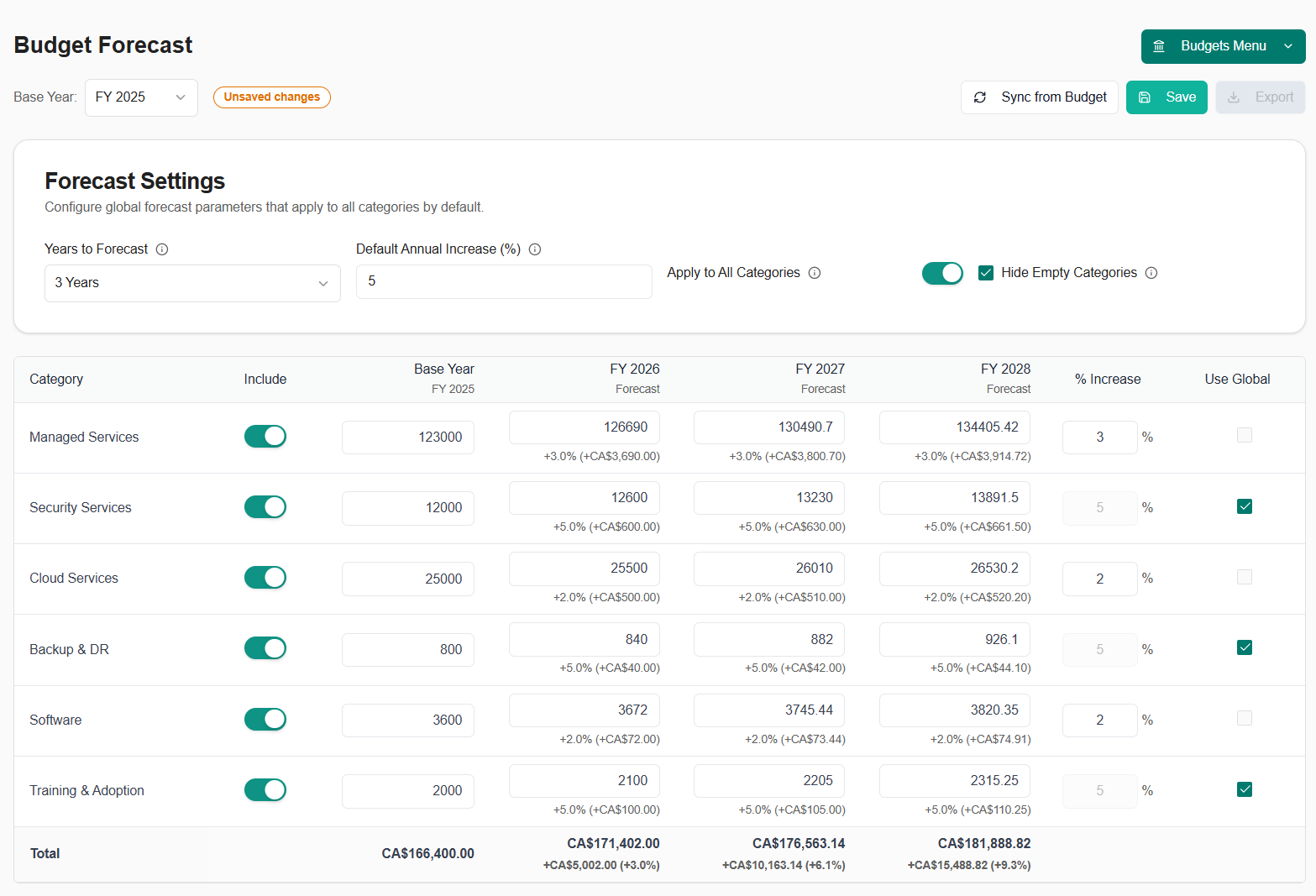
Autotask Real-Time Ticket Sync
Experience faster ticket updates with our new webhook-based Autotask integration that syncs changes in real-time instead of waiting for scheduled sync intervals. Key Improvements:- Instant Updates: Tickets sync immediately when created or updated in Autotask (no more waiting for scheduled syncs)
- Real-Time Notifications: Get notified as soon as tickets change status or are assigned
- Faster Client Portal: Your clients see ticket updates instantly
- Reduced Sync Delays: Webhook events trigger immediate syncs instead of waiting up to 15 minutes
- More Reliable: Automatic retry logic ensures webhook deliveries succeed
- Better Performance: Targeted syncs only update changed tickets, not the entire ticket list
- Changes in Autotask appear in MSPortal.ai within seconds
- Time entries, notes, and status changes sync immediately
- Better experience for both your team and your clients
- More accurate real-time reporting
Budget Forecast Reporting Block
Add budget forecast visualizations to your custom reports with the new Budget Forecast reporting block. Features:- Multi-Year Visualization: Display budget projections for up to 5 years
- Category Breakdown: Show forecast data by budget category
- Trend Analysis: Visualize growth trends across forecast years
- Customizable Views: Choose which categories and years to display
- PDF Export: Include forecast data in PDF report exports
- Navigate to Reporting → Custom Reports
- Add a “Budget Forecast” block to your report
- Configure which categories and years to display
- Position and resize the block as needed
- Export to PDF or share with clients
Enhanced Planner Summary Block
The Planner Summary reporting block has been enhanced with better visualizations and more detailed analytics. Improvements:- Better Data Display: Clearer visualization of planner items and completion status
- Enhanced Filtering: Filter planner items by status, priority, or date range within the block
- Improved Layout: Optimized spacing and formatting for better readability
- Faster Loading: Performance improvements for reports with large numbers of planner items
November 7, 2025
Custom Fields System
A comprehensive custom fields system that allows you to extend data collection across multiple entity types, providing flexible tracking and organization capabilities. Key Features:- Multi-Entity Support: Create custom fields for Devices, Compliance Checks, Goals, Budgets, Planner Items, Users, and Companies
- 20+ Field Types: Support for text, numbers, dates, checkboxes, selects, multi-selects, radio buttons, email, phone, URL, and more
- User Scope Filtering: User custom fields can be scoped to tenant-wide, company-specific, or both
- Bulk Operations: Edit custom field values for multiple users or entities at once
- Inline Options Editing: Manage select/multi-select/radio field options directly in the settings interface
- Text: Short text, long text
- Numeric: Number, decimal
- Date/Time: Date, datetime
- Contact: Email, phone, URL
- Boolean: Checkbox
- Selection: Select, multi-select, radio
- Special: Priority, impact, urgency
- Navigate to Settings → Custom Fields
- Select the entity type tab (Devices, Compliance, Goals, etc.)
- Create new fields with labels and types
- Custom fields automatically appear in edit dialogs for the corresponding entity types
- For users, choose whether fields apply to tenant users, company users, or both
- Bulk edit custom fields for multiple company users at once
- Tenant and company-scoped custom fields for users
- Custom fields support in company editing interface
Training Certificates & LinkedIn Sharing
Generate professional training certificates automatically upon course or learning path completion, with built-in LinkedIn sharing capabilities. Key Features:- Automatic Certificate Generation: Certificates are automatically created when users complete courses or learning paths
- Bulk Certificate Generation: Generate certificates for multiple users at once from the enrollments page
- LinkedIn Integration: Share certificates directly to LinkedIn
- Certificate Preview: Preview certificates before downloading or sharing
- Download & Share: Download certificates as PNG images or share via LinkedIn
- Tenant Branding: Certificates include your tenant logo for professional branding
- Public Certificate Access: Certificates can be accessed via public URLs for sharing outside the platform
- Professional design with course/learning path name, completion date, and user name
- Tenant logo for branded certificates
- Social sharing buttons for LinkedIn
- Certificate viewer with download and share options
- Complete a training course or learning path
- Certificate is automatically generated
- View certificate from the Training → Certificates page or enrollment details
- Click “Share to LinkedIn” to authenticate and post
- Or download the certificate as a PNG image
Learning Path Progress Tracking & Reporting
Comprehensive progress tracking and reporting for learning paths, giving you visibility into user completion rates, time spent, and performance metrics. Key Features:- Progress Tracking: Real-time tracking of user progress through learning paths
- Progress Sheets: Detailed progress view showing individual user completion status for each course in a learning path
- Progress Table: Filterable table showing all users’ progress across learning paths
- Time Tracking: Track time spent on courses and learning paths
- Average Scores: Calculate and display average quiz scores per learning path
- Completion Status: Visual indicators for completed, in-progress, and not-started courses
- Bulk Progress View: View progress for multiple users at once
- Learning path completion rates
- User progress summaries
- Time spent per course and learning path
- Quiz scores and pass/fail rates
- Enrollment status tracking
- Progress filtering by user, company, or learning path
- Navigate to Training → Learning Paths
- Select a learning path to view progress
- Click “View Progress” to see detailed progress sheet
- Use the progress table to filter and view progress across all learning paths
- Export progress data for reporting purposes
Training Quiz System
A complete quiz system integrated into training courses, allowing you to assess user knowledge and track quiz performance. Key Features:- Multiple Choice Questions: Create questions with multiple answer options
- Answer Tracking: Track correct and incorrect answers per question
- Quiz Attempts: Users can take quizzes multiple times with attempt history
- Score Calculation: Automatic score calculation and pass/fail determination
- Question Management: Add, edit, and reorder questions within courses
- Answer Options: Configure multiple answer choices with correct answer designation
- Attempt History: View all quiz attempts per user per course
- Question creation and editing interface
- Answer option management
- Question reordering within courses
- Score tracking and pass/fail status
- Attempt history per user
- Navigate to a training course
- Click “Questions” tab to manage quiz questions
- Add questions with multiple choice answers
- Mark the correct answer for each question
- Users will see quizzes when taking courses
- Quiz scores are tracked and displayed in progress reports
Company-Scoped Training Courses
Enable training courses at the company level, allowing you to provide company-specific training content while maintaining tenant-wide course libraries. Key Features:- Per-Company Courses: Enable courses for specific companies only
- Tenant-Wide Courses: Continue to support tenant-wide course enablement
- Dual Scoping: Mix tenant-wide and company-specific courses in your training library
- Company Filtering: Filter courses by company scope in the training manager
- Flexible Enrollment: Enroll users in company-specific or tenant-wide courses
- When enabling a course, choose “Tenant-wide” or select specific companies
- Company-scoped courses only appear for users in those companies
- Tenant-wide courses appear for all users
- Course enablement interface supports both scoping options
Training Email Reminders
Automated email reminder system for training enrollments, helping ensure users complete their assigned training. Key Features:- Individual Reminders: Send training reminders to individual users
- Bulk Reminders: Send reminders to multiple users at once from the enrollments page
- Customizable Templates: Email templates with course information and direct links
- Reminder Management: Track and manage training reminder emails
- Professional email templates
- Course information and links
- User-friendly reminder content
- Bulk sending capabilities
- Navigate to Training → Enrollments
- Select one or more enrollments
- Click “Send Reminders” from the bulk actions menu
- Emails are sent automatically with course details and links
Enhanced Training Enrollment Management
Improved enrollment management with bulk actions and enhanced filtering capabilities. Key Features:- Bulk Actions: Select multiple enrollments and perform actions in bulk
- Bulk Reminders: Send training reminders to multiple users at once
- Bulk Certificate Generation: Generate certificates for multiple completed enrollments
- Enhanced Filtering: Filter enrollments by status, course, user, company, and more
- Improved Sorting: Better sorting options for enrollment lists
October 31, 2025
Major Performance Enhancements
We’ve implemented significant performance optimizations across the platform to improve speed and responsiveness, especially for large datasets. Improved Speed:- Faster page loading across all modules
- Smooth scrolling for large lists
- Instant search and filtering
- Compliance checks list now loads 3-5x faster
- Tickets page handles thousands of tickets smoothly
- Devices page loads instantly
- Goals and Training pages with improved performance
Surveys Module Enhancements
Comprehensive improvements to survey response management with better visualization and bulk operations. Key Features:- Bulk Response Management: Select multiple responses, apply filters, and perform actions on entire groups
- New bulk action toolbar with keyboard shortcuts
- Multi-select with checkboxes
- Bulk delete, export, or categorize responses
- Enhanced Question Cards: Improved visualization with sentiment analysis badges and mini-bar charts
- Sentiment indicators (Positive, Neutral, Negative) with color coding
- Quick visual feedback on response distribution
- Better handling of text responses vs. choice responses
- Response Drawer: Side panel for viewing full response details without leaving the page
- Smart Filtering: Filter by date range, response type, sentiment, and more
- Empty States: Helpful guidance when no data is available
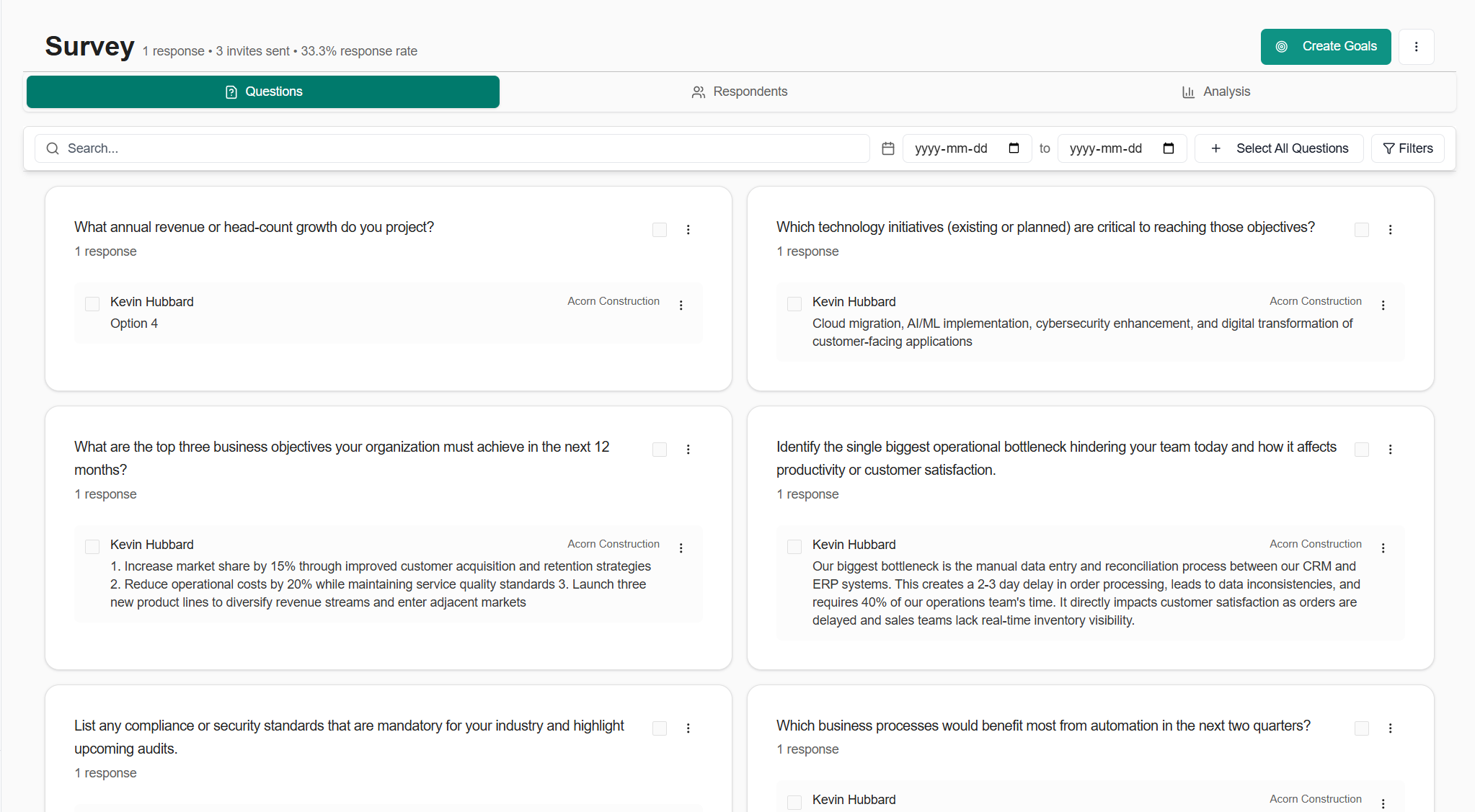
- Navigate to any survey and view the Responses tab
- Use the filter bar to narrow down responses by criteria
- Select multiple responses using checkboxes or keyboard shortcuts
- Apply bulk actions or view individual response details in the drawer
Compliance Module Optimizations
Significant performance and UX improvements to the compliance system. Key Improvements:- Instant page transitions even with thousands of compliance checks
- Smooth infinite scroll experience
- Added notes count and file count to compliance check listings for better visibility
- Faster filtering and search across compliance checks
Bug Fixes & Quality Improvements
Compliance:- Fixed autosave reliability in compliance check editor to prevent data loss
- Improved dialog interactions for better user experience
- Enhanced permission checking for multi-company environments
- Optimized agenda item delete operations for faster performance
- Better handling of meeting attachments and external links
- Improved bulk operations for planner templates
- Enhanced selection dialog with better UX and keyboard navigation
- Optimized ticket category and display group management
- Better PSA settings synchronization
- Improved Autotask ticket details panel rendering
- Faster role management
- Better content loading in user settings pages
- Enhanced role assignment workflow
Reporting Enhancements
New Reporting Blocks:- Enhanced ticket analytics blocks with better visualization
- Improved M365 Secure Score reporting blocks
- Training enrollment and progress tracking blocks
- Budget detail blocks with expanded metrics
- Device warranty timeline blocks
- Better data visualization across all block types
- Faster report loading
- Enhanced customization options for reports
- Improved PDF export quality
October 24, 2025
External Resources Module
Embed and manage external applications directly within MSPortal.ai, providing your clients with seamless access to third-party tools without leaving the platform. Key Features:- Embed External Applications: Display external applications directly within the platform
- Role-Based Access: Control which user roles can access each external resource
- Per-Company URL Overrides: Different companies can access different instances of the same resource (e.g., separate Bitwarden vaults)
- Bulk Operations: Manage multiple external resources at once - delete, disable, or update permissions in bulk
- Company-Specific URLs: Override the default URL for specific companies while maintaining the same resource configuration
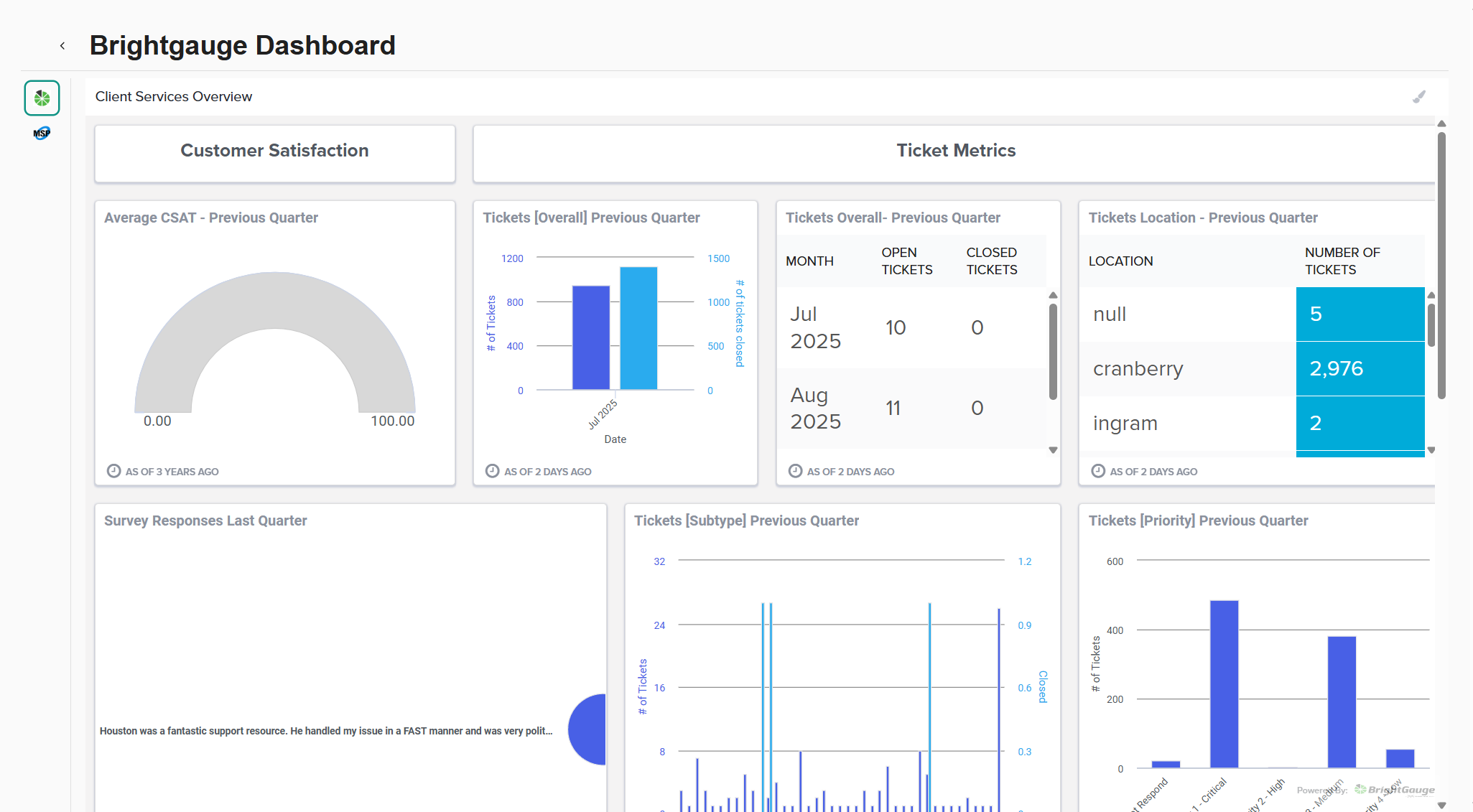
- Navigate to Settings → External Resources
- Create a new external resource with a name, URL, and icon
- Assign roles that should have access
- Optionally configure company-specific URL overrides for multi-instance tools
- The resource appears in the main navigation for authorized users
- Automation Forms: Rewst Forms, Pia Forms - Embed intake forms directly in the portal
- Dashboards: BrightGauge, MSPBots - Display metrics and KPIs for clients
- Documentation Wikis: ITGlue (MyGlue), Hudu, Confluence - Seamless access to documentation
- Custom Apps: Any client-specific portals and internal SaaS tools
Meeting Summary Email Workflow
Transform your meeting notes into professional email summaries with AI assistance and send them directly to participants. Key Features:- AI-Generated Summaries: Automatically generate meeting summaries from your agenda items, notes, and action items
- Smart Recipient Management: Pre-populated with meeting participants, easily add/remove recipients
- Rich Text Editing: Full rich-text editor with formatting, lists, and styling options
- Preview & Edit: Review and customize the AI-generated content before sending
- Integrated with M365: Sends via your configured Microsoft 365 integration
- Action Item Tracking: Automatically includes action items and next steps from the meeting
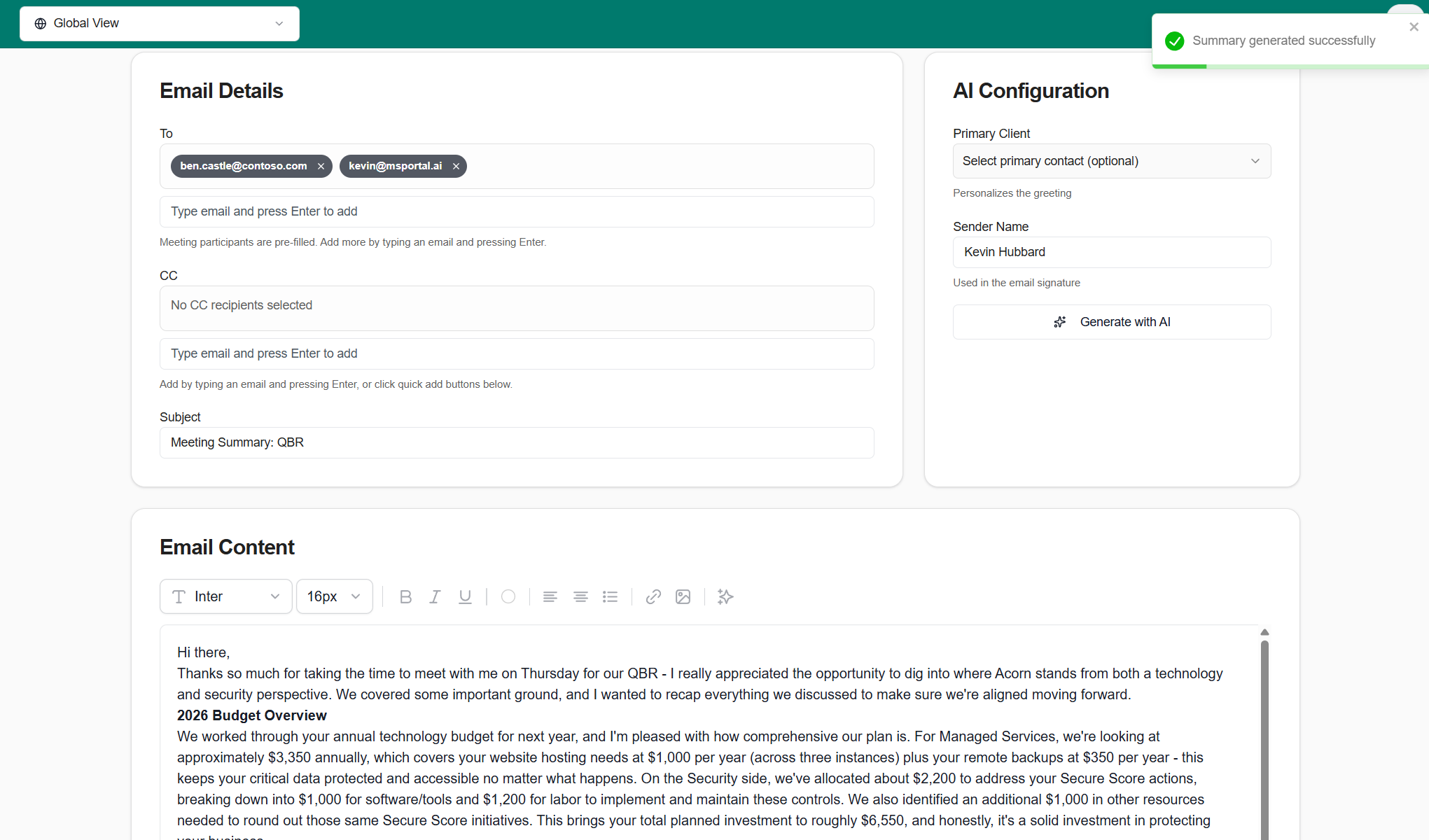
- After completing a meeting, click “Send Summary”
- AI generates a professional summary including key discussion points and action items
- Review participants and add additional recipients if needed
- Edit the summary content using the rich text editor
- Send directly from MSPortal.ai - appears in your Sent Items folder
ConnectWise Configuration Import
Import and map device configurations from ConnectWise Manage to streamline device tracking and warranty management. Key Features:- Configuration Type Mapping: View all configuration types from ConnectWise and map them to MSPortal.ai device types
- Visual Mapping Interface: Clear UI showing ConnectWise types on the left, MSPortal.ai device types on the right
- Bulk Import Preview: See exactly what will be imported before committing changes
- Staged Import Process: Map configurations in stages, allowing you to organize complex device inventories
- Smart Defaults: Common configuration types (Server, Workstation, Laptop) are auto-mapped when possible
- Integration Status Tracking: Real-time feedback on import progress and completion status
- Navigate to Settings → Integrations → ConnectWise
- Click “Import Configurations” to view unmapped configuration types
- For each ConnectWise configuration type, select the corresponding MSPortal.ai device type
- Review the import preview showing how many devices will be created
- Click “Import” to complete the mapping
Compliance Bulk Generation Improvements
Significantly enhanced the bulk compliance check generation system with better reliability, progress tracking, and error recovery. Key Improvements:- Real-Time Progress: See progress updates as compliance checks are created
- Live Progress Indicators: Visual progress bar showing which check is being generated
- Automatic Retry: Failed generations are automatically retried before being marked as failed
- Pending Review Workflow: Generated checks are marked as “pending-review” and can be bulk-approved after review
- Bulk Approval Dialog: Review and approve multiple generated checks at once with a streamlined interface
- Enhanced Error Handling: Clear error messages and recovery options when generation fails
- Navigate to Settings → Compliance → Checks
- Click “Bulk Generate with AI”
- Enter your requirements (e.g., “NIST 800-171 controls for healthcare”)
- Watch real-time progress as checks are generated
- Review the “Pending Review” banner showing how many checks need approval
- Click “Review Pending Checks” to bulk approve or edit generated checks
Bug Fixes & Quality Improvements
- Fixed compliance dialog autosave to reliably save changes without data loss
- Improved planner template management with better bulk operations
- Enhanced text editor extensions with better formatting support
- Fixed calendar meeting agenda view layout and styling
- Improved device warranty timeline block data handling
- Better error handling in ConnectWise ticket sync
- Fixed presentation layout styling for meeting slides
- Updated dependencies for security and stability
October 17, 2025
- Add to Meeting across all modules: Universal “Add to Meeting” functionality lets you link items from Compliance, Goals, Devices, Planner, Tickets, Training, Surveys, and M365 Secure Score directly to meeting agendas for streamlined QBR preparation.
- Learning Paths: Create and assign learning paths for your clients. Have a client who needs HIPAA Training? No problem!
- Ticket resolution status stepper: Visual configuration UI for tracking ticket lifecycle stages with customizable resolution statuses and progress indicators.
- Datto RMM integration: Import and monitor devices from Datto RMM with site mapping and automated sync capabilities.
- Improved planner templates: Enhanced template management with better bulk operations and company-specific template support.
October 10, 2025
- Client Home page: New simplified home view for client users showing their tickets, team members, and assigned training courses in one place—perfect for end-user portals.
- Compliance system performance upgrade: Significantly improved performance for large numbers of compliance checks with faster loading and updates.
- Enhanced impersonation support: Full impersonation capability extended to the Home page, allowing MSPs to view the exact client experience.
- Ticket performance improvements: Faster ticket list loading and improved refresh behavior.
- Multiple UI polish improvements: Fixed ticket modal interactions, improved budget status handling, enhanced compliance filtering, and better dark mode support.
October 3, 2025
- Autotask PSA integration: Full ticket sync with standardized interface, custom field handling, and new sync functions for invoices, opportunities, products, projects, and ticket notes.
- ConnectWise Asio integration: Sync companies, devices, network devices, and tickets with device import mapping tool.
- Reporting system enhancements: Multi-page layout support with smart drag preview, intelligent snap positioning, and new analytics blocks including ticket analytics, M365 secure score blocks, training tracking, budget details, and planner summaries.
- Budget management improvements: Bulk status updates for budget line items and enhanced PDF export with optimized print layouts.
- Report PDF exports: Export custom reports to PDF with all configured blocks and data visualizations.
- Enhanced mobile & tablet support: Improved responsive design across all modules for better viewing on mobile and tablet devices.
- Integration settings improvements: New slide-over drawer design for managing PSA integrations.
- Improved tickets filtering: Enhanced filter options with dark mode support and better scoping for tenant/company visibility.
- Survey analysis system: AI-powered sentiment analysis with automated daily processing and detailed survey insights.
- Custom domain branding: Simplified signin flow for white-label deployments.
- Central SSO relay: Unified authentication flow supporting custom domains.
September 26, 2025
- Custom branding for white-label usage: Upload your branding to fully white-label client-facing views.
- Instant custom domains: Configure custom domains without waiting. Supports unlimited domains with no need to provision separate SSO apps per domain.
- Autotask integration: Sync Tickets, Devices, Products, and Companies for a unified view.
- ConnectWise Asio integration: Ingest Devices, Network Devices, Companies, and Sites with mapping.
- Bulk creation of Compliance Checks with AI: Create many checks at once from high-level prompts; AI fills details and categories.
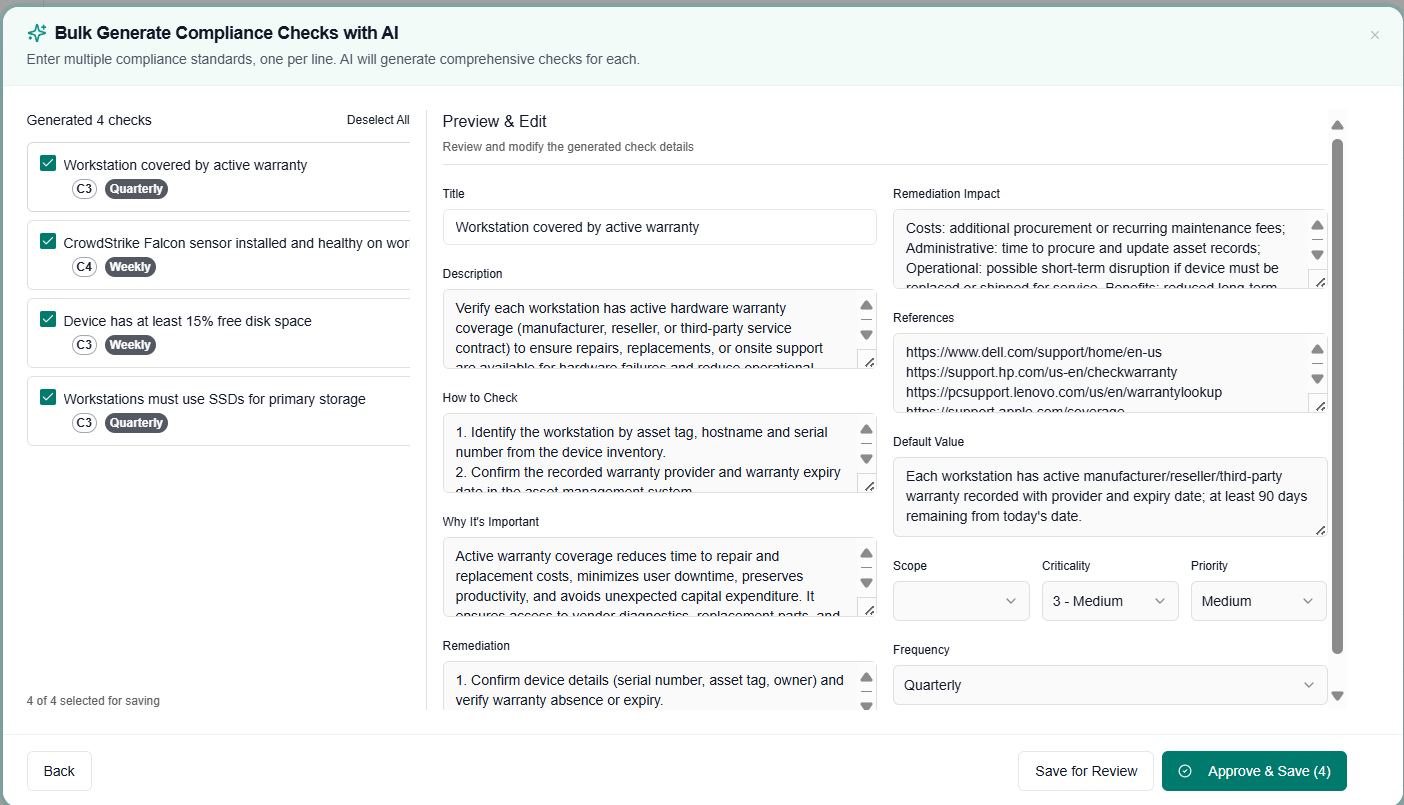
September 19, 2025
- Syncro integration: Sync Tickets, Devices, Products, and Companies.
- Meeting presentation view (v1): Build a clean agenda combining Budget, Planner items, Tickets, Reports, and custom notes, optimized for on-screen presentation.
- Fewer clicks for Compliance and Meetings: Streamlined navigation and actions to reduce meeting prep time.
- Microsoft 365 Secure Score reporting: View Secure Score, push findings into the Planner, and get AI summaries when multiple checks are added.
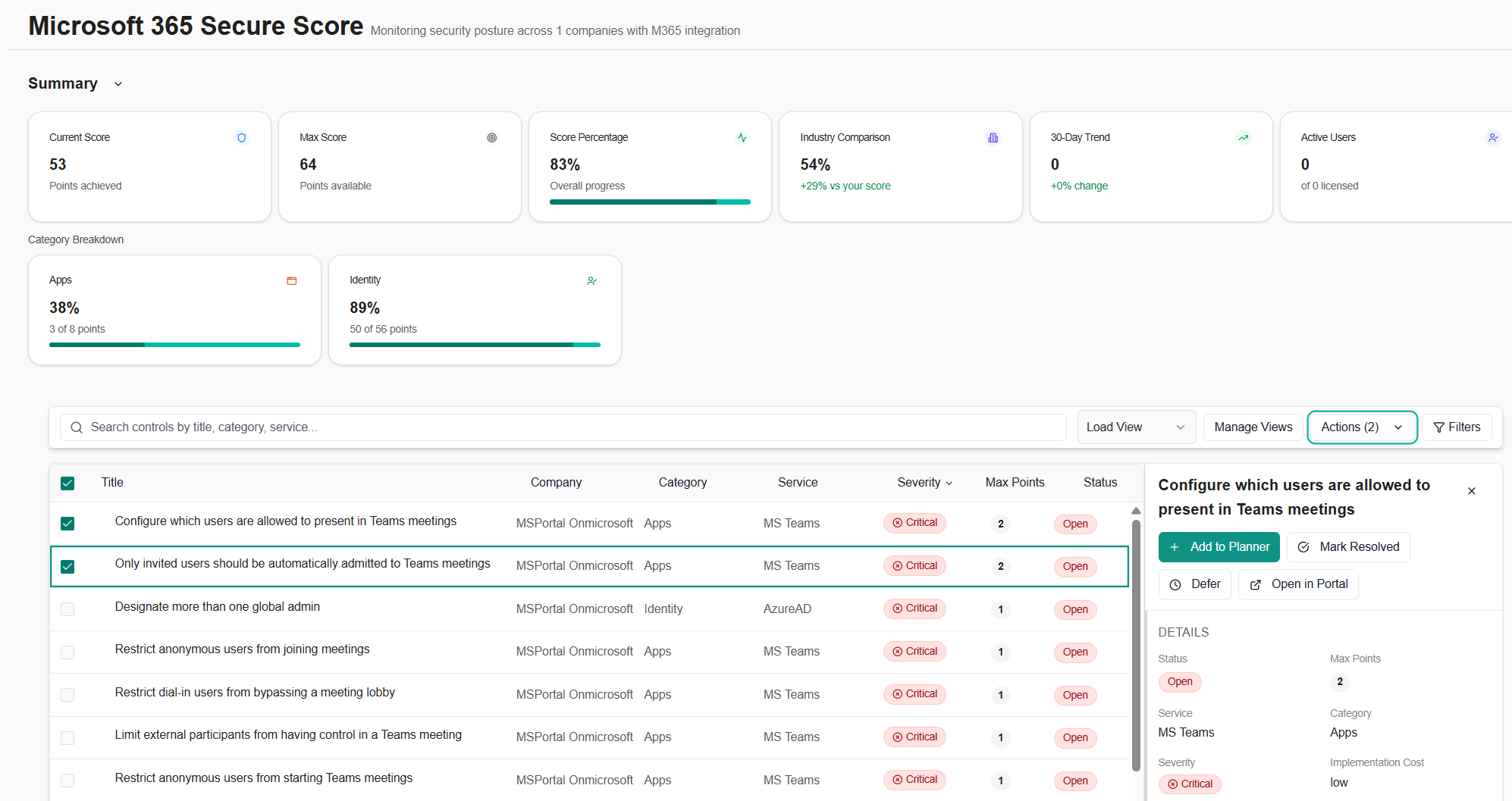
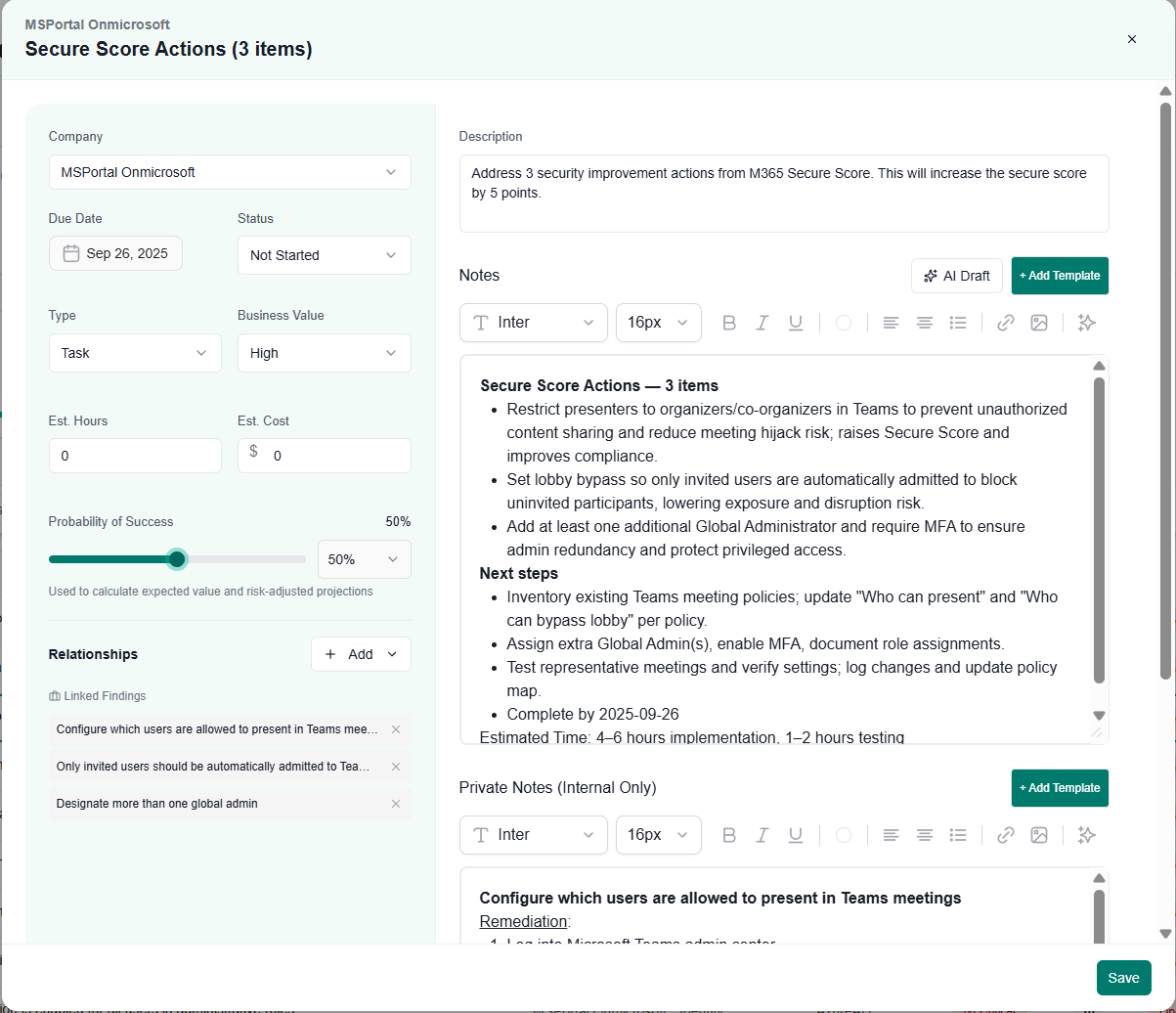
- Parent–Child company relationships: Delegate management from a parent company across all child companies.
- Restricted client visibility: Limit vCIOs and Technicians to only the clients they’re assigned.
September 12, 2025
- Meraki integration: Pull device and network insights from Cisco Meraki.
- Planner Analytics page: Measure plan completion, on-time delivery, and trends.
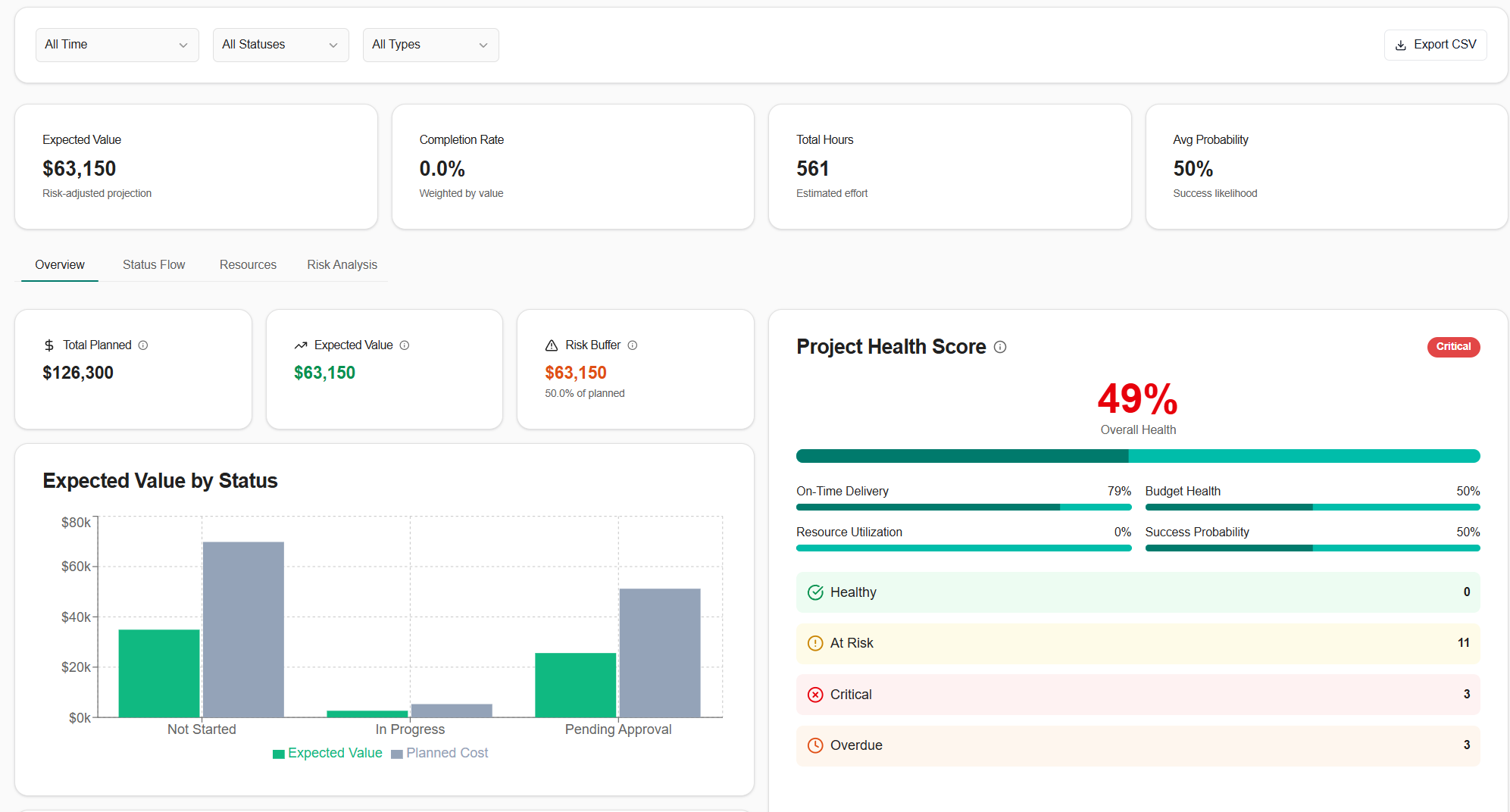
- Net Promoter Score (NPS) surveys: Capture client sentiment with lightweight NPS campaigns.