Pick a playbook, import its checks into your tenant, then set up the assessment for your clients.
A playbook is a ready-made set of compliance checks. This guide shows MSP staff how to go from choosing a playbook to running an assessment. Company users see the finished assessments their IT provider shares. They do not import playbooks.
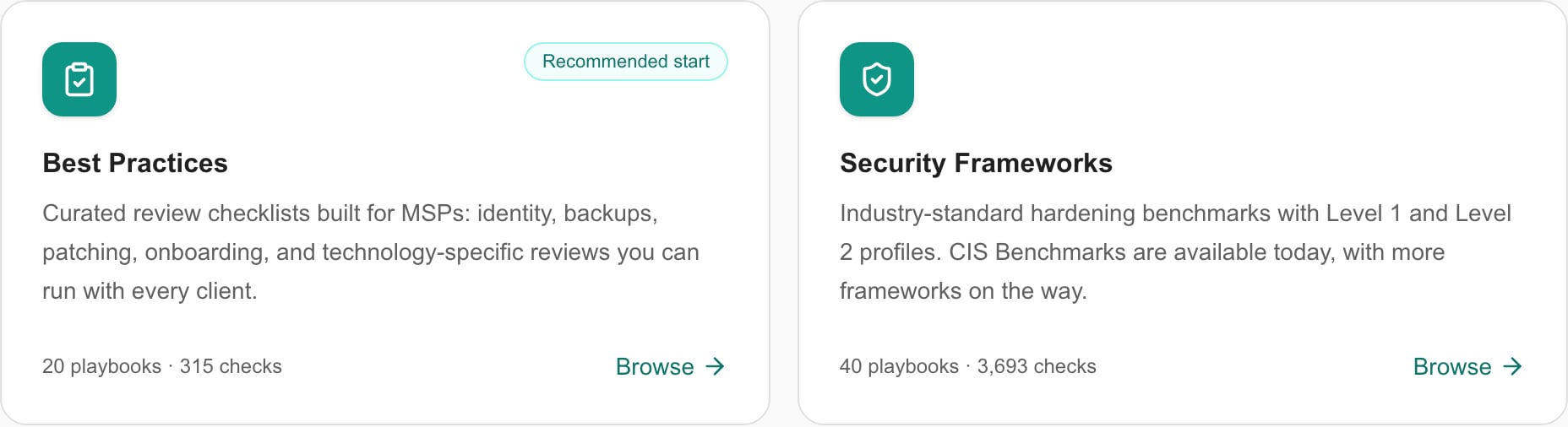
Go to Settings > Compliance > Playbooks. Click Best Practices for broad operational and technology reviews, or Security Frameworks for CIS Benchmarks, CAN/DGSI 104 and NIS2. Or type in Search all playbooks….
The Playbooks home page with the Best Practices and Security Frameworks cards.
2
Read the checks
Click the playbook’s name to open its details. The window is read-only. Click Cancel to close it. Check the card’s version and check count.
3
Import the playbook
Click Add on the card. In Add Playbooks to Tenant, check the folder, choose a Status list, review the Device types if shown, then click Add to Tenant. A card marked Imported was imported before, and importing again makes a second copy. See Playbook settings for every dialog option.
4
Tune the imported checks
Open Settings > Compliance > Checks and find the folder named in the import message. Edit the guidance and which companies and devices each check applies to. See Compliance settings.
5
Put the group in a run template
Open Settings > Compliance > Runs. Create a template, or open one, then add the imported group on its Groups tab.
6
Run the assessment
Run the template against the companies you choose, collect evidence and review the results in Compliance.
A playbook standardizes the questions you ask every client. It does not supply evidence or certify a client. Check the product version and the client’s scope before you assign a benchmark.
Importing a newer catalog version does not update your earlier copies. Note which version you imported and review what changed before you import again. The Imported badge only shows that a playbook was imported once. If you are unsure what an earlier import did, check Settings > Compliance > Groups before you import again.For CIS product families and L1 or L2 profiles, see Adding CIS Benchmarks. CIS benchmark profiles are different from CIS Controls Implementation Groups. For clients under the EU NIS2 directive, see Adding NIS2 playbooks.