

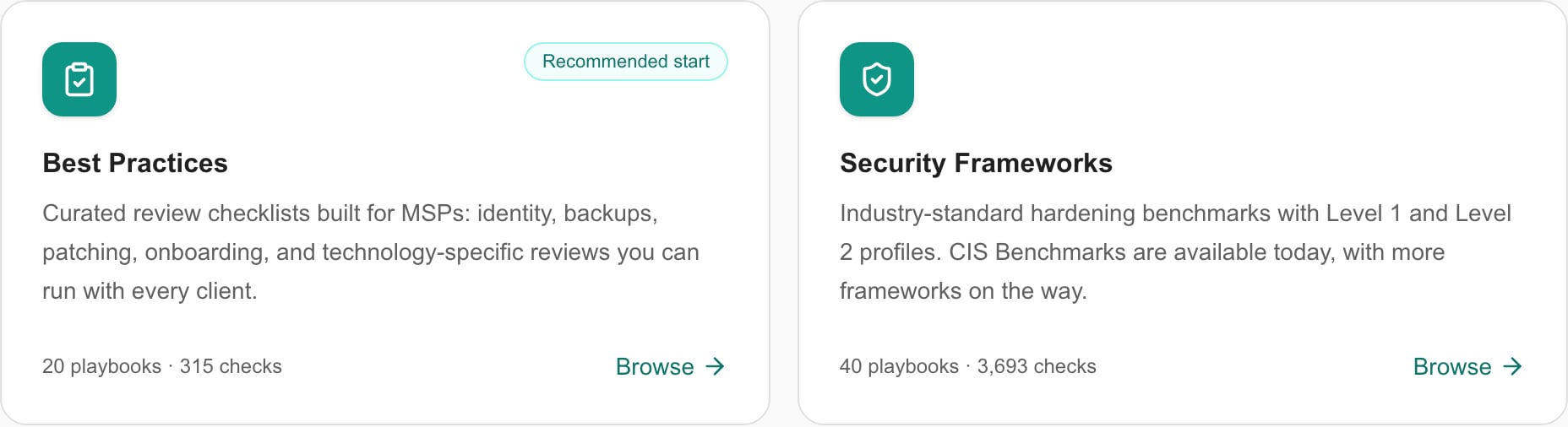
MSP example: the released library entry cards. Catalog counts can change.
Review before importing
Open a playbook’s title, or the eye control for a CIS variant, to inspect its details and check list. This is a read-only catalog view. Cancel closes it. The details footer’s Copy button immediately copies the playbook using the default import path. It does not open the status-list/device-type review dialog. If you need to choose those values, close details and use the card’s Add action instead.Add one or several playbooks
- Click Add on the intended card, or select several playbook checkboxes and use Add to Tenant in the page header.
- In Add Playbooks to Tenant, review every selected playbook and its Folder destination.
- Choose a Status list for each playbook. An existing default can be preselected; verify that its answer choices fit the checks.
- For a Device playbook, review Device types. Suggested types are preselected when matching types exist. Remove unwanted types or use Clear before importing.
- Inspect any already-imported warning, then click Add to Tenant to perform the import. Cancel closes the pending dialog without importing.
- Open Settings > Compliance > Checks at the displayed folder and review the new checks. Open Groups to inspect the imported group and its membership.
Understand the result
Import creates a tenant check group and copies its checks into the indicated folder, using the chosen status list. It does not change endpoint security settings, complete assessments or prove a company compliant. An Imported badge is informational. Importing again can create another group and another set of checks; it is not an update-in-place button. Before retrying after a failure, inspect the destination. In a multi-playbook operation, earlier playbooks may already have imported before a later one failed.Maintain imported content
Edit the tenant copies in Compliance settings. Review their guidance, applicability, status list and group assignments before adding them to a run. The standard library is not a tenant editor with a universal active/archived toggle. Importing a newer catalog version should not be treated as silently updating earlier copies. Use Adding CIS Benchmarks for product/version and profile selection. Use the Compliance guide to assess the resulting checks.Troubleshooting
If Add is disabled, check Playbooks management permission and billing. If the dialog cannot proceed, select a status list for every playbook. If device types are missing, wait for the list to load and review available types; do not assume an empty selector automatically means all devices. If you cannot find imported checks, use the destination folder and group before repeating import.FAQs
Does Add immediately import the playbook?
Does Add immediately import the playbook?
The card Add opens the mapping dialog. Import occurs when Add to Tenant is submitted in that dialog.
Is Copy in details another way to open the mapping dialog?
Is Copy in details another way to open the mapping dialog?
No. Copy immediately performs the default copy operation; use the card Add action to review status lists and device types first.
Does importing apply a playbook to one company?
Does importing apply a playbook to one company?
It imports checks and a group into the tenant library. Company assessments and run assignments are separate.
Does Imported prevent duplicate copies?
Does Imported prevent duplicate copies?
No. It is informational; importing again can create another group and set of checks.
Do device-type selections only filter the preview?
Do device-type selections only filter the preview?
No. Selected device types receive the imported group association.
Can a failed bulk import have partially succeeded?
Can a failed bulk import have partially succeeded?
Yes. Inspect the destination groups and checks before retrying; earlier playbooks may already be imported.