

Before starting
Use an MSP account with access to the settings you will change. Launch Center management does not bypass a setup screen’s own permissions. Agree on a launch coordinator, pilot company, authoritative company/user/device sources, and the client tasks you want to support.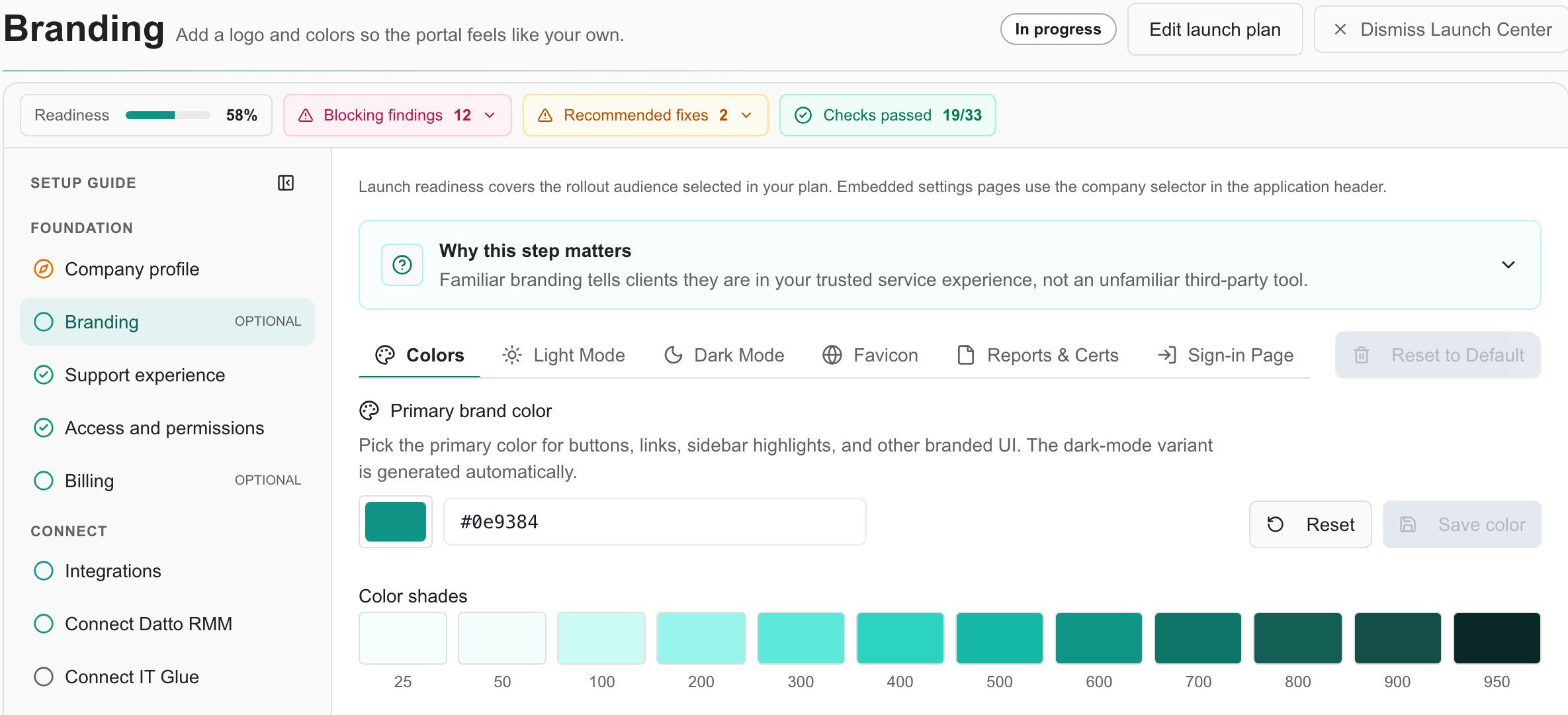
Example MSP launch plan: setup progress and readiness findings are separate.
Work through the rollout
Save and verify
Open each step from Setup guide. Embedded screens use their own save behavior. Next runs the registered save or continuation flow; wait for the result and check readiness. Navigation or Do this later can save pending workspace changes, so neither is a guaranteed discard operation. Readiness evaluates the chosen rollout. A pilot checks its selected company; a wider rollout may require evidence for every active client company. One connected provider or one imported user does not necessarily satisfy the whole plan. Recheck after changing the scope.Before inviting clients
Confirm that the intended users have the correct Company access, that their templates and content are enabled, and that records belong to the right company. Review ticket delivery separately from template visibility. Completing launch records setup completion; invitations and other communications are separate actions. If a step is blocked, follow its finding to the underlying configuration. If Launch Center is missing, check permissions, setup history and whether an administrator dismissed it for the organization.FAQs
Is this the client onboarding checklist?
Is this the client onboarding checklist?
No. This playbook prepares the MSP portal. Individual clients use the separate client onboarding workflow.
Why does my plan have different steps?
Why does my plan have different steps?
Launch Center selects phases and requirements from rollout goals, data sources and pilot scope.
Does Next discard my draft?
Does Next discard my draft?
No. Next runs the workspace save or continuation flow. Check the result before leaving.
Does completing launch invite clients?
Does completing launch invite clients?
No. Launch completion records readiness; client invitations are separate actions.