

Before you start
- You must be the Primary Admin or have role-management access in Settings > Users & Roles.
- Plan which modules each kind of staff member needs, for example help desk, account manager, or read-only.
- Tenant Roles are for MSP staff. Company Roles are for your clients’ users. See Company access groups.
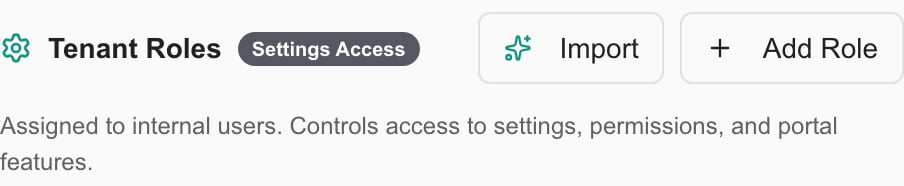
Tenant Roles are the permission-bearing roles for internal staff.
Create a staff role
1
Open the Roles tab
In Launch Center, select Access and permissions in Setup guide. It opens Users & Roles on the Roles tab. You can also go to Settings > Users & Roles and open Roles.
2
Start a new role
In Tenant Roles, click Add Role. To start from an existing role instead, open its row menu and click Duplicate, then edit the copy.
3
Name the role
Enter a Name such as Help Desk Technician, and a Description. Check Default role for new Tenant users only if this role should be the default for new staff.
4
Set the permissions
Under Permissions, set Read, Write, or Manage for each resource in Main Navigation, MSP Tools, and Settings. Use Search permissions… to find a resource. The All checkbox on a section selects everything in it, so check before you save. You can only grant permissions you hold yourself.
5
Save the role
Click Create Role. To edit a saved role later, click Update Role.
Assign the role to staff
1
Open the Users tab
Go to Settings > Users & Roles and open Users.
2
Edit the user
Open the row menu for the person and click Edit. Choose the role in Role.
3
Save
Click Save Changes. Role changes apply the next time the user signs in.
4
Test the access
Ask the staff member to sign in and check that they can open what they need and nothing more. A role name alone does not prove what it permits.
Check launch readiness
In Launch Center, open Live verification. At least one permission group beyond Administrator is configured is a blocking check. It passes when your organization has at least one tenant or company group of its own other than Administrator. It does not check that each staff member holds the right role.Troubleshooting
Frequently asked questions
Are access groups the same as Team Roles?
Are access groups the same as Team Roles?
No. Roles grant permissions. Team Roles describe responsibilities and grant none.
Does creating a role give it to anyone?
Does creating a role give it to anyone?
No. A new role has no users until you assign it.
Does the launch check prove every staff permission is right?
Does the launch check prove every staff permission is right?
No. Test a real staff account.