

Guides for MSP staff
Find provider setup instructions, portal administration, and guides for working with your client companies. The Integration setup sidebar section contains the existing provider guides, including connection, mapping, synchronization, and troubleshooting instructions.Quick Start
Integration setup guides
Find setup instructions for your PSA, RMM, backup, security, cloud, quoting, and other providers.
Platform Quick Start
New to MSPortal.ai? Start here for a rapid orientation to the platform.
Planning Modules
Modules for strategic planning and client management:Company Overview
Dashboard with company health metrics and status overview
Surveys
Create and analyze client satisfaction surveys
Goals
Set and track strategic objectives and action items
Planner
Timeline view for IT roadmap and project planning
Budgets
Financial planning and budget tracking
Calendar
Meeting scheduling and QBR management
Service Delivery Modules
Modules for day-to-day service operations:Microsoft 365
M365 security scores and compliance management
Ticketing
Service desk tickets and requests
Compliance
Compliance frameworks and policy tracking
Training
Security awareness training and course management
Devices
Asset management and device inventory
Reporting
Reports and analytics generation
Administration & Setup
Settings
Configure users, companies, and platform settings
Integrations
Connect PSA tools and external services
How to Use These Guides
Choose the right audience and task
These are MSP administration and workflow guides. Start with the current task, then check its prerequisites, scope and Save behavior. Company access has its own permission and visibility requirements; an MSP screenshot is not evidence of Company access.Finding Information
1
Browse by Module
Select the guide for the module you’re working with from the sidebar or cards above
2
Use Search
Press
Ctrl+K (or Cmd+K on Mac) to search for specific topics3
Check Prerequisites
Review any prerequisites at the start of each procedure
4
Follow Along
Use the step-by-step instructions with screenshots where available
Need More Help?
MSP Setup Playbook
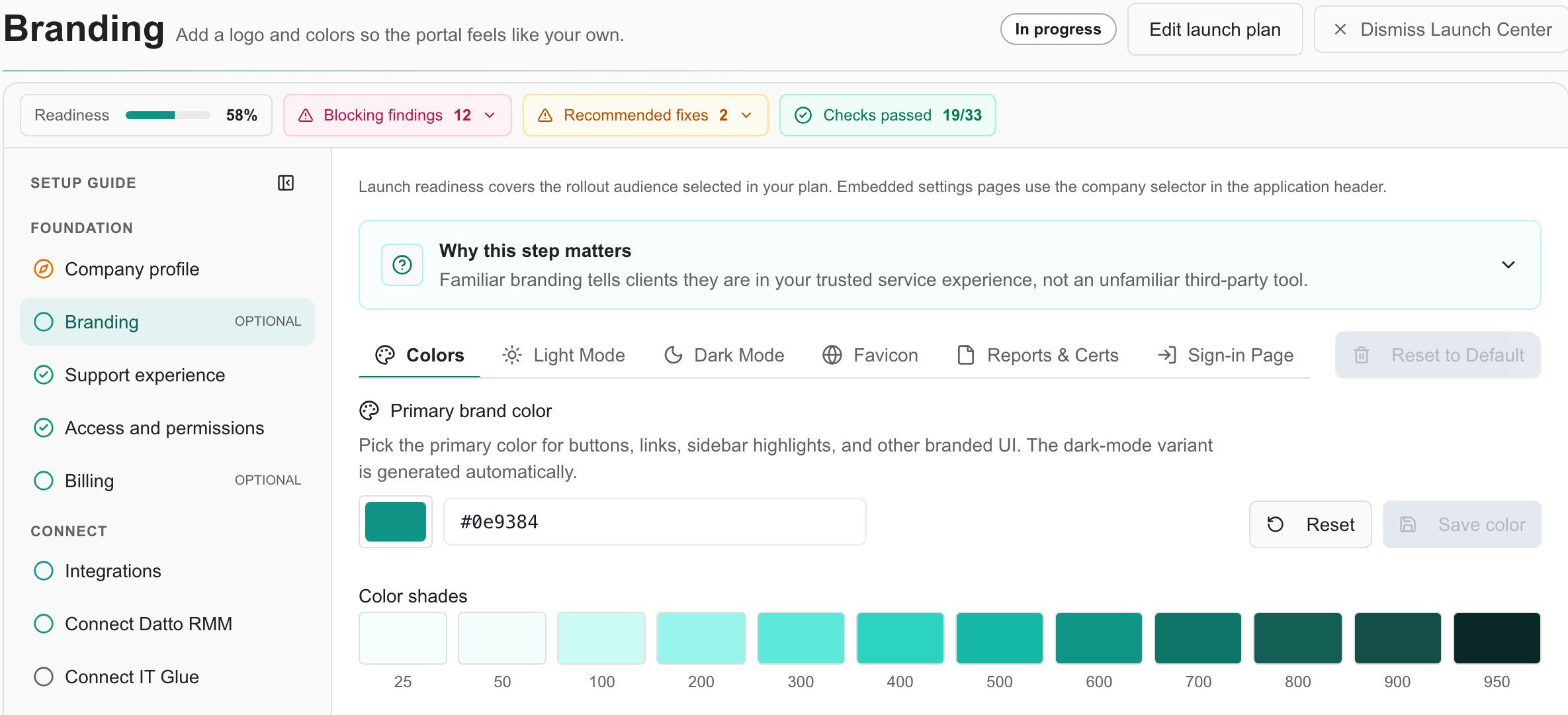
Use Launch Center to work through the setup plan, integrations and readiness for the companies you intend to launch.
Keyboard Shortcuts
Speed up your workflow with keyboard shortcuts
Support
Contact support for additional assistance
Status Page
Check system status and uptime
Stay Updated
Documentation is continuously updated as new features are released. Check back regularly for the latest guides and procedures.
Frequently asked questions
Where should a new MSP administrator start?
Where should a new MSP administrator start?
Start with Quick Start and the MSP Setup Playbook, then use Launch Center for your selected goals and rollout companies.
Are MSP screenshots the same as the client experience?
Are MSP screenshots the same as the client experience?
No. MSP staff can have administration controls and portfolio views unavailable to Company users. Check the audience and permission requirements in each guide.
Where are provider setup instructions?
Where are provider setup instructions?
Open the Integration setup directory, choose the intended provider and check the prerequisites and mapping steps for that connection.