

Import a list
Open Tasks → Import, or Import tasks in the side panel. Paste one task per line or upload a.txt or .csv file, up to 2 MB. Leading bullets, numbers and checkbox markers are removed.
For CSV files, use these headers:
YYYY-MM-DD dates and low, medium or high priorities. Quote fields containing commas. Unrecognized dates or priorities are omitted, so check the preview before importing. Long titles and descriptions are shortened to their supported limits.
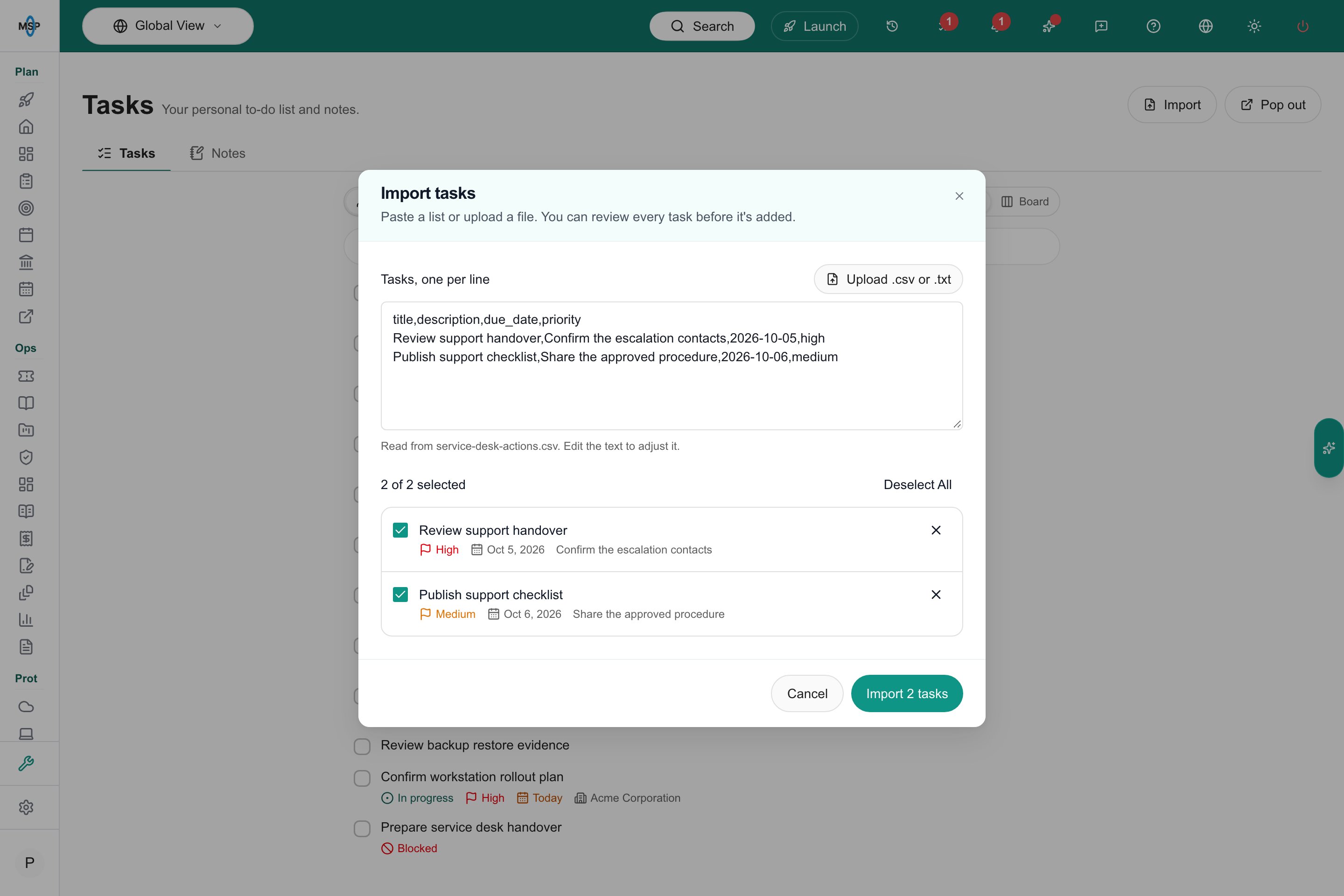
CSV import preview.
Add work from an existing record
Supported portal lists and record menus offer Add to task list. Where the list supports bulk selection, select the items first and choose the same action from its bulk menu. Review the proposed titles, company, priority and due date. A bulk addition creates one task per selected item. Each task retains a link to its source; creating or deleting a task does not change that source record.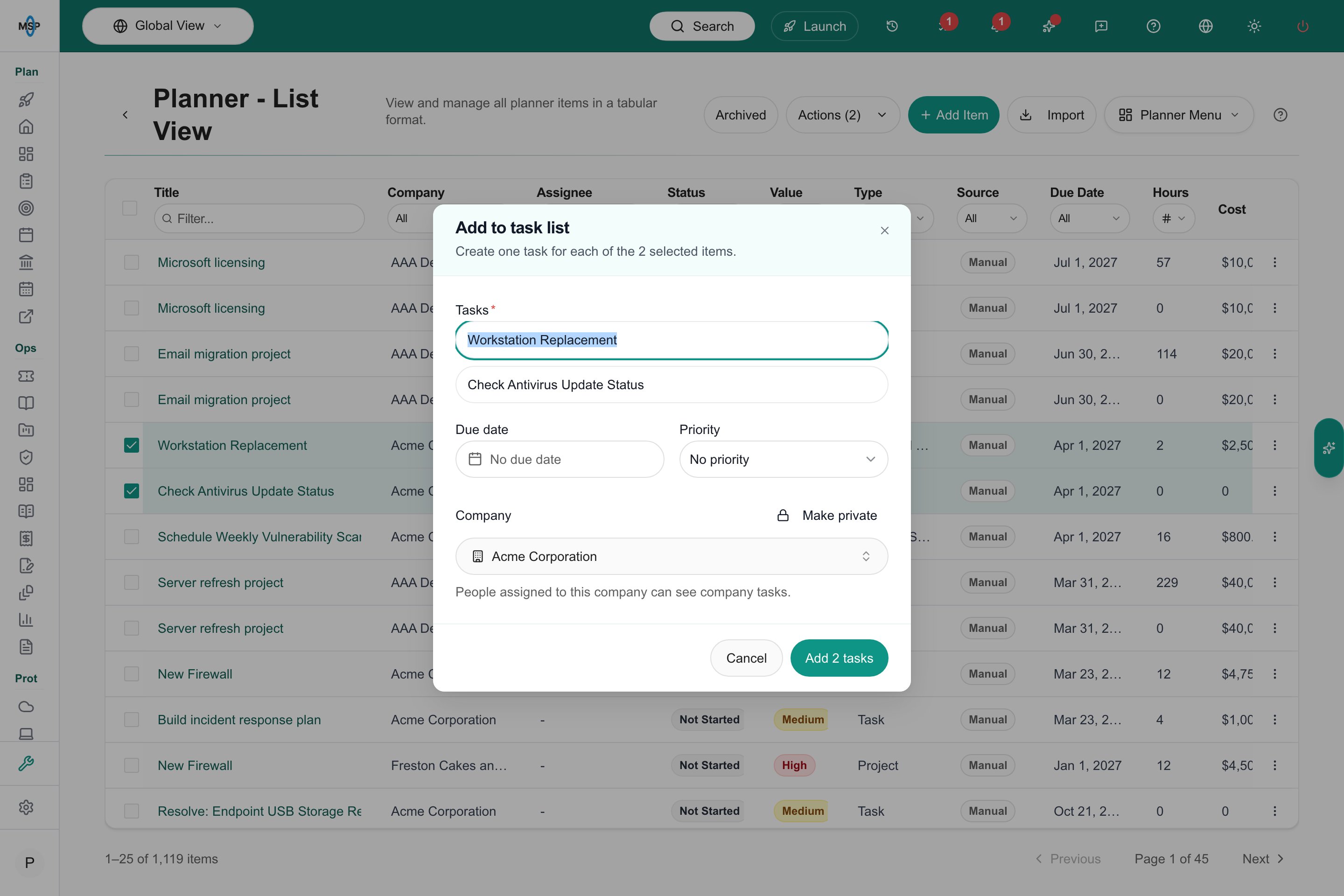
Review linked tasks before adding them.
Meeting actions
Meeting action items assigned to staff also appear in their task lists. If an item has no active staff assignee, its staff creator may own the mirrored task. Status, title, due date, supported priority changes and staff reassignment stay synchronized. Completing the task completes its meeting action item. Read the meeting transcript workflow or return to Tasks.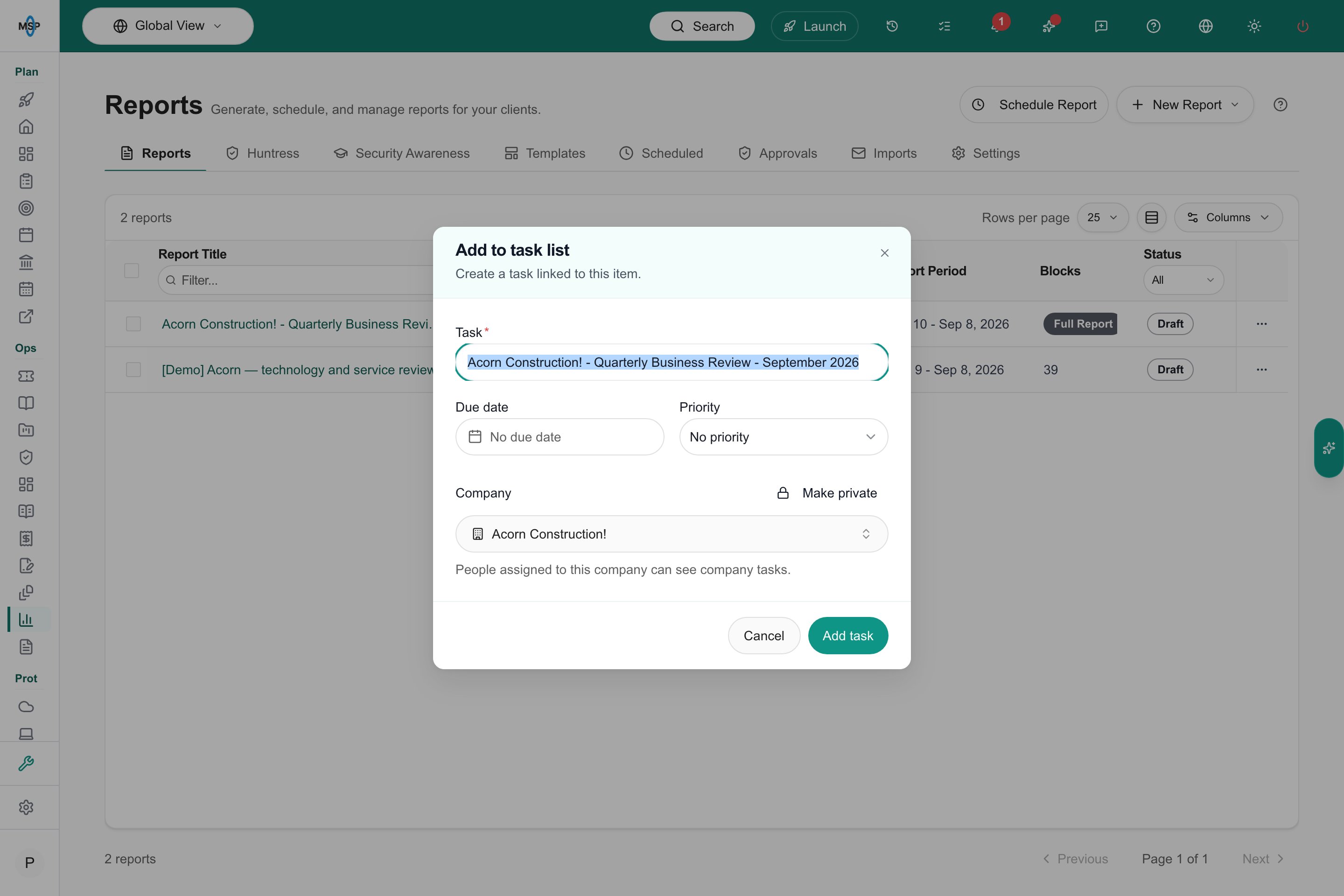
Add a linked report from its row menu.