

Before you start
- You need Security read access.
- Cork, Action1, RoboShadow, or Cyrisma must be connected and its companies mapped. Without one of them, the Vulnerabilities tab does not appear. See Configure Cork Integration, Configure Action1 Integration, or Configure RoboShadow Integration.
Find a vulnerability
1
Open Vulnerabilities
Open Security > Vulnerabilities and check the company selector.
2
Search by CVE or software
Type in the CVE or Software column filter. When both are filled, a row must match both.
3
Narrow the list
Use Company to pick companies, Source to pick Cork, Action1, RoboShadow, or Cyrisma, Priority to pick a Cork priority, Known Exploited to pick Yes or No, and CVSS to set a score range. Source lists only the scanners you have connected.
4
Choose open or resolved findings
Status shows Open findings by default. Choose Resolved to see Cork findings that Cork stopped reporting.
5
Sort and page
Click a column header to sort. The table shows 20 vulnerabilities per page.
Read the columns
Action1 lists one row for each endpoint and CVE, so the same CVE can appear once per affected device. Cyrisma lists one row for each CVE in each company: Device shows a sample of the affected assets, or how many there are, and Software shows what causes the CVE. The same CVE can also appear once per source.
Known Exploited describes the vulnerability, not your company. It does not mean you were attacked. A missing score or a No does not mean the software is safe.
Resolved findings
A Cork finding becomes Resolved when a complete Cork sync no longer reports it. MSPortal keeps resolved Cork findings for a year, and the Status column shows Resolved with the date. Action1, RoboShadow, and Cyrisma findings are listed only while they are open. MSP staff can also report on resolved findings with a custom report block that uses the Resolved vulnerabilities data source. See Custom blocks. The table is read-only. You cannot patch, mark a finding fixed, or export a CSV here.Plan follow-up
Select rows from one company, then open Actions (N) in the page header.- Add to Planner creates one Planner item for the selected vulnerabilities. Cork findings are linked to the item. Action1, RoboShadow, and Cyrisma findings are listed in the item’s Private Notes. See Add security findings to Planner.
- Add to Meeting adds one agenda entry per vulnerability. Action1, RoboShadow, and Cyrisma findings are added as text entries. See Add Cork findings to a meeting agenda.
Troubleshooting
- Desktop retry
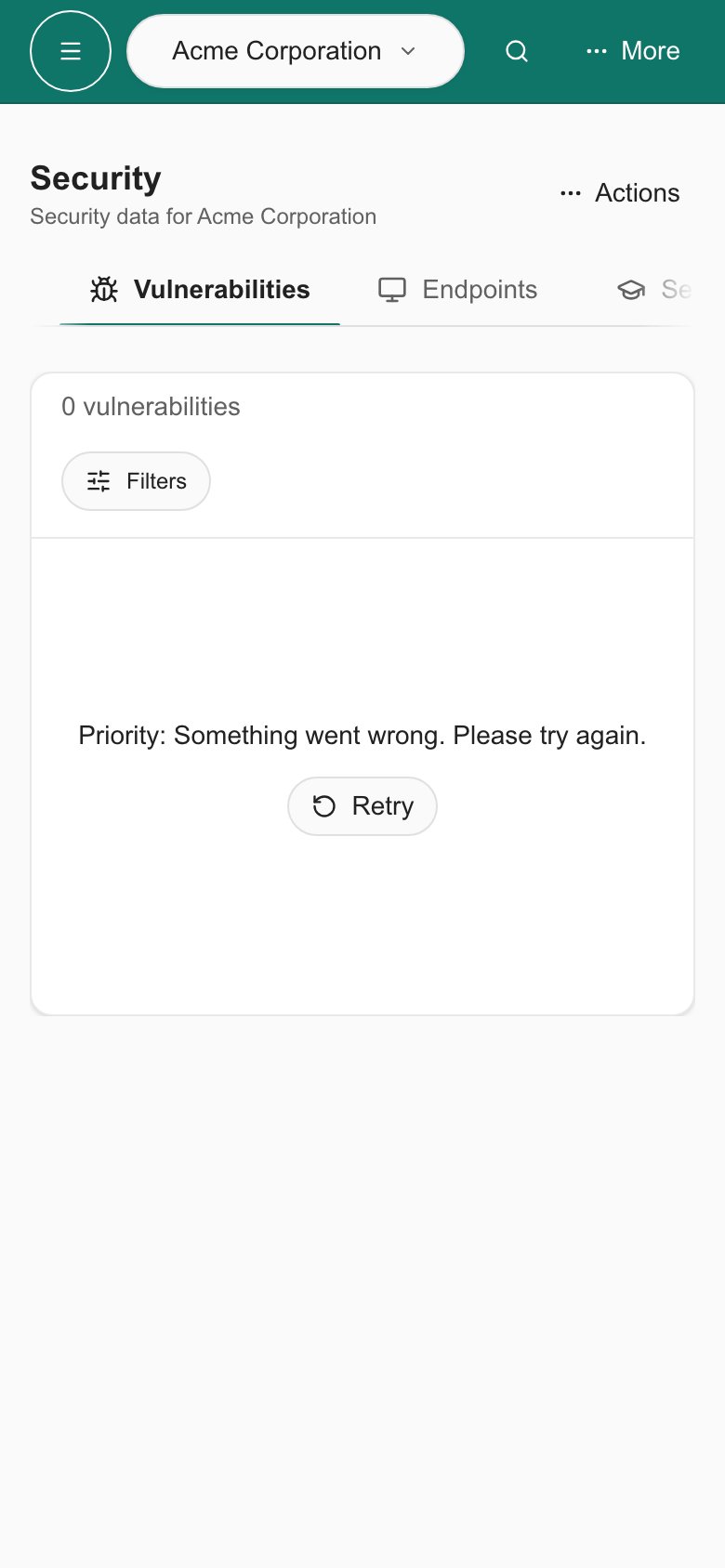
- Phone retry
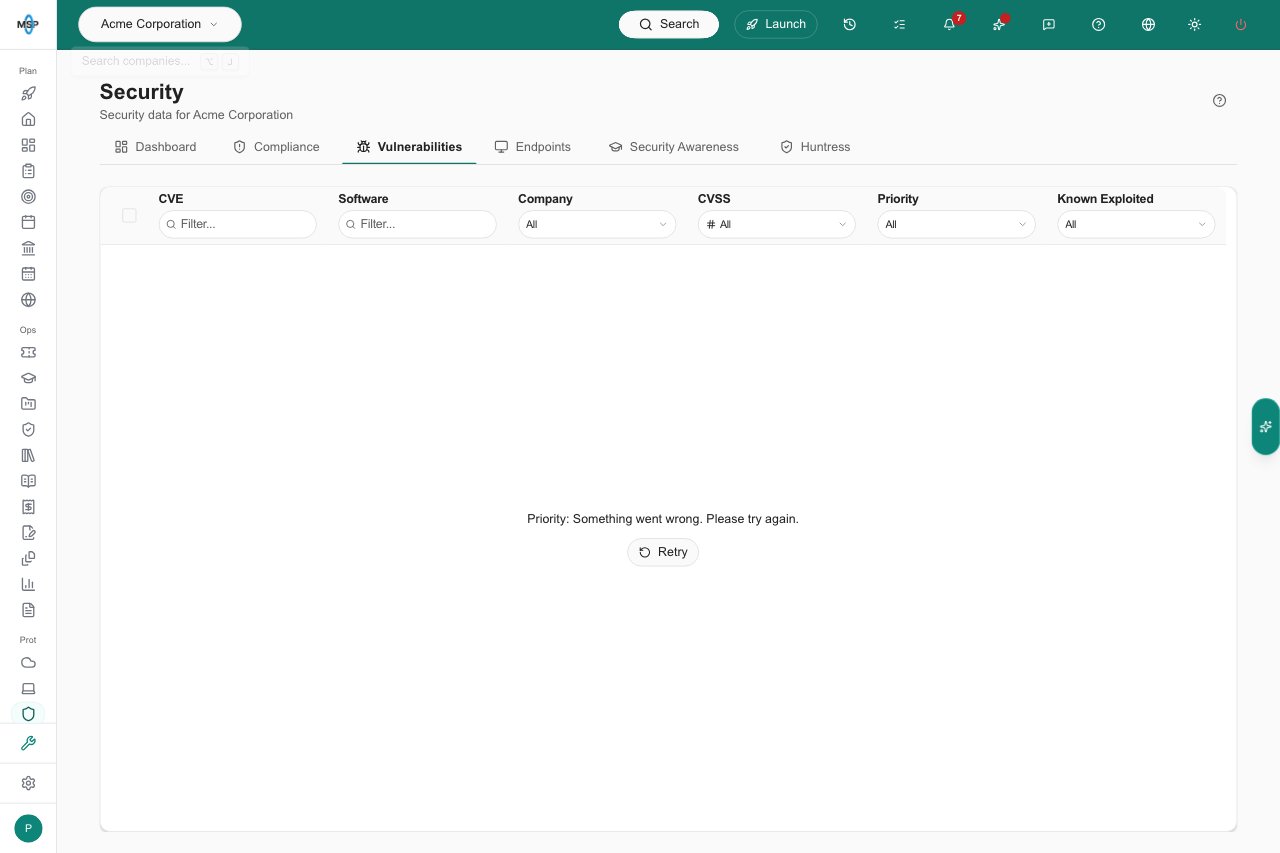
Retry after a loading error.
Frequently asked questions
Why does the same CVE appear more than once?
Why does the same CVE appear more than once?
Each source reports its own findings, and Action1 lists one row for each endpoint. Check Source and Company.
Does Known Exploited mean our company was compromised?
Does Known Exploited mean our company was compromised?
No. It flags the vulnerability. Your MSP must check your environment.
Where does the CVE link go?
Where does the CVE link go?
To the National Vulnerability Database page for that CVE, in a new tab. It changes nothing in MSPortal.
Does adding a vulnerability to Planner patch it?
Does adding a vulnerability to Planner patch it?
No. It creates follow-up work. Patching and rescanning happen outside MSPortal.
I am a company user. How do I ask about a vulnerability?
I am a company user. How do I ask about a vulnerability?
Tell the Home AI Assistant the CVE, company, and software, then confirm the request when prompted.